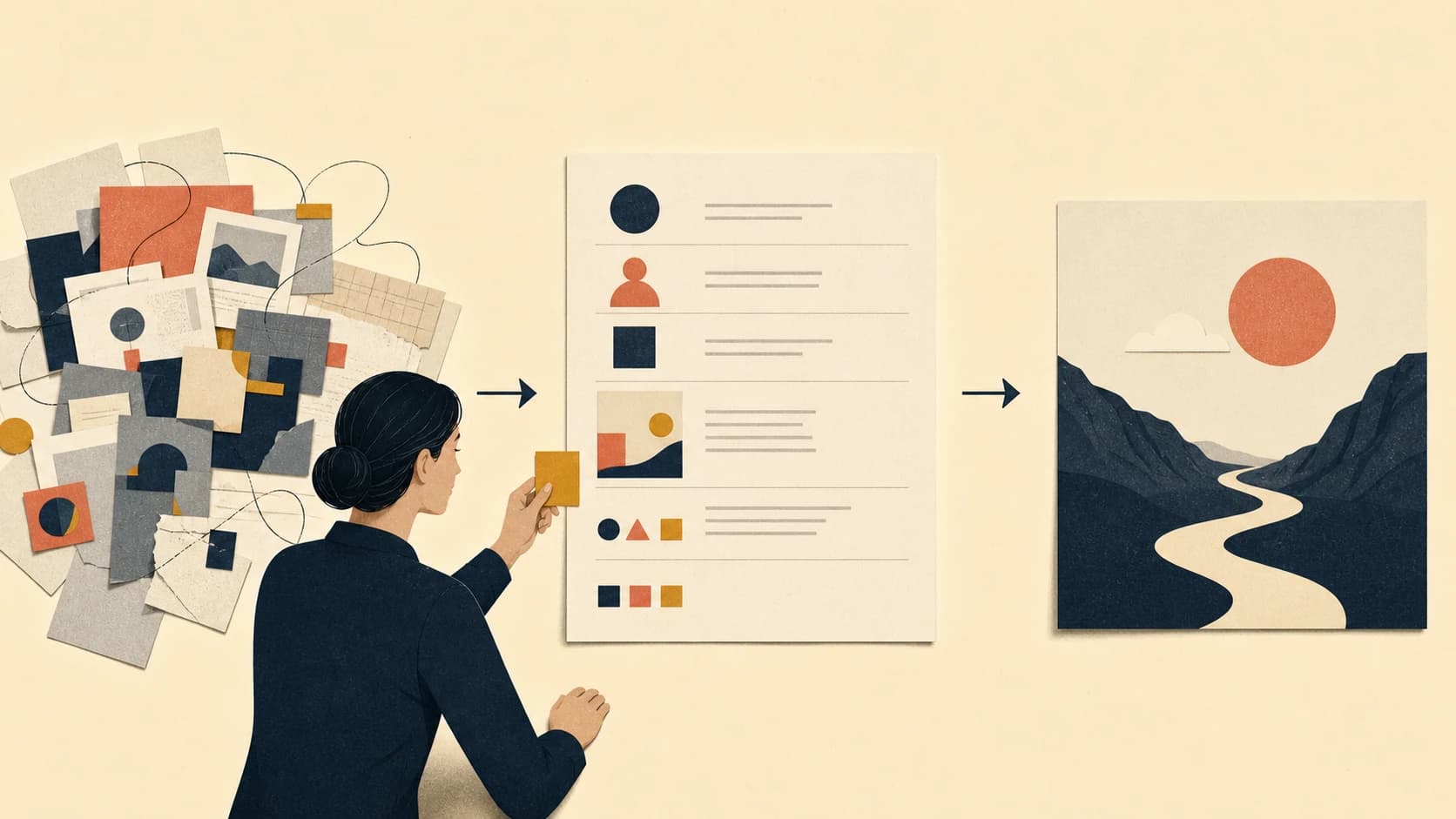
An illustration brief tells a creator what an image should communicate and where it will appear. Use the template for a manual commission or team handoff. In Zyncli, paste your writing, choose a style, and review the proposed briefs; you do not have to complete this worksheet first.
Paste the article and let Zyncli propose image briefs. You review and edit them before generation. Planning and images use credits.
Generate briefs from my articleAn illustration brief gives the image one clear job
An illustration brief is the written agreement between the person who owns the message and the person or system creating the image. It explains where the image will appear, who will see it, what the reader should understand, and which constraints the work must respect. A freelancer also needs schedule, budget, usage, and licensing details. An internal or AI-assisted workflow still needs a review owner and technical specifications.
For a manual commission, first choose the passage you want illustrated. The guide to choosing the right number of blog images helps you decide which sections deserve an image. The brief then turns one selected moment into a production instruction.
A headline or source paragraph provides context, but neither tells the creator what the image must accomplish. Write the visual job as a reader outcome: reveal a hidden relationship, compare two approaches, make a sequence easy to follow, or establish the tension behind the article. One brief should carry one primary job.
The eight fields in a useful illustration brief
For a manual commission, use these fields to explain the work to an illustrator. In Zyncli, use them as optional review questions for the generated plan, not a form you must fill out before starting.
| Field | Question to answer | Useful level of detail |
|---|---|---|
| Placement and format | Where will the image appear? | Article hero, section image, newsletter crop; 16:9; final WebP and source file |
| Audience | Who needs to understand it? | Name the reader's role and their current knowledge of the subject |
| Source context | Which passage or claim does it accompany? | Paste the relevant paragraph and summarize the full article in one sentence |
| Visual job | What should change for the reader? | Explain, compare, prove, orient, or frame one specific idea |
| Required content | Which facts or relationships must survive? | Name the elements that carry meaning, without fixing every position |
| Style boundaries | Which visual system applies? | Medium, palette, shape language, texture, abstraction level, and approved references |
| Exclusions | Which readings or motifs would be wrong? | Prohibited claims, clichés, brand risks, unwanted text, and factual errors |
| Delivery, rights, and review | How will the team use and approve the work? | Dimensions, crops, usage, licensing, budget, deadline, reviewer, and acceptance criteria |
Copy this illustration brief template
Copy the fields below into your project document, download the printable PDF template, or use the Markdown version. Delete fields that do not apply. A short complete brief beats a polished deck full of background material.
- Project and placement: [article title, section, hero/body image, channel]
- Audience: [reader role, knowledge level, decision they are making]
- Source context: [relevant paragraph plus a one-sentence article summary]
- Visual job: [what the reader should understand, compare, or feel after seeing the image]
- Required content: [people, objects, relationships, sequence, or evidence that must remain accurate]
- Creative freedom: [which parts the illustrator may interpret]
- Style system: [approved Skill or references, palette, medium, abstraction, texture]
- Avoid: [clichés, misleading metaphors, unwanted text, logo use, unsafe or off-brand elements]
- Usage and budget: [channels, territory, duration, licensing terms, budget for commissioned work]
- Deliverables: [dimensions, aspect ratio, file type, alternate crops, source file]
- Review: [owner, deadline, acceptance criteria, revision limit]
Example: make a support handoff brief more specific
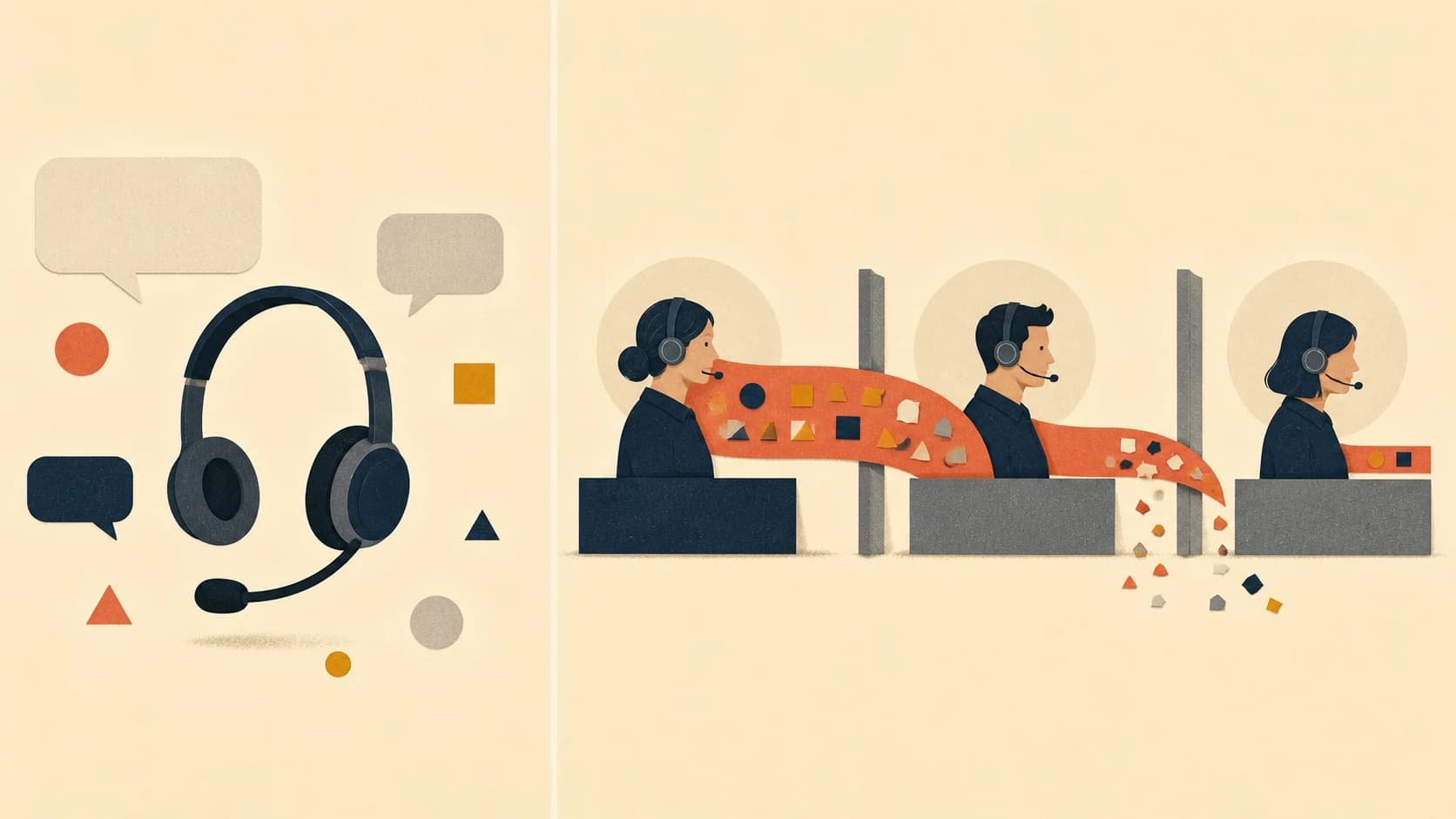
Consider an article explaining how customer context gets lost during support handoffs. A weak brief might say, "Create a customer-service image in our brand colors." The creator knows the industry and palette but has no relationship or failure to express. A polished headset with speech bubbles satisfies the request while adding little to the article.
A useful version says: "Create a section illustration for support leaders reviewing a three-team handoff. Show one continuous thread of customer context passing through three stations, with useful pieces falling away at each transfer. The final agent should receive a fragment of the original context. Use our Signal Editorial system in warm ivory, navy, coral, and ochre. Avoid readable interface text, call-center stock-photo poses, performance claims, and blame directed at one employee. Deliver a 16:9 WebP that remains legible at 720 pixels wide."
The second brief does not dictate a finished composition. It fixes the meaning, audience, visual relationship, style system, exclusions, and delivery context. The creator can still choose the camera angle, metaphor, spacing, and exact arrangement.
Give direction without drawing the image in prose
Clients often overcorrect after receiving generic work. They specify the location of each object, the pose of each character, and the metaphor the illustrator must use. That turns the brief into an untested layout. It also blocks the creator from finding a clearer solution.
References work best when you annotate the property you want from each one. Mark one for composition, another for texture, and a third for the treatment of people. A large unedited mood board sends conflicting instructions. If the project belongs to an ongoing publication, document stable rules in an illustration style guide template and keep the project brief focused on the current image.
Separate hard constraints from preferences. A required empty area for a headline belongs under constraints. A preference for an asymmetrical scene belongs under direction. The reviewer should reject work that violates a constraint; preferences should guide selection without turning every difference into a revision.
Brief an article set at two levels
A long article with several illustrations needs one set brief plus one short brief per image. The set brief establishes the shared palette, medium, character treatment, texture, abstraction level, and rules for variation. Individual briefs define the visual job and subject for each selected moment. This mirrors the Zyncli article-to-images walkthrough.
Review the contact sheet before polishing individual files. A set can fail even when each image looks strong: repeated compositions make the sequence monotonous, unrelated metaphors fracture the argument, and inconsistent detail makes one image dominate the page. Judge concept clarity first, then style adherence and sequence rhythm.
Choose the image type from the job. Editorial illustration interprets an idea, diagrams organize structure, screenshots document an interface, and charts present quantitative evidence. The editorial illustration styles guide can help you select a visual grammar after the brief has established the purpose.
Review the brief before anyone makes the image
Ask the review owner to read the brief without the source meeting or private conversation. If they cannot identify the audience, the visual job, the required relationship, and the acceptance criteria, the creator will have to guess. Resolve those gaps in writing before production starts.
- Can a creator explain the image's job in one sentence?
- Does the brief include the exact source passage and enough article context?
- Can the creator distinguish required content from creative freedom?
- Do references name the property to borrow instead of asking for imitation?
- Do exclusions prevent the predictable cliché or factual mistake?
- Are dimensions, crops, file types, deadline, reviewer, and acceptance criteria present?
- For a set, does each image have a distinct job inside one shared visual system?
Illustration brief FAQ
These answers cover the decisions teams need in most projects before they hand a brief to an illustrator or an image-generation workflow.
| Question | Answer |
|---|---|
| What should an illustration brief include? | Include placement, audience, source context, visual job, required content, style boundaries, exclusions, deliverables, and the review owner. For commissioned work, add usage, licensing, schedule, and budget. |
| How long should an illustration brief be? | For a single article image, aim for a one-page brief. Use enough detail to remove consequential guesses, then move project-wide style rules into a separate style guide. |
| How is an illustration brief different from an AI image prompt? | The brief defines the editorial problem, constraints, and acceptance criteria. A prompt translates that approved brief into instructions for one model and one generation attempt. |
| Should a brief include visual references? | Yes, when each reference has a named purpose. Identify the composition, texture, character treatment, or other property you want. Do not ask the creator to copy an image. |
Sources and further guidance
The Open University illustration briefing template asks teams to define the audience, placement, relationship to surrounding text, and visual references. Illustrators.com's professional briefing guide adds timeline, budget, usage, licensing, deliverables, and feedback stages for commissioned work. Zyncli's template adapts those production requirements to article-level planning and AI-assisted image workflows.
Brief the article as a system
Turn source paragraphs into briefs you can review before generation.
Paste the article and let Zyncli propose image briefs. You review and edit them before generation. Planning and images use credits.
Generate briefs from my article