Built for
All templates
Documentary Work · Photography
AI Workplace Images in a Documentary Style
Preview AI-generated workplace images with natural light and candid-style actions. Documentary Work offers a photographic look for general editorial concepts.
No individual image prompts needed. Planning and generation use credits. View plans
Core palette
 Photography
Visual traits
- Candid action
- Natural light
- Lived-in detail
- Editorial restraint
Output defaults
- 16:9 article canvas
- One concept per image
- Editable visual briefs
Choosing your article images
Is Documentary Work right for your article?
Documentary Work uses the visual language of an observed workplace: lived-in surfaces, available light, and people doing something specific. The images are synthetic, not photographs of real employees, offices, or events. Choose this style for an illustrative general scenario. Use approved real photography when your article makes a factual claim about a named team or customer.
A general article about changing work habits
A plausible everyday action can establish the article's setting. Identify the scene as illustrative so readers do not mistake it for reporting from an actual workplace.
A leadership essay with a photographic tone
An informal exchange can support a general observation about collaboration. It should not impersonate the author's team or suggest a customer testimonial.
What defines the look
Give a workplace idea an observable action.
Documentary Work proposes a synthetic scene around a plausible handoff, repair, review, adjustment, or moment of concentration. Lived-in details and natural posture give it a candid photographic treatment; they do not establish that the scene occurred.
Read the illustration style guideHow scenes are arranged
Focal metaphor
Build one dominant physical metaphor around the article's central relationship.
What stays consistent
- one specific candid action
- anonymous non-famous adults
- natural body language
- believable environment
Looks this style avoids
- posed team lineup
- everyone smiling at a laptop
- handshake
- office stock photo
How color is used
Palette 1: primary structure and focal subject Palette 2: supporting contrast and secondary forms Palette 3: accent for emphasis and directional cues Palette 4: restrained supporting accent
Example set
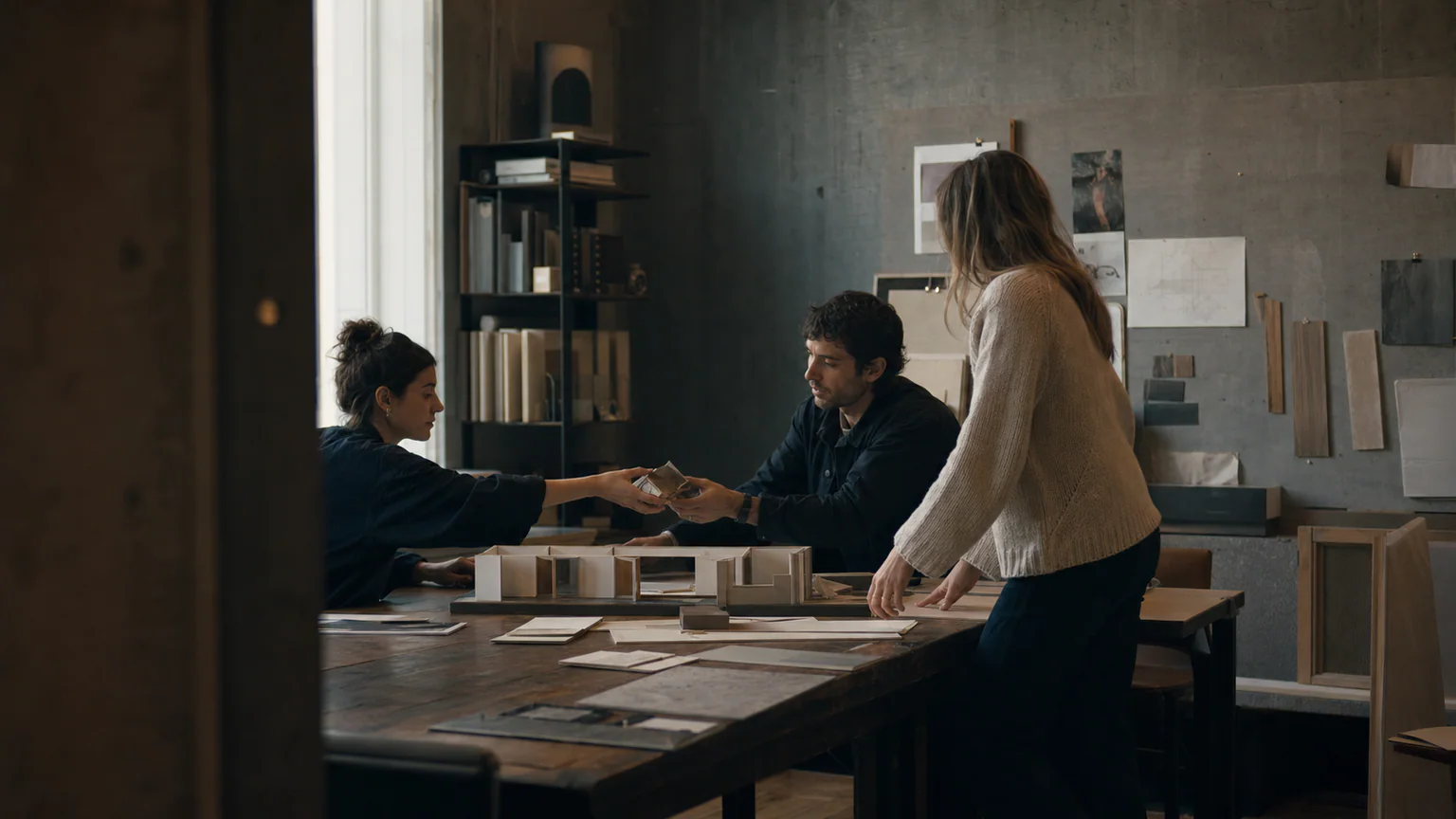
Three synthetic scenes with a candid workplace treatment.
Natural light and documentary restraint stay consistent while the sequence moves from context to action to consequence.
AI-generated examples of this style, not photographs of real people, events, or physical artworks.
PhotographyEstablish a plausible setting
Lived-in details give a general workplace concept context without identifying an actual office or team.
 Photography
Observe the decisive action
Focus on the handoff, adjustment, or interaction that carries the article's argument.
 Photography
Close on a human consequence
End with what changes for the people doing the work, without staging a success pose.
How it reads an article
It looks for a specific workplace action.
The article's theme becomes an illustrative scenario with contextual objects and a clear action. The generated people and setting should not be presented as evidence that a claim is true or as a photograph of the team described.
Best fit
Use it for general workplace, leadership, team culture, and operations concepts that benefit from a clearly identified synthetic photographic scene.
Choose another style when
Use real approved photography for an actual founder, customer, workplace, or event. Choose another illustration style for abstraction, exact product views, or a recurring fictional character.
Before you choose
Questions about Documentary Work
How does Documentary Work avoid stock-photo clichés?
The direction favors a specific action, natural posture, and lived-in detail rather than people posing around a generic teamwork symbol. The result remains a synthetic illustrative scene, even when the photographic treatment feels candid.
Are Documentary Work examples real documentary photographs?
No. They are AI-generated images with a documentary-style treatment. They cannot verify an event or depict an actual customer by default. Use real, properly sourced photographs when the identity of the people or place matters to the story.
How do I use Documentary Work for my article?
Paste your finished draft, select Documentary Work, and choose a starting image count. Zyncli proposes image ideas and placements for you to review before generating. You can edit the briefs without writing each image prompt from scratch.
Does using this style cost credits?
Planning and image generation use credits, and regenerating an image uses more. You see the quoted cost before each step. Official styles do not require you to build a private brand style. See pricing for current plans and credit allowances.
From draft to image set
Bring the article.
The style is ready.
You do not need to learn the drawing technique or write every prompt. Choose this style, review the proposed scenes, and generate the images that fit your writing.
Open-source SkillInstall Documentary Work from GitHub- 01
Add your finished draft
Paste the article, choose this style, and set a starting image count.
- 02
Review the proposed images
Zyncli suggests scenes and placements. Edit the visual briefs before generating.
- 03
Generate and inspect the set
Check each result for meaning, consistency, and unwanted details. Regenerate individual images when needed.
- 04
Download and publish
Place the image files beside the relevant passages. Keep accurate charts, real photos, and product screenshots where your article needs them.
Compare the alternatives
When to choose a different style
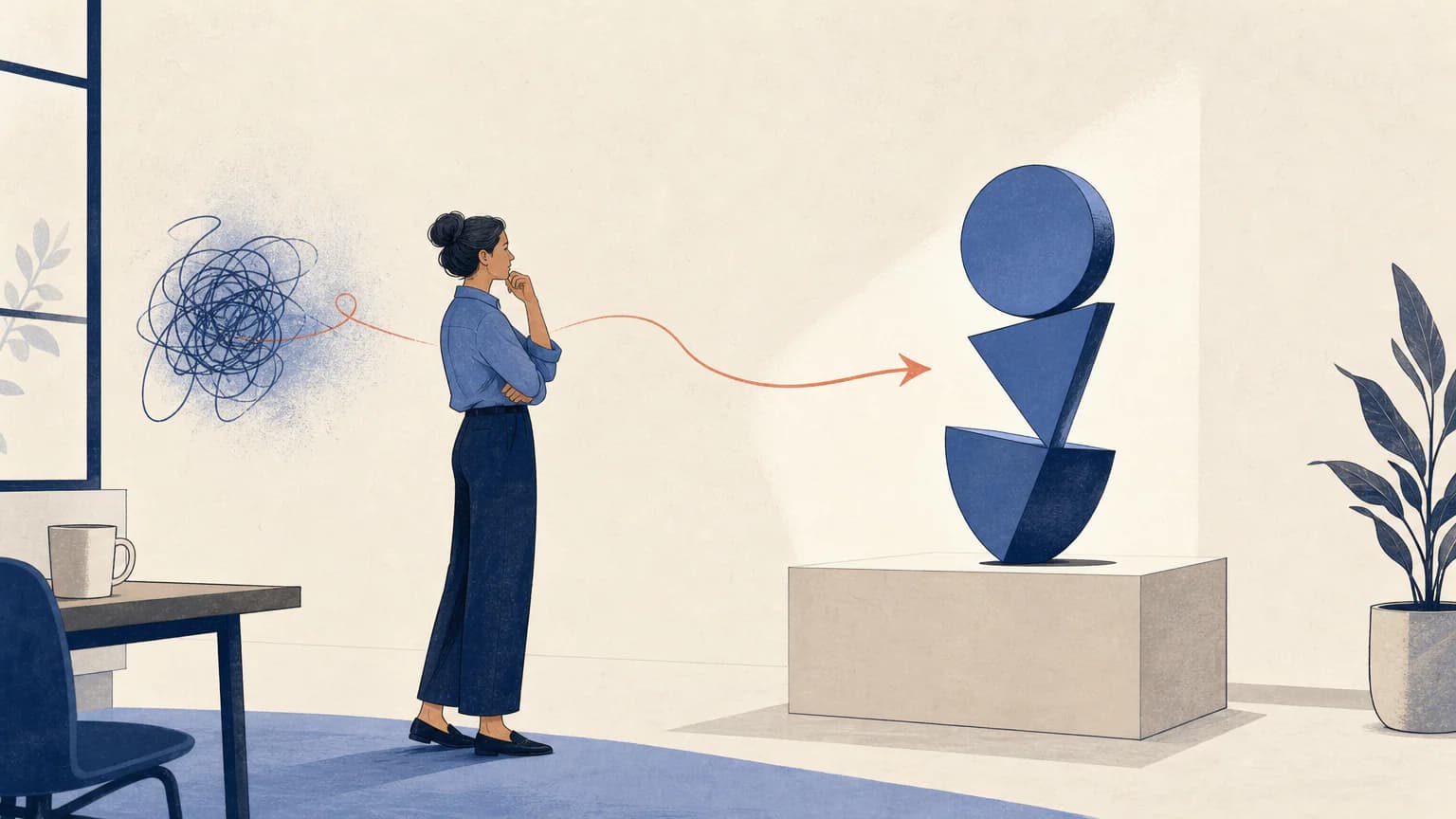
Choose Office Stories for an unmistakably illustrated workplace scene with expressive linework rather than photographic realism.
 Workplace
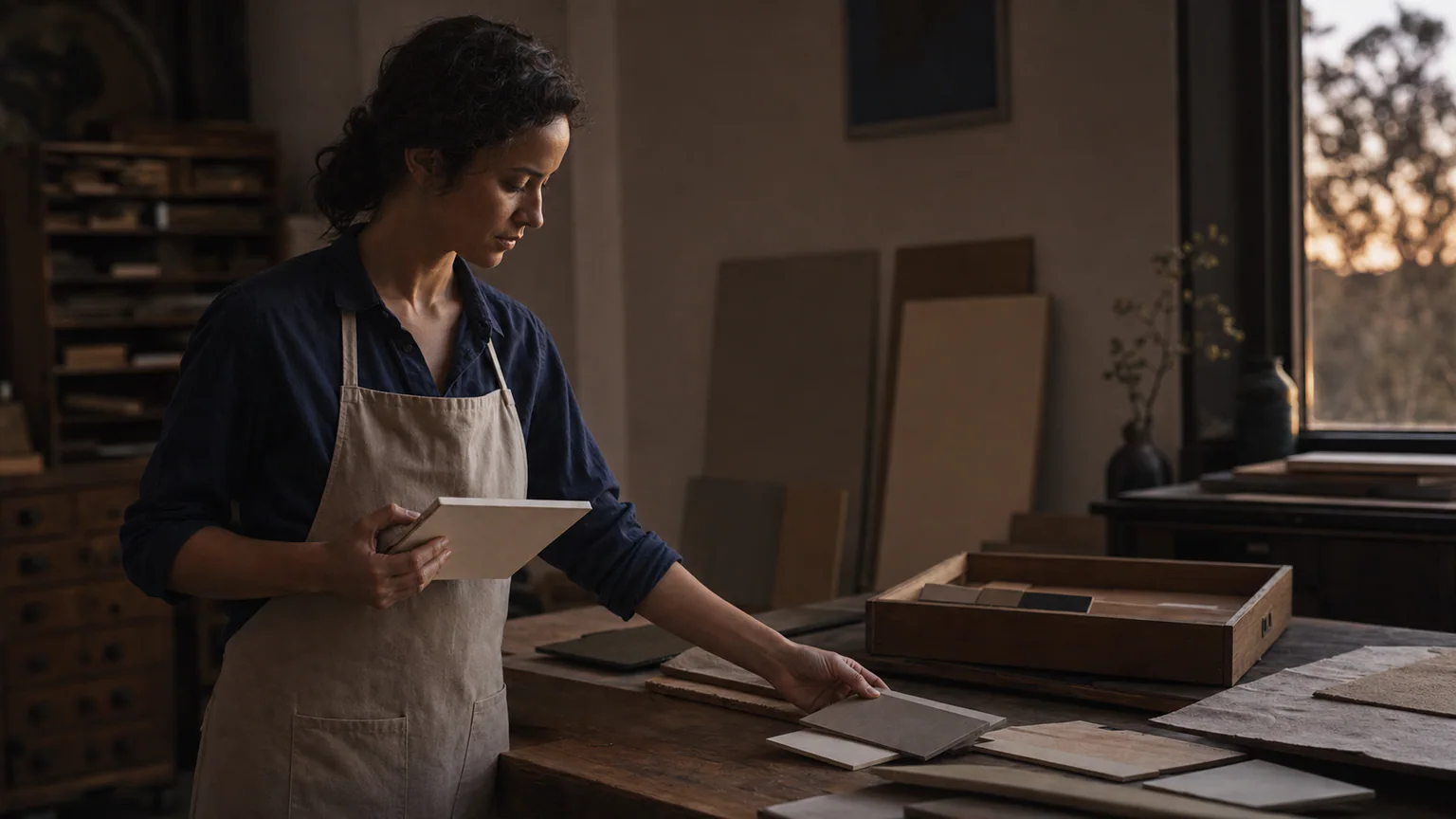
Choose Editorial Portrait for a single anonymous subject whose surroundings carry the concept, rather than a candid-style activity.
 Photography
Ready to use Documentary Work?