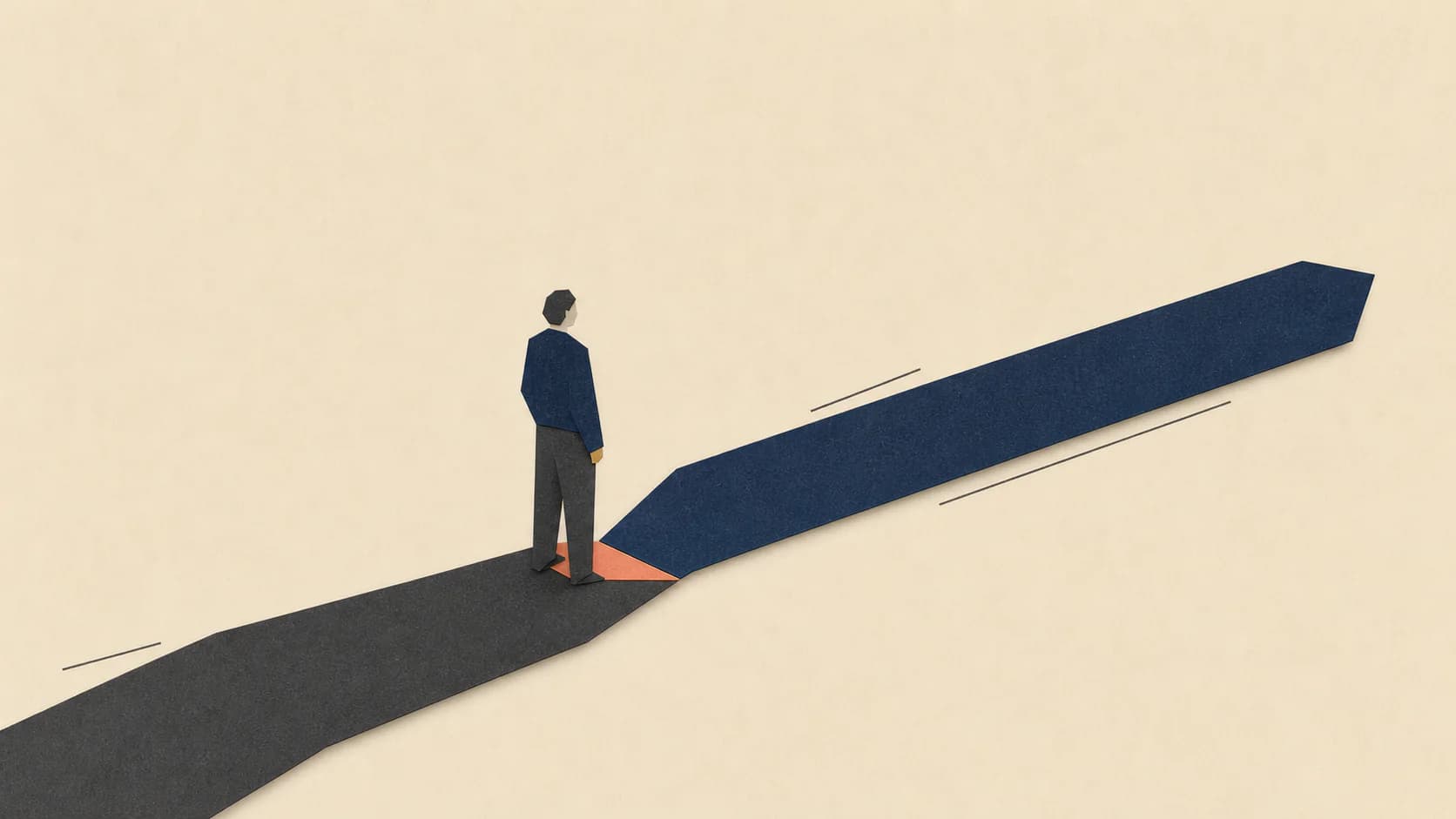
Use this template if your team needs a written record of its illustration rules. You do not need a style guide to start in Zyncli: choose a ready-made style and paste your article. For an existing brand identity, private Skills can analyze your references into rules you review.
Download the editable style guide and filled example (Markdown)
Start from existing references rather than a completed template. Private Skill creation requires Creator or Studio and uses analysis credits.
Explore private visual SkillsCopy the blank illustration style guide template
This worksheet is for a team handoff or an existing brand's documentation. It is optional. If your immediate task is to add images to an article, choose an official style in Zyncli and let the tool propose the images.
Copy the template below into your working document or download the Markdown file above, which includes the filled example. You can use it without a Zyncli account.
ILLUSTRATION STYLE GUIDE
Publication / owner:
Version / review date:
Audience and recurring subjects:
Intended placements and aspect ratios:

VISUAL RULES
Medium and finish:
Background color:
Primary and accent colors (include color values):
Rules for accent placement:
Line weight and edge treatment:
Texture and shadows:
People: proportions, gestures, facial detail:
Objects: level of detail, perspective:
Composition: focal point, spacing, subject placement:
Text, logos, and data: what may appear, who checks it:
Exclude:

REFERENCES
Approved reference files and usage rights:
For each reference: what to repeat / what belongs only to that scene:

REVIEW
Representative test briefs:
Pass criteria:
Reasons to reject an image:
Approver:
Change log:
Filled example: a workplace newsletter
This is a hypothetical specification for an English-language workplace newsletter. It is not a customer case study or a measured performance result. Replace these choices with decisions that fit your publication.
| Field | Example rule |
|---|---|
| Audience | Managers reading about decisions, collaboration, and work processes |
| Medium | Flat editorial geometry with restrained paper grain |
| Background | Warm off-white, #F7F4ED |
| Palette | Charcoal #252936 for structure; blue #465FC4 for the focal action; muted ochre #C9A45C as an optional secondary accent |
| Accent use | Put blue on the decision point. Avoid coloring unrelated objects blue just to distribute color |
| Edges and texture | Use clean silhouettes. Keep grain subtle enough that it does not obscure edges at mobile size |
| People | Simplify faces and clothing; use posture and hand placement to express the action |
| Composition | Give one relationship priority. Leave space around the focal interaction; vary the camera distance across the set |
| Text and data | Add labels in the editor after generation. Use verified values for any chart |
| Exclusions | Decorative dashboards, invented logos, neon glow, unreadable embedded text |
| Approval | The editor checks meaning; the design owner checks the visual rules |
Write the scene brief separately
For a story about review bottlenecks, the scene brief might read: Show several work items waiting at one review desk while an editor checks the first item. Put the blue accent on the review action. Keep the queue visible without implying measured waiting times.
Keep that scene instruction outside the reusable style rules. Your next article may need a different setting while retaining the same palette and subject treatment.
Turn vague preferences into reviewable rules
Write rules you can check against the output. An image generator may miss a color or introduce an unwanted detail; the written specification gives the reviewer a basis for requesting a revision. It does not guarantee identical results across models or runs.
| Vague request | More usable instruction |
|---|---|
| Make it on-brand | Use the approved palette and repeat the people and edge treatment in reference A |
| Make it clean | Remove objects that do not help explain the main relationship |
| Make it consistent | Keep palette, material, and character proportions stable; allow different compositions |
| Make it human | Show a specific gesture or decision from the article rather than a posed figure |
Test the guide before adopting it
Use representative briefs from your own publishing work. Include a human scene and an abstract relationship, then a process if you publish instructional content. Keep the briefs fixed while comparing candidate styles.
Review each result at its intended display size. Ask the editor to describe the idea without seeing the brief, then compare that description with the intended takeaway. Record the mismatch if the editor identifies the wrong action or relationship.
Next, place the results together. Check palette and subject treatment, but also look for repeated compositions. Revise a rule if it forces unrelated subjects into the same arrangement. Keep the accepted examples alongside the written guide and name the version used for future work.
Keep the guide separate from the image brief
Use your style guide for recurring visual rules. Write a separate illustration brief for each image's subject, takeaway, placement, and factual constraints. Use the style comparison if you have not chosen a medium yet.
The consistency guide covers set-level review in more detail. This template gives you a document to record the decisions you make during that review.
Use the specification in Zyncli
You can start by comparing official visual Skills. To reuse your own references and brand rules, explore private visual Skills. Creating a private Skill requires Creator or Studio and uses analysis credits. Check the displayed cost before running it.
Review the first generated set against your specification before reusing the Skill. Keep any changes to the specification in your change log so future reviewers can tell which rules applied.
Reuse your approved rules
Have brand references? Turn them into a reusable style.
Start from existing references rather than a completed template. Private Skill creation requires Creator or Studio and uses analysis credits.
Explore private visual Skills