Built for
All templates
Office Stories · Workplace
Workplace Illustrations for Leadership Articles
Show team culture and leadership through workplace illustrations. Office Stories uses expressive adults, readable interiors, and specific shared actions.
No individual image prompts needed. Planning and generation use credits. View plans
Core palette
 Workplace
Visual traits
- Expressive people
- Readable interiors
- Narrative moments
- Warm linework
Output defaults
- 16:9 article canvas
- One concept per image
- Editable visual briefs
Choosing your article images
Is Office Stories right for your article?
Office Stories puts organizational ideas into moments between people. A handoff, a disagreement about space, or a small act of assistance gives an abstract workplace topic something observable. Warm linework keeps the scene inviting without a photographic finish. It works best when the human interaction matters more than the precise software or floor plan around it.
A leadership article about delegation
A visible exchange of responsibility can support the central argument. Give the people different roles in the action instead of filling the scene with generic coworkers.
A team culture newsletter
An everyday interaction around a shared resource can convey cooperation or friction. Illustrations can explore the theme without depicting a named employee or actual incident.
What defines the look
Make the organizational idea happen between people.
Office Stories searches for the human action inside management language: who hands something over, who is excluded, who changes direction, who makes room, and who carries the consequence. The environment supports that action with just enough context.
Read the illustration style guideHow scenes are arranged
Focal metaphor
Build one dominant physical metaphor around the article's central relationship.
What stays consistent
- one specific workplace behavior
- body language that carries the argument
- adult characters with varied but natural representation
- a readable relationship between people and space
Looks this style avoids
- generic smiling team around a laptop
- handshake scene
- isometric office
- faceless corporate clip art
How color is used
Palette 1: primary structure and focal subject Palette 2: supporting contrast and secondary forms Palette 3: accent for emphasis and directional cues Palette 4: restrained supporting accent
Example set
A workplace argument told through changing behavior.
Characters, interior logic, and warm linework remain stable while each scene focuses on a different organizational action.
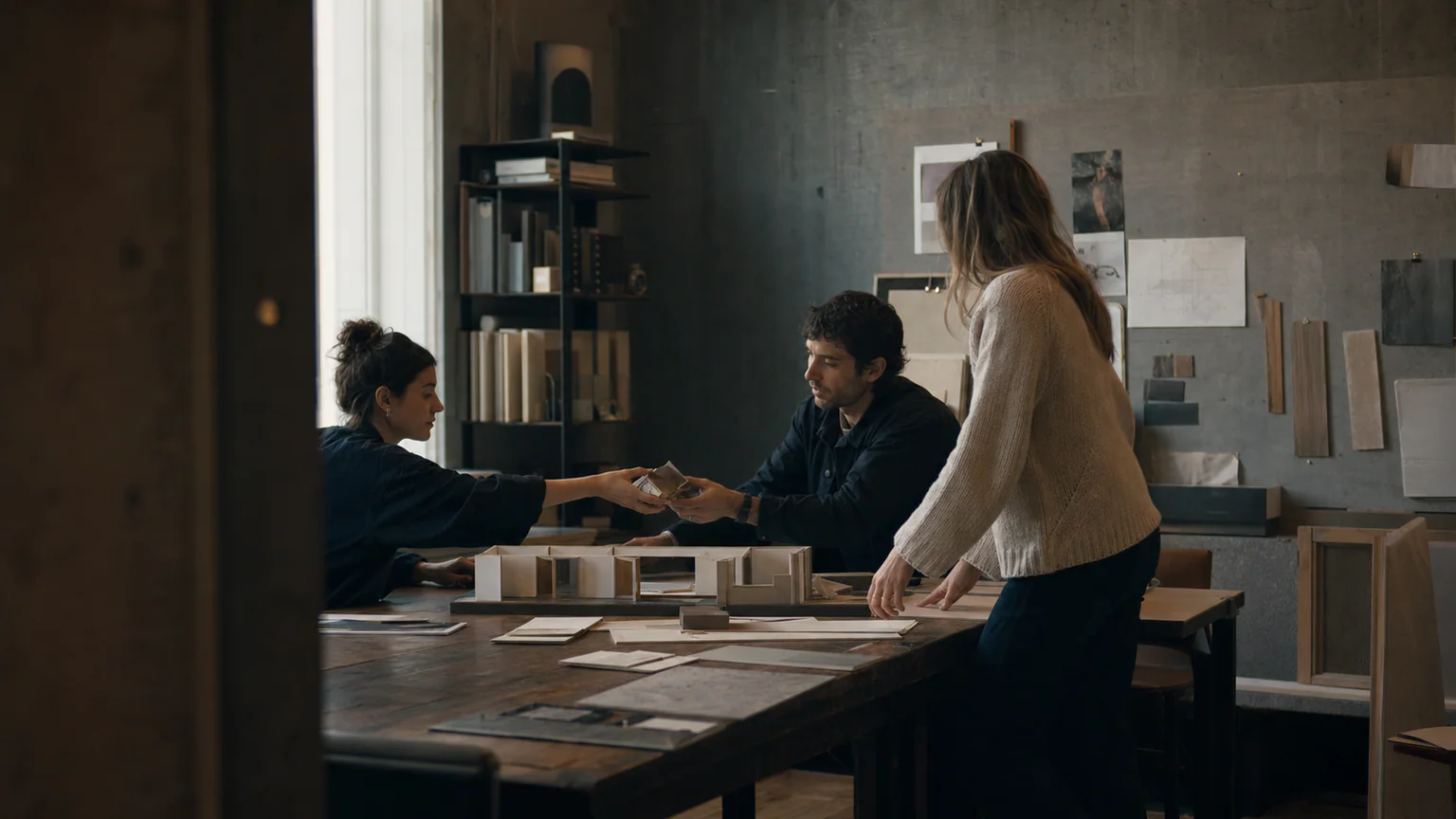
AI-generated examples of this style, not photographs of real people, events, or physical artworks.
WorkplaceSet the team context
Establish roles and distance through one specific work situation, not a posed group tableau.
 Workplace
Focus on the interaction
Make the article's central leadership or collaboration behavior visible in a decisive gesture.
 Workplace
Show what changes for people
End with a new spatial or social arrangement that reveals the practical consequence.
How it reads an article
It converts abstractions into observable behavior.
Psychological safety may become one person opening space for another to speak. Coordination may become a handoff across different work zones. Gesture, distance, and eye line express what business terminology often hides.
Best fit
Use it for future-of-work articles, leadership, remote collaboration, productivity, organizational change, and team culture.
Choose another style when
Avoid it for anonymous infrastructure, nonhuman systems, premium product rendering, or arguments that need a symbolic rather than interpersonal frame.
Before you choose
Questions about Office Stories
How does Office Stories avoid corporate stock illustration?
It begins with a specific human action and its consequence, then builds only the environment needed to understand that moment. Characters do not pose, celebrate abstractly, or point at decorative dashboards.
Should I use Office Stories or workplace photography?
Use Office Stories for a general workplace idea that benefits from expressive staging. Use approved real photographs when the article describes your actual team, office, or event. An illustration should not stand in as documentary evidence of a customer story.
How do I use Office Stories for my article?
Paste your finished draft, select Office Stories, and choose a starting image count. Zyncli proposes image ideas and placements for you to review before generating. You can edit the briefs without writing each image prompt from scratch.
Does using this style cost credits?
Planning and image generation use credits, and regenerating an image uses more. You see the quoted cost before each step. Official styles do not require you to build a private brand style. See pricing for current plans and credit allowances.
From draft to image set
Bring the article.
The style is ready.
You do not need to learn the drawing technique or write every prompt. Choose this style, review the proposed scenes, and generate the images that fit your writing.
Open-source SkillInstall Office Stories from GitHub- 01
Add your finished draft
Paste the article, choose this style, and set a starting image count.
- 02
Review the proposed images
Zyncli suggests scenes and placements. Edit the visual briefs before generating.
- 03
Generate and inspect the set
Check each result for meaning, consistency, and unwanted details. Regenerate individual images when needed.
- 04
Download and publish
Place the image files beside the relevant passages. Keep accurate charts, real photos, and product screenshots where your article needs them.
Compare the alternatives
When to choose a different style
Choose Connected Rooms when the participants work in separate spaces and the connection between them is the story.
 Workplace
Choose Documentary Work for a synthetic photographic treatment of a general workplace scene, not real-team documentation.
 Photography
Ready to use Office Stories?