Choose AI illustrations for ideas you cannot photograph, stock photos for a suitable real-world setting, and your own photos or screenshots when readers need evidence of a specific person, event, product, or action. One post can use more than one type.
Paste your article, choose a style and starting image count, and review Zyncli's proposed image ideas before generating. You do not need to write each image prompt. Planning and generation use credits.
Illustrate my articleChoose the image that fits the passage
Choosing AI images vs stock photos for blogs starts with the passage beside the image. An office photograph can establish a workplace setting. It will not show why one review desk slows a team down. An illustration can express that bottleneck, but it cannot document what happened in a real office.
Start with what your reader needs to see. Use the table below to choose an image type before spending time searching a photo library or generating variations.
| Your passage | Use | Check before publishing |
|---|---|---|
| An abstract idea, tension, or tradeoff | AI editorial illustration | Does the image express your point without inventing evidence? |
| A general setting, such as an office or garden | A suitable stock photograph | Does the photo fit the passage and its license fit your use? |
| A named person, customer, place, or event | Your own or properly sourced photograph | Does it show the actual subject described? |
| An exact software step | A current screenshot | Can the reader find the same controls? |
| A measured result or numerical comparison | A chart from verified data | Can you trace the values to their source? |
Use AI illustrations for an idea you cannot photograph
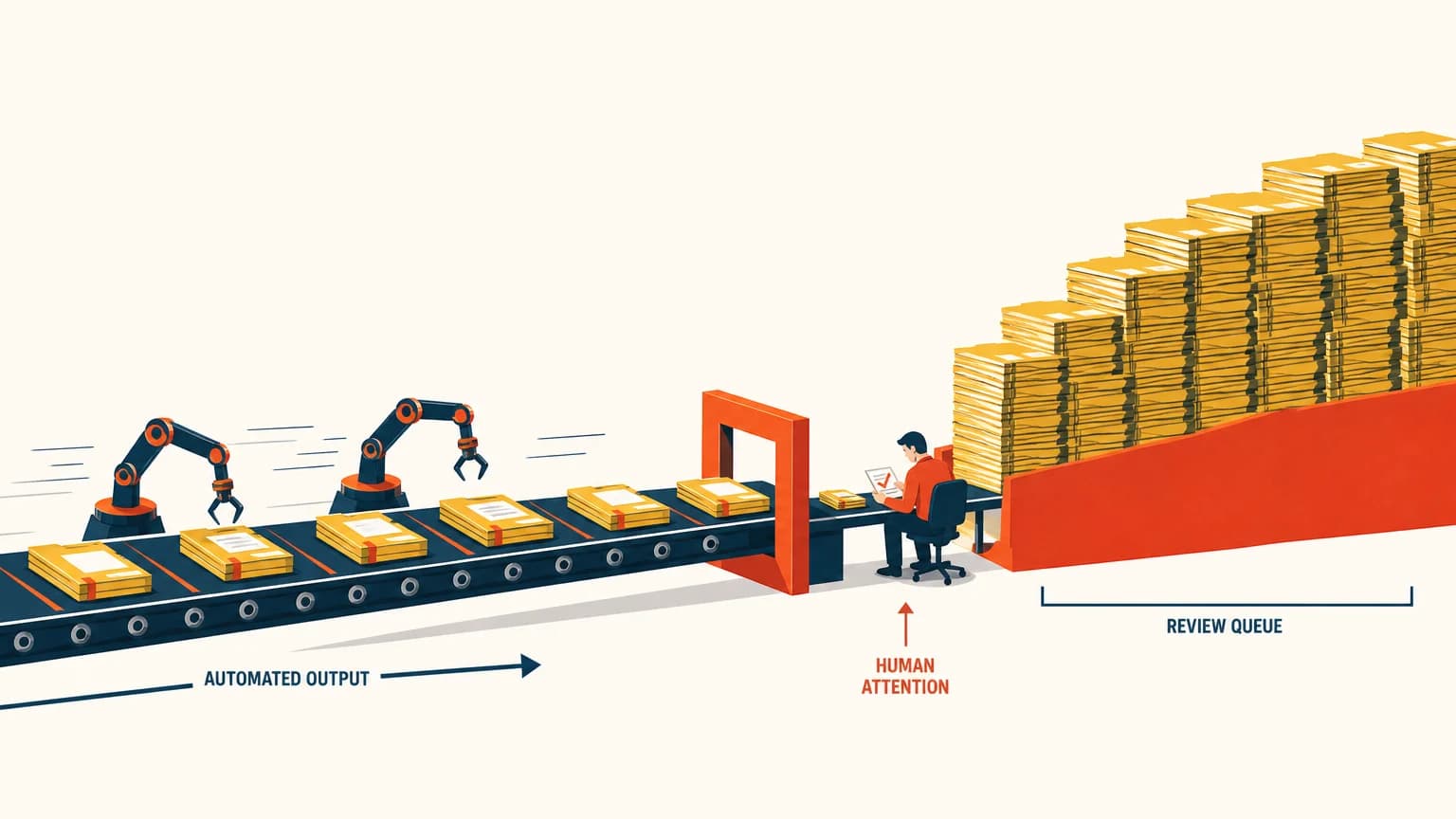
Consider a newsletter about automation sending more work to a reviewer who already has a full queue. You could search for an office photograph, but you may spend time comparing desks and meeting rooms without finding an image of the actual problem.
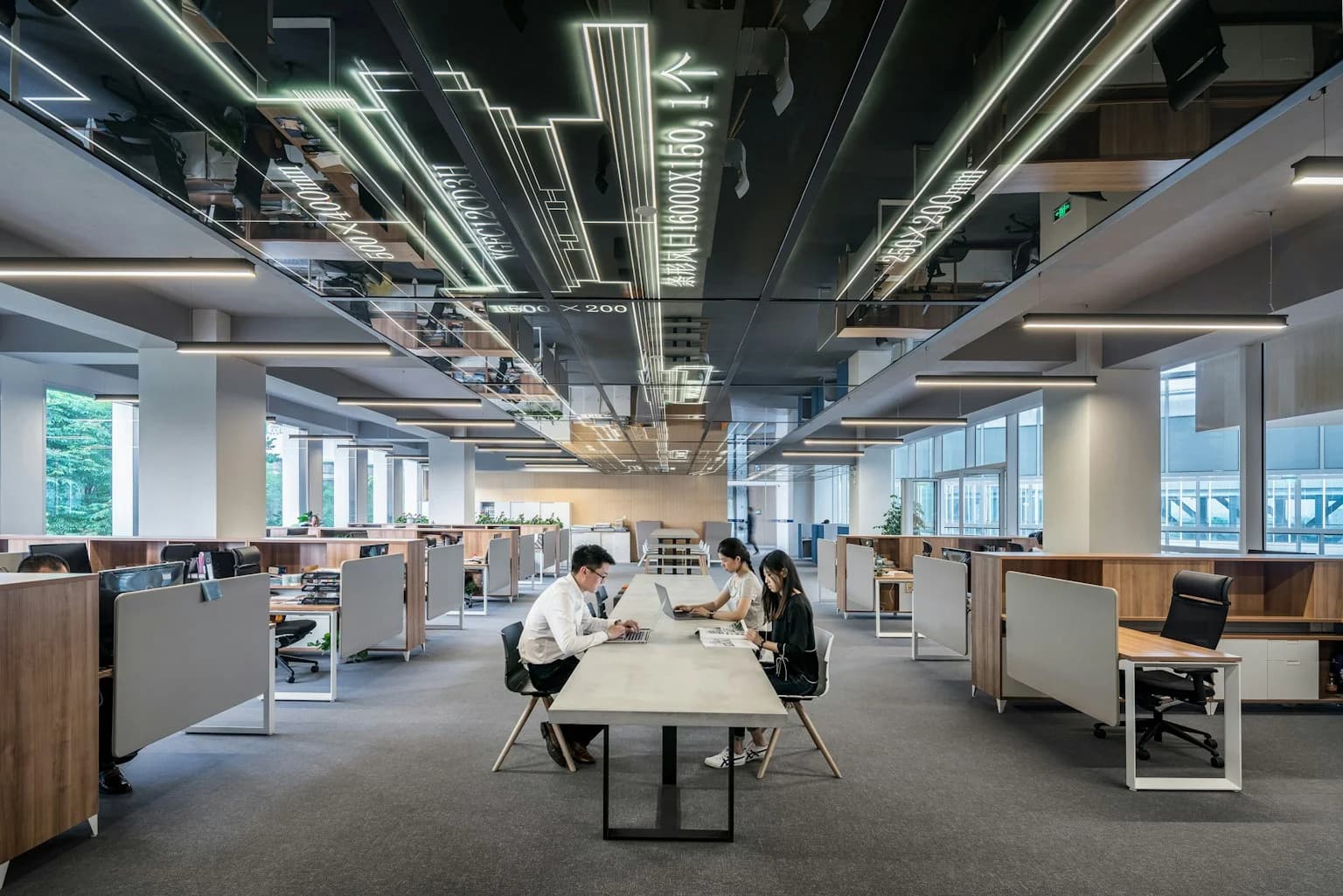
The photograph below shows people working in an office. It gives the passage a setting. The generated illustration uses a conveyor, one reviewer, and stacked work packets to express a capacity bottleneck. Choose between them according to the point you want to make.
We used this illustration in our original newsletter demonstration. It represents an idea; it does not depict a measured process or a real customer's office. The photograph is a separate stock example, not evidence about the team in that newsletter.
Use photographs when the actual subject matters
For a post about your new studio, photograph your studio. For a customer story, use approved images of that customer and their work. A generated room or a stock team would leave the reader with the wrong impression.
Stock photography works when you need a general setting: a desk for a piece about working from home, for example. Choose a photo with details that fit the text. A boardroom full of suits is a poor match for an article about a solo writer's morning.
Keep captions specific. Describe a stock photograph as illustrative context when a reader might mistake it for your team, location, or event. Identify generated scenes if they could pass for documentary photographs.
Use a screenshot for the button readers need to find
A software tutorial asks the reader to repeat an action. Show the actual screen at the relevant step, including enough surrounding interface to help them find the control. An attractive generated interface can invent buttons or move fields.
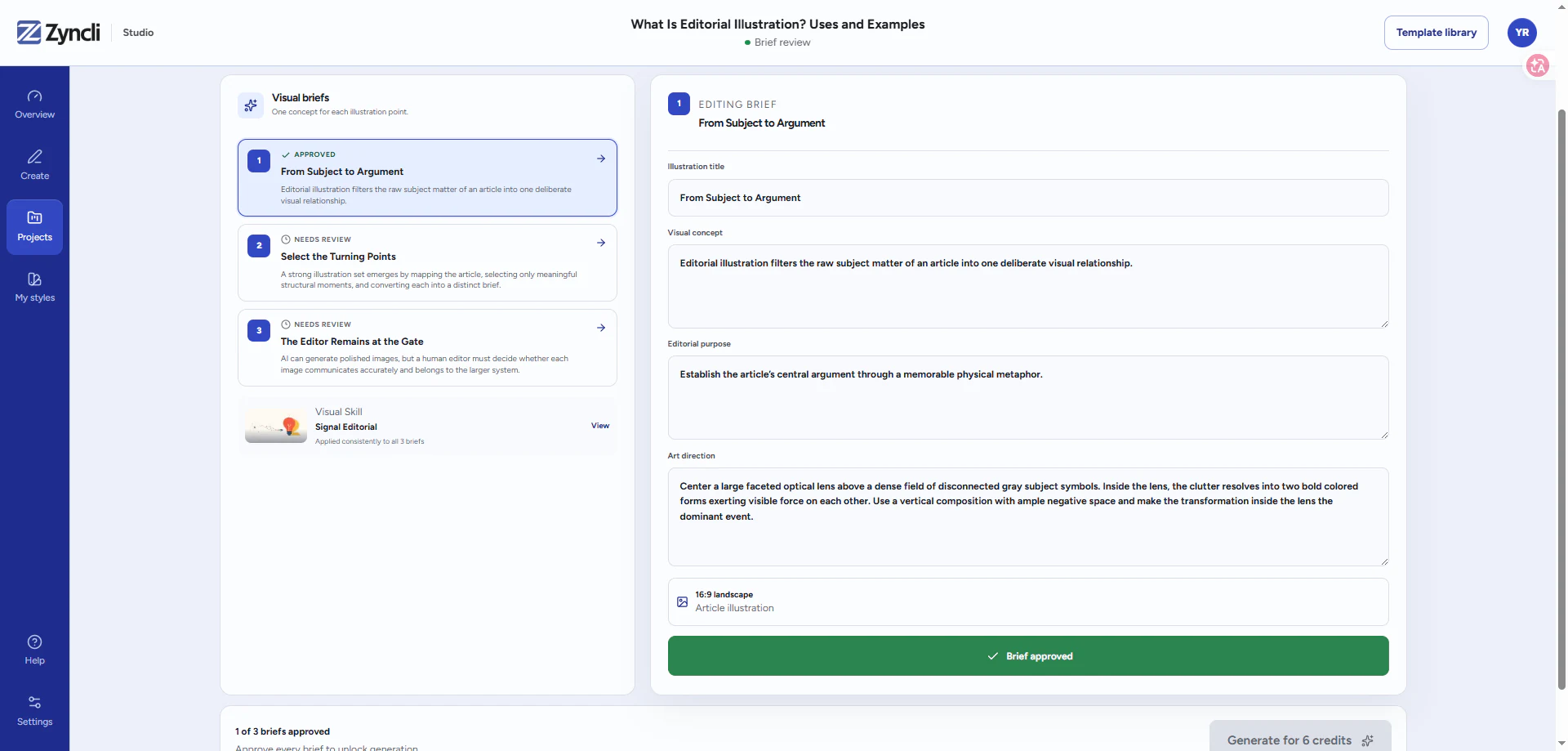
The screenshot below shows an existing Zyncli brief-review screen. It lets a reader see the brief list and editable fields. A photograph of a laptop would add atmosphere, but it would not help them review a brief.
Capture the current interface for your tutorial and hide private information before publishing. Use illustrations alongside screenshots when you need to explain the idea behind a step.
Choose a set if your article needs several illustrations
One good stock photo may solve a short post. A longer article can need several images with the same tone, palette, and level of detail. Mixing unrelated photographs and illustration styles can make the sequence feel patched together.
Zyncli suits finished articles whose ideas need illustrations. Choose a ready-made style and starting image count. The tool proposes image ideas and relevant passages; you review the plan, generate the approved images, and download the files.
You can still keep a real photograph or screenshot where the article needs one. A matching illustration set does not require replacing useful evidence.
Check cost and reuse before choosing
Stock libraries offer both free and paid images. Check the license attached to the specific file, including restrictions that apply to your intended use. The office photograph in this article comes from Unsplash's free library; we have linked its photographer and license.
AI generation also has a cost. In Zyncli, planning and image generation use credits, and additional generations use more. Review the proposed ideas before generating so you can remove an unsuitable idea first.
For either option, check the final crop, file size, caption, and any text inside the image. Read the relevant provider terms instead of assuming that stock or generated automatically means unrestricted use.
You can use both in the same post
A piece about remote work could open with a real workspace photo, use an illustration for coordination problems, and include a screenshot for a tool setting. Each image has a different job.
If your draft needs images for abstract ideas, bring it to Zyncli. Choose a style you like, review the proposed set, and keep the photographs and screenshots that already help your reader.
Your article needs illustrations
Get a matching image set for your finished draft.
Paste your article, choose a style and starting image count, and review Zyncli's proposed image ideas before generating. You do not need to write each image prompt. Planning and generation use credits.
Illustrate my article