Built for
All templates
Sculpted Characters · 3D
3D Character Illustrations for Product Articles
Explore matte 3D character illustrations for product, workplace, and learning articles. Sculpted Characters uses adult figures and clear physical gestures.
No individual image prompts needed. Planning and generation use credits. View plans
Core palette
 3D
3DVisual traits
- Stylized adults
- Matte sculpture
- Clear gestures
- Soft studio light
Output defaults
- 16:9 article canvas
- One concept per image
- Editable visual briefs
Choosing your article images
Is Sculpted Characters right for your article?
Sculpted Characters gives an explanatory article a recognizable human presence without a photographic look. Matte surfaces, controlled proportions, and deliberate poses let a figure carry a task or react to a system. Choose it when the reader benefits from seeing who is affected by a process, rather than only seeing the process as a collection of objects.
A product story about a user's task
A figure operating or balancing a physical metaphor can make the task relatable. It is conceptual illustration, not a screenshot of a product or a record of a real user.
A learning article with several stages
Related figures can encounter different situations across the article. Check their visual continuity while allowing the pose, object, and staging to change with the passage.
What defines the look
Use character action to explain the system.
Sculpted Characters keeps a consistent human world while changing the task, tool, and spatial relationship around the figures. Gesture must remain readable at small size, and expression stays understated so the scene carries the meaning.
Read the illustration style guideHow scenes are arranged
Focal metaphor
Build one dominant physical metaphor around the article's central relationship.
What stays consistent
- adult rather than toy proportions
- one decisive interaction
- gesture readable without facial exaggeration
- coherent matte material family
Looks this style avoids
- emoji face
- Funko-like head
- children's animation
- toy advertisement
How color is used
Palette 1: primary structure and focal subject Palette 2: supporting contrast and secondary forms Palette 3: accent for emphasis and directional cues Palette 4: restrained supporting accent
Example set
A recurring 3D cast performing different editorial jobs.
Character proportion and material stay stable while gesture, prop, and spatial challenge change with each passage.
AI-generated examples of this style, not photographs of real people, events, or physical artworks.
3DIntroduce the role
Establish what the character is trying to do and which part of the system matters.
 3D
3DStage the interaction
Give the figures one decisive exchange with each other or with a physical system.
 3D
3DResolve through action
Show the changed outcome in posture and arrangement, not through a celebratory pose.
How it reads an article
It reads for roles, interaction, and physical consequence.
The Skill turns an abstract product or workplace idea into a staged human problem. Figures carry, connect, negotiate, climb, or reorganize tangible elements that represent the system around them.
Best fit
Use it for product stories, workplace, learning content, onboarding, collaboration, and explanations that benefit from recurring human figures.
Choose another style when
Avoid it for documentary claims, serious investigations, luxury rendering, highly abstract philosophy, or topics where stylization would reduce credibility.
Before you choose
Questions about Sculpted Characters
How does Sculpted Characters avoid looking like a toy advertisement?
It uses adult proportions, matte materials, restrained expression, and editorial staging. Props and gestures serve the article's argument rather than presenting a cute collectible character.
Does Sculpted Characters include downloadable character models?
No. The output is a set of generated images, not editable 3D characters, rigged models, or an avatar pack. The template maintains a shared sculptural direction; review every image for proportions, gesture, and set-level consistency.
How do I use Sculpted Characters for my article?
Paste your finished draft, select Sculpted Characters, and choose a starting image count. Zyncli proposes image ideas and placements for you to review before generating. You can edit the briefs without writing each image prompt from scratch.
Does using this style cost credits?
Planning and image generation use credits, and regenerating an image uses more. You see the quoted cost before each step. Official styles do not require you to build a private brand style. See pricing for current plans and credit allowances.
From draft to image set
Bring the article.
The style is ready.
You do not need to learn the drawing technique or write every prompt. Choose this style, review the proposed scenes, and generate the images that fit your writing.
Open-source SkillInstall Sculpted Characters from GitHub- 01
Add your finished draft
Paste the article, choose this style, and set a starting image count.
- 02
Review the proposed images
Zyncli suggests scenes and placements. Edit the visual briefs before generating.
- 03
Generate and inspect the set
Check each result for meaning, consistency, and unwanted details. Regenerate individual images when needed.
- 04
Download and publish
Place the image files beside the relevant passages. Keep accurate charts, real photos, and product screenshots where your article needs them.
Compare the alternatives
When to choose a different style
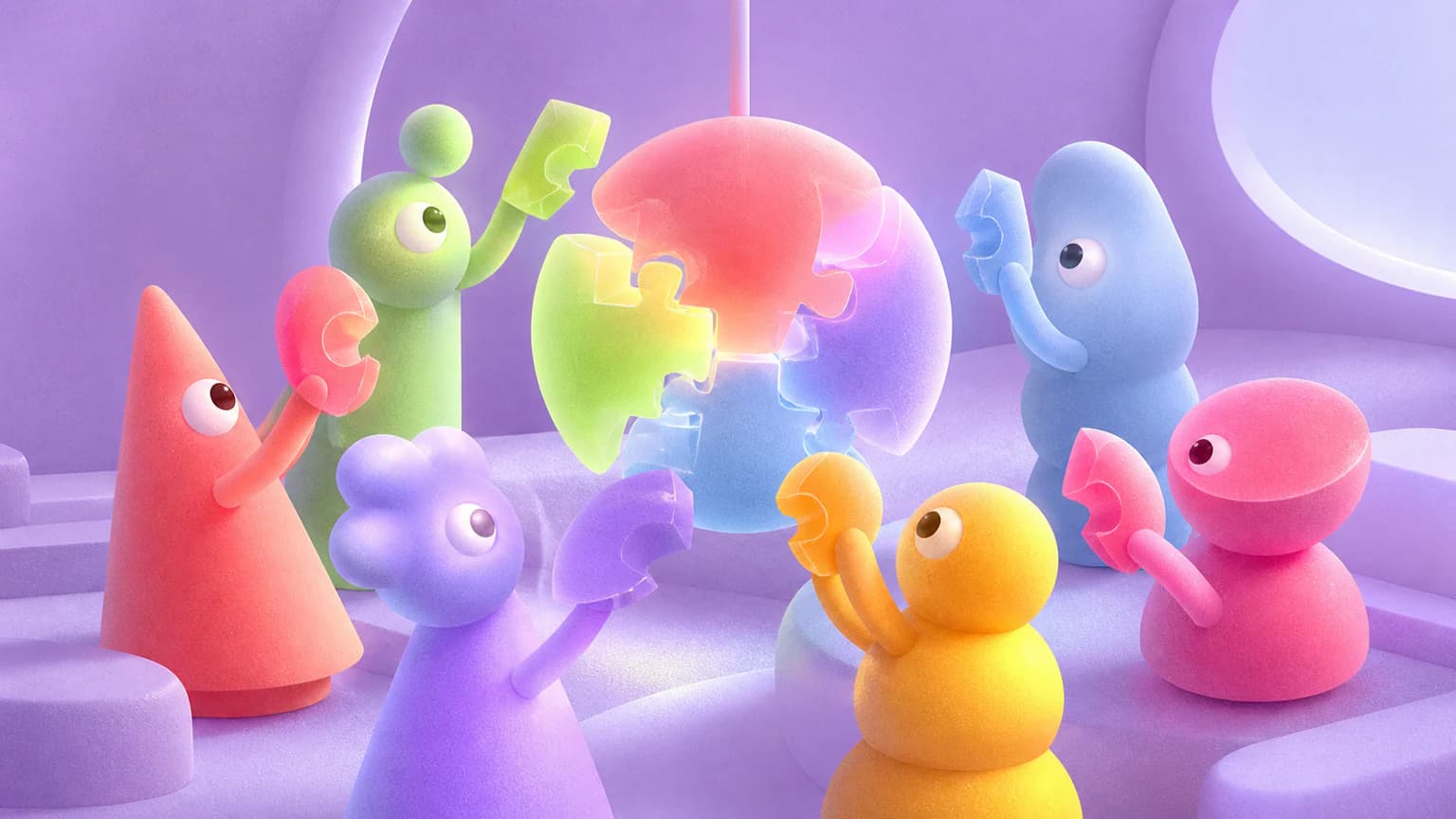
Choose Candy Crowd 3D for a more playful group with distinct silhouettes and a grainier surface.
 3D
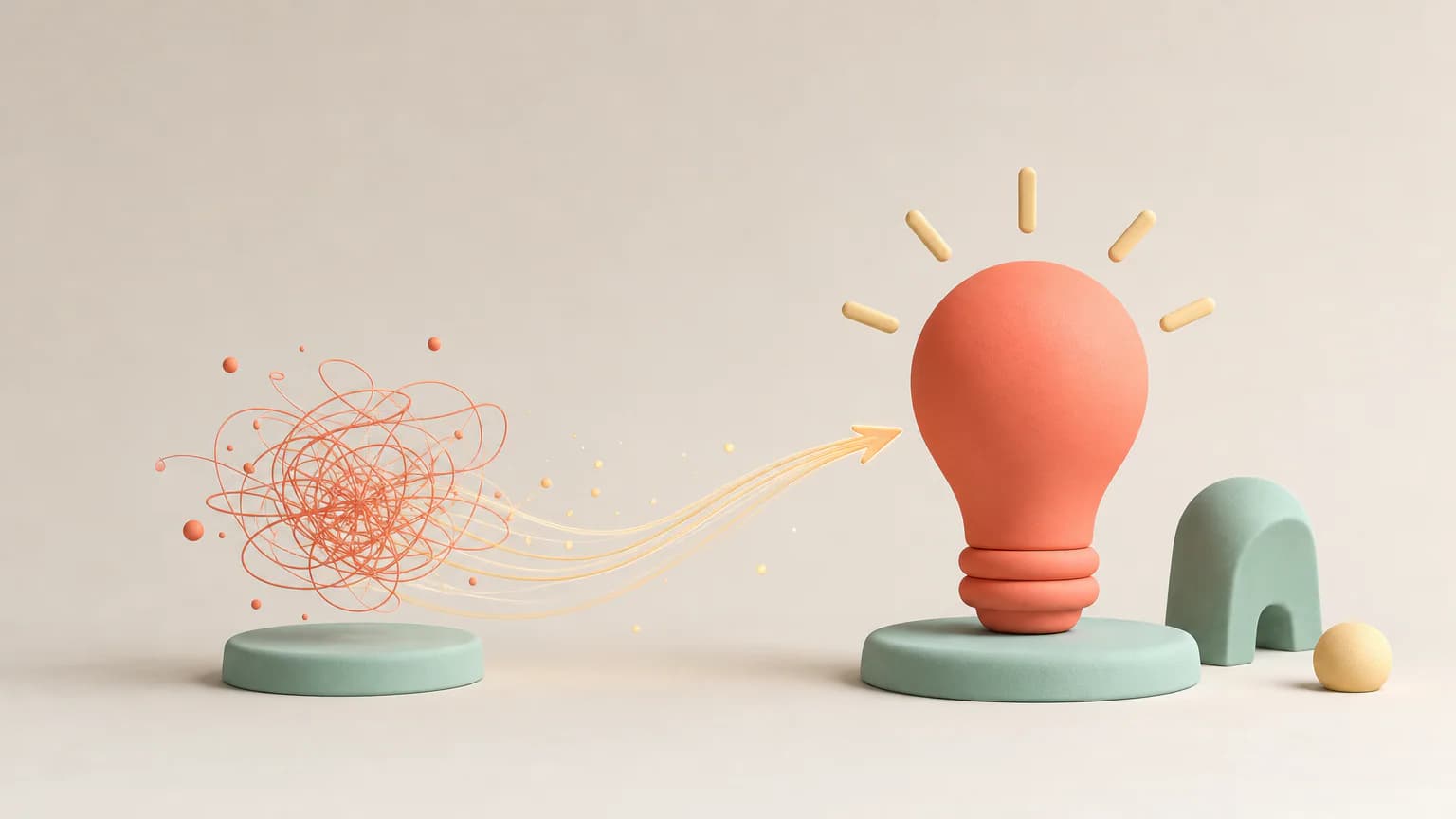
3DChoose Soft Objects when the relationship between objects matters more than a character performing an action.
 3D
3DReady to use Sculpted Characters?