Built for
All templates
Soft Objects · 3D
Soft 3D Illustrations for Product Stories
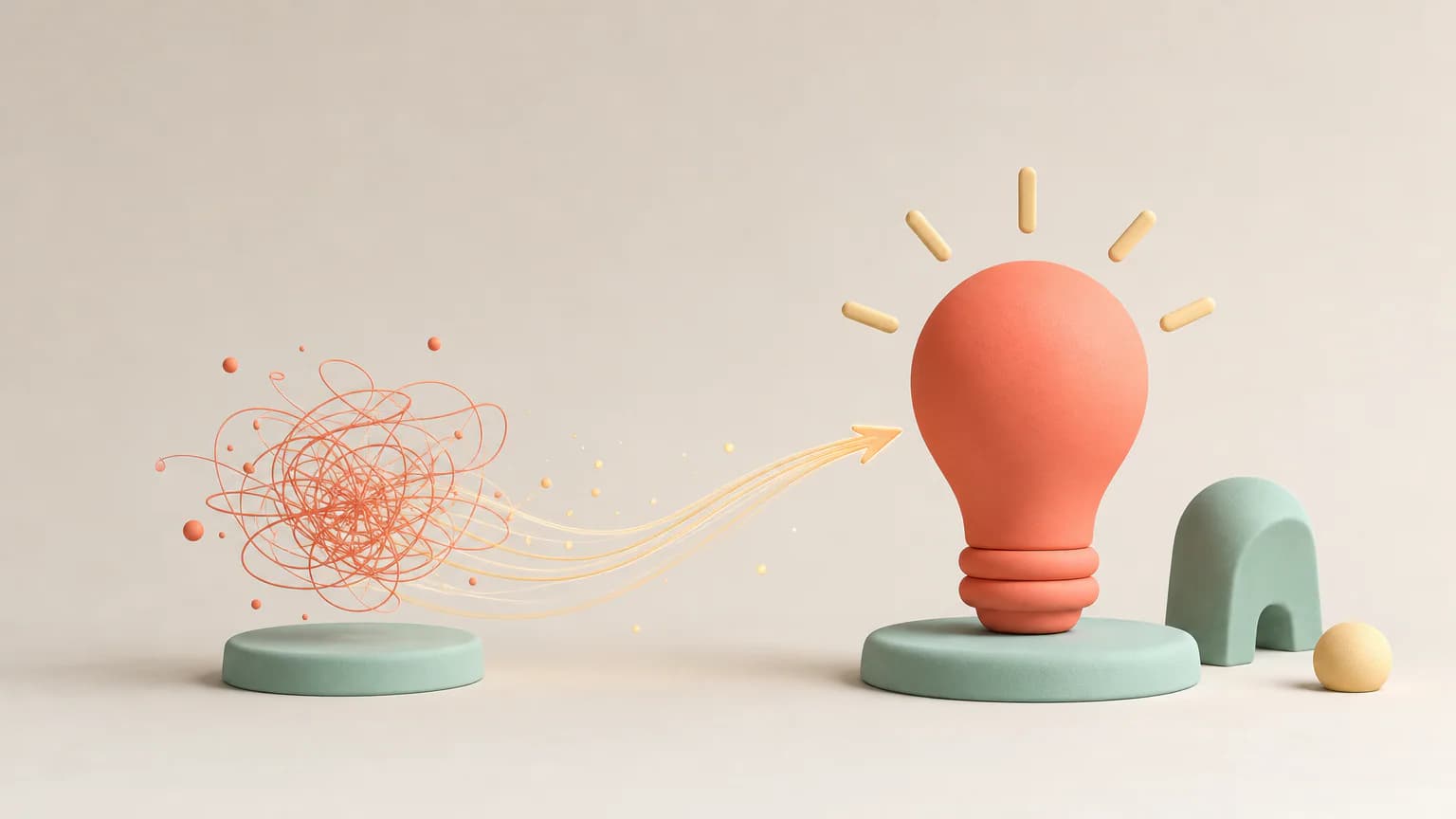
Preview soft 3D illustrations for product stories and beginner guides. Rounded objects, tactile surfaces, and gentle lighting keep the tone approachable.
No individual image prompts needed. Planning and generation use credits. View plans
Core palette
 3D
3DVisual traits
- Soft 3D forms
- Tactile materials
- Gentle lighting
- Optimistic tone
Output defaults
- 16:9 article canvas
- One concept per image
- Editable visual briefs
Choosing your article images
Is Soft Objects right for your article?
Soft Objects uses rounded forms and simple physical relationships to make an unfamiliar idea less intimidating. It suits a product explanation with one clear action, such as joining, balancing, or opening. The focus stays on objects rather than a cast of characters. Expect a rendered sculptural look in a flat image, not a downloadable 3D model.
A beginner-friendly product announcement
A familiar object carrying out the product's central action can introduce its purpose. Use real screenshots elsewhere when readers need to recognize the interface.
A workplace article about small changes
Soft shapes meeting or making space can express accommodation without staging a literal office scene. A restrained setting keeps the relationship easy to see.
What defines the look
Make the idea feel safe to touch.
Soft Objects reduces a concept to a few friendly volumes and gives them a simple physical behavior: stack, balance, connect, pass, contain, or open. The softness changes the emotional temperature without sacrificing explanatory clarity.
Read the illustration style guideHow scenes are arranged
Focal metaphor
Build one dominant physical metaphor around the article's central relationship.
What stays consistent
- tactile matte materials
- soft coherent lighting
- one spatial metaphor
- friendly but not childish forms
Looks this style avoids
- toy advertisement
- emoji character
- glassmorphism UI
- plastic gloss
How color is used
Palette 1: primary structure and focal subject Palette 2: supporting contrast and secondary forms Palette 3: accent for emphasis and directional cues
Example set
A soft physical vocabulary for product ideas.
Forms change function across the sequence while rounded geometry, tactile material, and gentle light keep the set coherent.
AI-generated examples of this style, not photographs of real people, events, or physical artworks.
3DIntroduce the pieces
Present the core actors as distinct tactile forms with an immediately readable relationship.
 3D
3DLet the system move
Use contact, balance, or passage to explain the mechanism without labels.
 3D
3DSettle into the outcome
Resolve the forms into a stable arrangement that communicates completion or confidence.
How it reads an article
It turns abstract functions into familiar objects.
Onboarding can become a sequence of nested forms; collaboration can become separate pieces settling into a shared support. The scenes are intentionally simple, allowing material, contact, and spacing to carry the meaning.
Best fit
Use it for beginner guides, product stories, workplace topics, wellbeing, and technology that should feel welcoming rather than futuristic.
Choose another style when
Avoid it for crisis reporting, sharp opinion, documentary claims, dense evidence, or luxury technology that needs optical precision.
Before you choose
Questions about Soft Objects
Why use soft 3D forms for an explainer?
Physical contact and material make abstract functions intuitive, while rounded geometry lowers the perceived complexity. The result is useful when readers need orientation before technical detail.
Is Soft Objects the same as a 3D character generator?
No. This direction centers on rounded objects and their relationships, not character sheets, avatars, or animation rigs. Choose a character-led template if a recurring person needs to carry the story across the illustrations.
How do I use Soft Objects for my article?
Paste your finished draft, select Soft Objects, and choose a starting image count. Zyncli proposes image ideas and placements for you to review before generating. You can edit the briefs without writing each image prompt from scratch.
Does using this style cost credits?
Planning and image generation use credits, and regenerating an image uses more. You see the quoted cost before each step. Official styles do not require you to build a private brand style. See pricing for current plans and credit allowances.
From draft to image set
Bring the article.
The style is ready.
You do not need to learn the drawing technique or write every prompt. Choose this style, review the proposed scenes, and generate the images that fit your writing.
Open-source SkillInstall Soft Objects from GitHub- 01
Add your finished draft
Paste the article, choose this style, and set a starting image count.
- 02
Review the proposed images
Zyncli suggests scenes and placements. Edit the visual briefs before generating.
- 03
Generate and inspect the set
Check each result for meaning, consistency, and unwanted details. Regenerate individual images when needed.
- 04
Download and publish
Place the image files beside the relevant passages. Keep accurate charts, real photos, and product screenshots where your article needs them.
Compare the alternatives
When to choose a different style
Choose Sculpted Characters when adult figures and readable gestures should carry the product story.
 3D
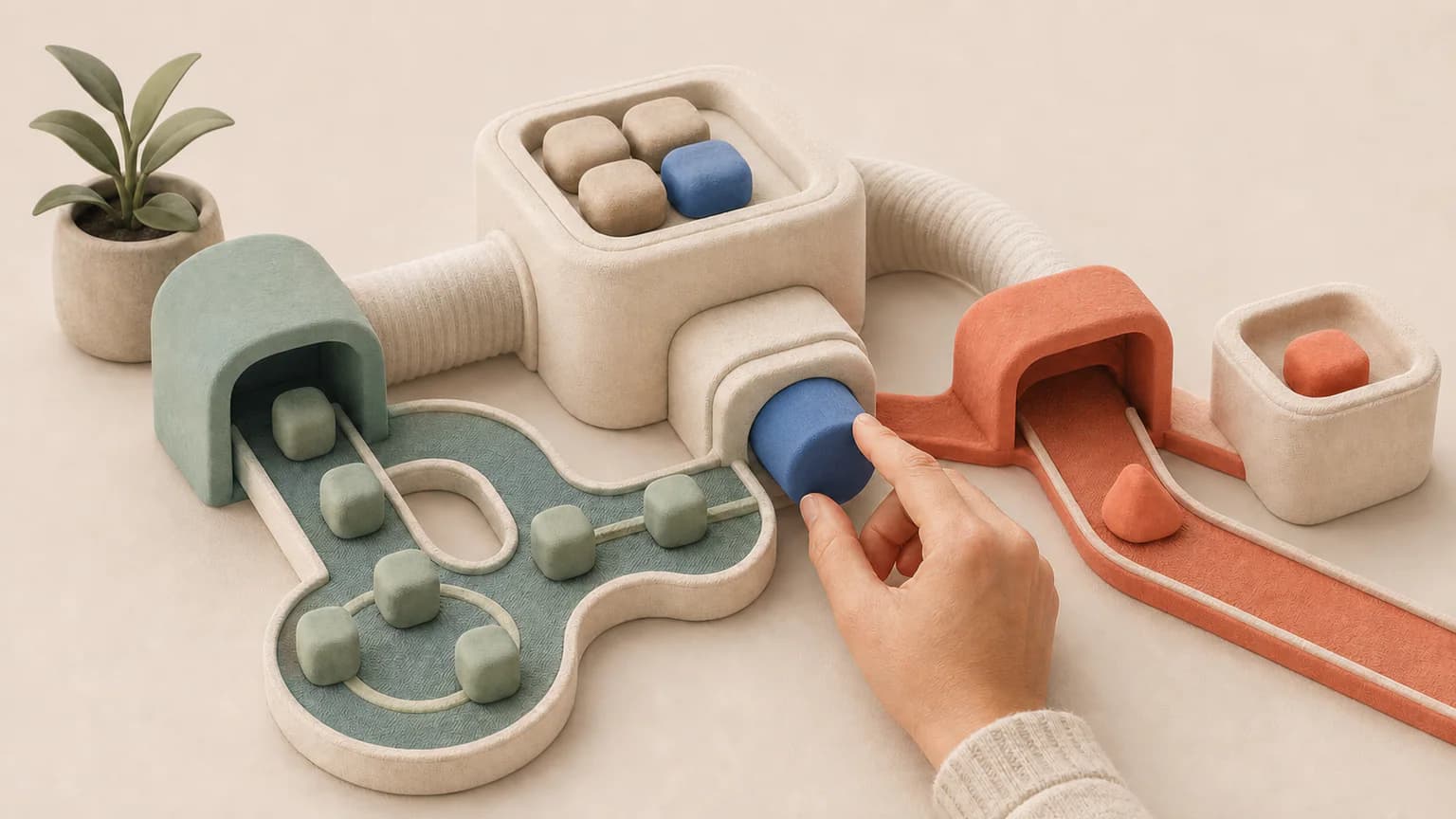
3DChoose Soft Systems 3D for a more structured arrangement of modules, routes, and controls.
 3D
3DReady to use Soft Objects?