Built for
All templates
Candy Crowd 3D · 3D
Playful 3D Teamwork Illustrations for Articles
Explore playful 3D teamwork illustrations for community and learning articles. A candy palette, grainy surfaces, and distinct silhouettes keep groups readable.
No individual image prompts needed. Planning and generation use credits. View plans
Core palette
 3D
Visual traits
- Candy palette
- Grainy 3D
- Distinct silhouettes
- Group interaction
Output defaults
- 16:9 article canvas
- One concept per image
- Editable visual briefs
Choosing your article images
Is Candy Crowd 3D right for your article?
Candy Crowd 3D gives a group a shared tactile world while keeping its participants visibly different. Soft grain and a bright palette make collaboration feel approachable without turning every person into the same avatar. The strongest scenes give the group a common task. Choose it for a friendly community story rather than a solemn investigation or a precise process diagram.
A community article about working together
Different figures supporting one task can show contribution and coordination. Make sure the group interaction remains legible when the image is small in the article.
A learning newsletter with a playful tone
A tactile shared activity can establish an inviting setting. Distinct silhouettes can connect the images without copying the same group arrangement in every scene.
What defines the look
Give every character a role in the group action.
Candy Crowd 3D avoids anonymous avatar packs. It designs a small cast whose scale, posture, and position reveal who welcomes, teaches, builds, questions, or supports within one shared activity.
Read the illustration style guideHow scenes are arranged
Focal metaphor
Build one dominant physical metaphor around the article's central relationship.
What stays consistent
- three to six distinct characters
- one group action
- adult body language
- coherent candy material family
Looks this style avoids
- toy advertisement
- mascot pack
- children's television
- identical avatars
How color is used
Palette 1: primary structure and focal subject Palette 2: supporting contrast and secondary forms Palette 3: accent for emphasis and directional cues Palette 4: restrained supporting accent
Example set
A small cast learning how to act together.
Character materials and silhouettes stay recognizable while roles, objects, and group geometry change.
AI-generated examples of this style, not photographs of real people, events, or physical artworks.
3DIntroduce distinct roles
Use posture and placement to make each contribution legible before the group begins to act.
 3D
Build the shared object
Give the cast one cooperative task whose parts require different kinds of participation.
 3D
Change the shape of belonging
Resolve by altering group geometry to show inclusion, learning, or mutual support.
How it reads an article
It makes social structure feel approachable.
Peer learning can become characters assembling one soft structure from different pieces; belonging can become a group actively changing its shape to include someone new. Grain and matte color keep the world tactile rather than plastic.
Best fit
Use it for education, community, onboarding, playful teamwork, youth-adjacent but adult content, and optimistic stories about shared discovery.
Choose another style when
Avoid it for legal, financial, medical, tragic, or highly technical subjects, and for brands that require restrained photographic authority.
Before you choose
Questions about Candy Crowd 3D
How does Candy Crowd 3D avoid looking like a toy collection?
Characters are designed around an editorial action, not displayed as products. Adult body language, coherent group hierarchy, matte grain, and a single shared task keep the scene narrative and purposeful.
How do I choose between playful 3D and more restrained 3D characters?
Use Candy Crowd 3D when bright color, group interaction, and a playful material suit the writing. Use Sculpted Characters when individual adult gestures and a calmer product-story tone matter more. Compare the examples at the size readers will see them.
How do I use Candy Crowd 3D for my article?
Paste your finished draft, select Candy Crowd 3D, and choose a starting image count. Zyncli proposes image ideas and placements for you to review before generating. You can edit the briefs without writing each image prompt from scratch.
Does using this style cost credits?
Planning and image generation use credits, and regenerating an image uses more. You see the quoted cost before each step. Official styles do not require you to build a private brand style. See pricing for current plans and credit allowances.
From draft to image set
Bring the article.
The style is ready.
You do not need to learn the drawing technique or write every prompt. Choose this style, review the proposed scenes, and generate the images that fit your writing.
Open-source SkillInstall Candy Crowd 3D from GitHub- 01
Add your finished draft
Paste the article, choose this style, and set a starting image count.
- 02
Review the proposed images
Zyncli suggests scenes and placements. Edit the visual briefs before generating.
- 03
Generate and inspect the set
Check each result for meaning, consistency, and unwanted details. Regenerate individual images when needed.
- 04
Download and publish
Place the image files beside the relevant passages. Keep accurate charts, real photos, and product screenshots where your article needs them.
Compare the alternatives
When to choose a different style
Choose Sculpted Characters for a calmer adult figure treatment with smoother matte surfaces and more restrained staging.
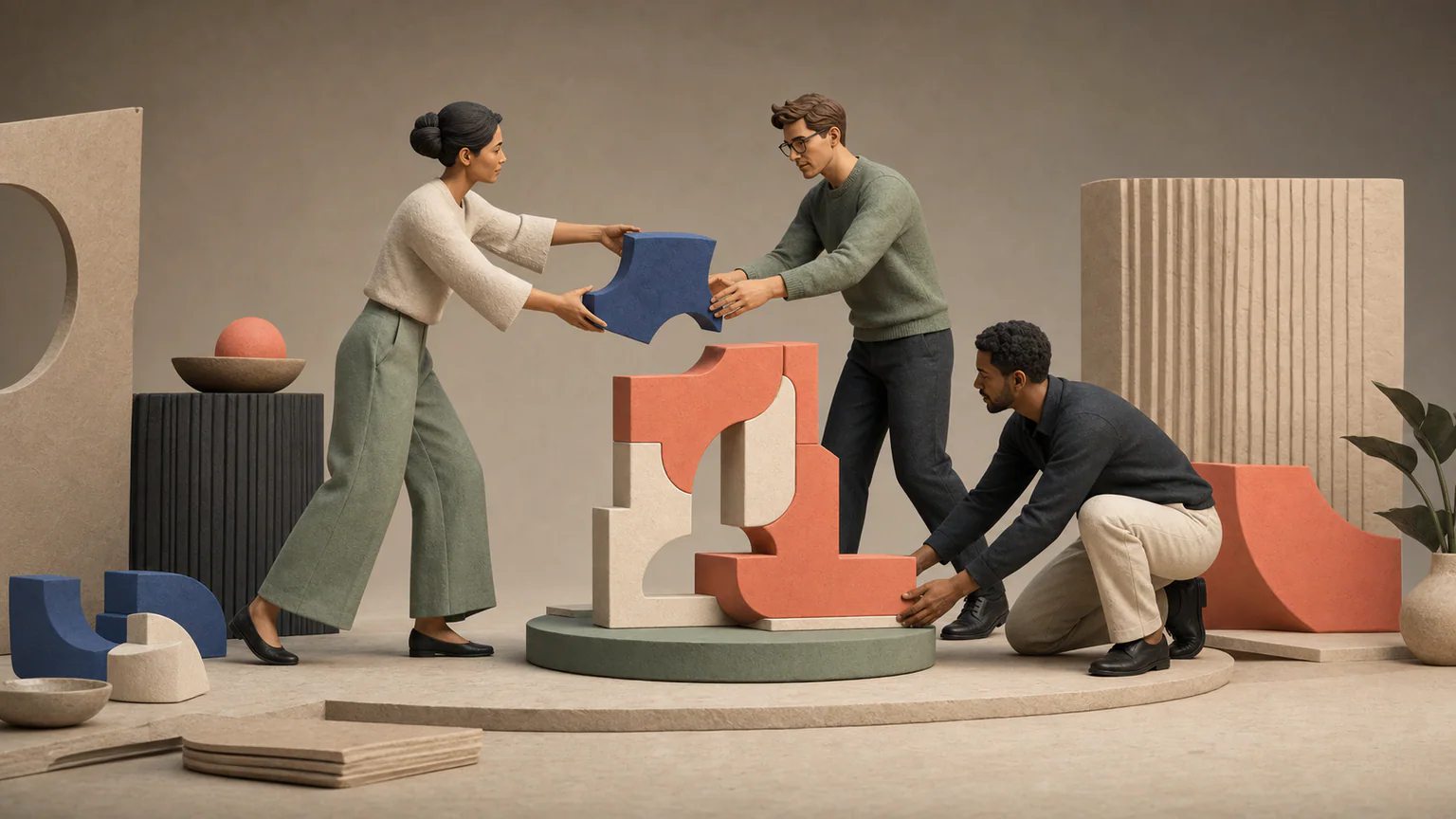 3D
Choose Inclusive Monochrome for group actions expressed through black-and-white linework rather than colorful sculptural characters.
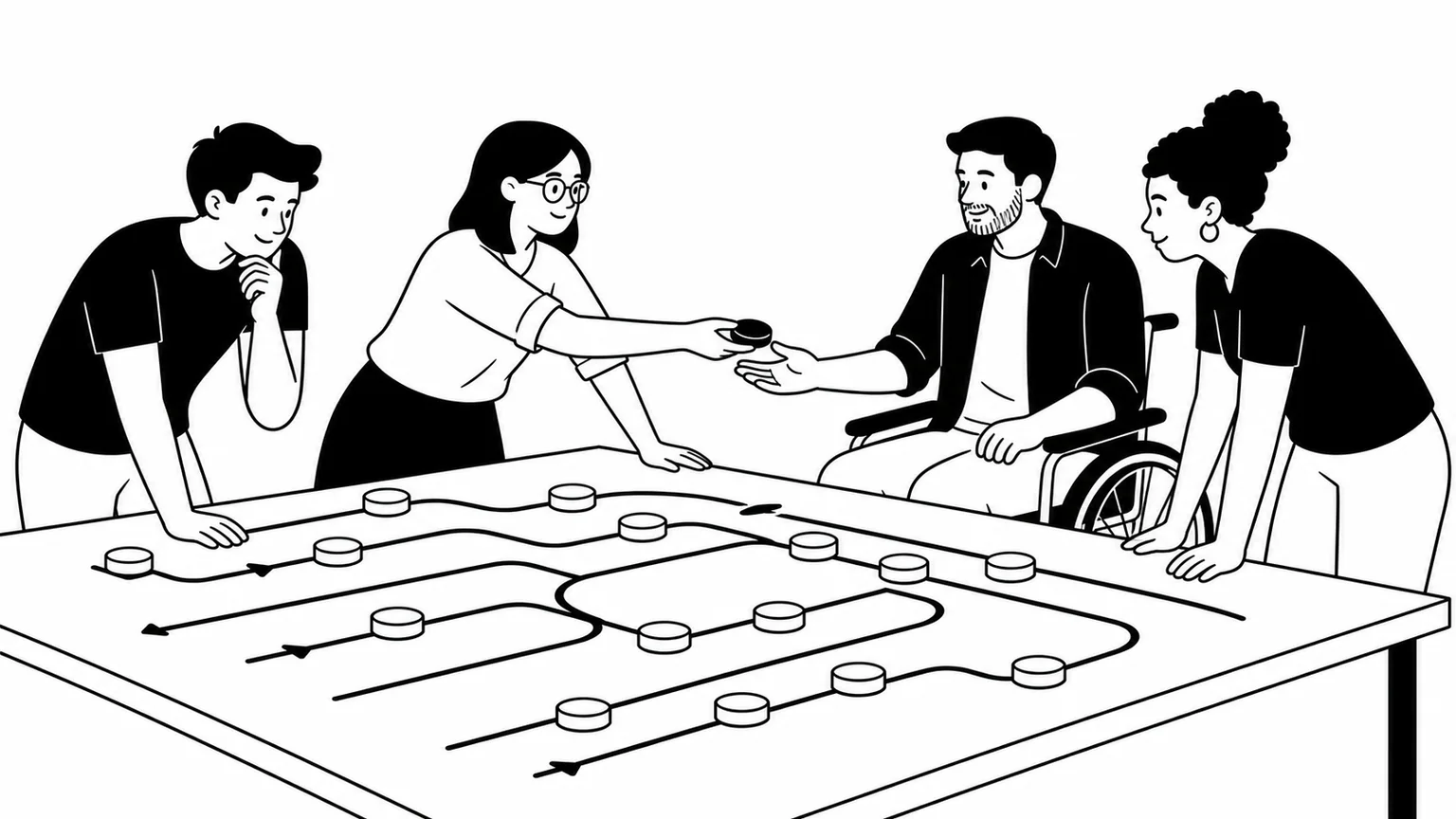 Workplace
Ready to use Candy Crowd 3D?