Built for
All templates
Cozy Knowledge Workspace · Workplace
Cozy Workspace Illustrations for Creative Articles
Illustrate creative work and learning with warm gouache workspace scenes. Cozy Knowledge Workspace focuses on tools, inhabited rooms, and purposeful activity.
No individual image prompts needed. Planning and generation use credits. View plans
Core palette
 Workplace
Visual traits
- Gouache texture
- Object clusters
- Warm interiors
- Narrative detail
Output defaults
- 16:9 article canvas
- One concept per image
- Editable visual briefs
Choosing your article images
Is Cozy Knowledge Workspace right for your article?
Cozy Knowledge Workspace makes thinking visible through the place where it happens. A collection of tools, papers, and surfaces gives one focused activity a setting. Gouache texture and pencil detail provide warmth without a photographic finish. Choose it for process writing where an inhabited room tells more than an isolated symbol or an abstract flow of modules.
A newsletter about a writer's working habits
A specific activity at a desk can accompany the passage about practice. Treat the scene as a conceptual workspace unless it is based on approved documentation of the actual room.
An education article about learning by making
A workbench and a task in progress can give the lesson a physical context. The surrounding objects should explain the activity rather than simply fill the room.
What defines the look
Let the workspace reveal the method.
Cozy Knowledge Workspace treats objects as traces of cognition. Notes, trays, books, screens, and unfinished materials are grouped by function so the reader can infer input, processing, repetition, and output without a formal diagram.
Read the illustration style guideHow scenes are arranged
Focal metaphor
Build one dominant physical metaphor around the article's central relationship.
What stays consistent
- one dominant human action
- organized prop families
- believable inhabited depth
- warm tactile surfaces
Looks this style avoids
- furniture catalog
- generic cozy décor
- cottagecore excess
- perfect 3D interior
How color is used
Palette 1: primary structure and focal subject Palette 2: supporting contrast and secondary forms Palette 3: accent for emphasis and directional cues Palette 4: restrained supporting accent
Example set
A method revealed through an inhabited studio.
The room remains recognizable while props and human action shift from intake to iteration to finished work.
AI-generated examples of this style, not photographs of real people, events, or physical artworks.
WorkplaceShow what enters the practice
Organize source objects around the human action so inputs feel collected rather than decorative.
 Workplace
Reveal the working loop
Use repeated tools, marks, or containers to show how the practice develops through iteration.
 Workplace
Make the output feel earned
Connect the final artifact back to the visible traces of work that produced it.
How it reads an article
It reads for habits, tools, and accumulated work.
The Skill identifies what the person repeatedly does and which objects prove it. It stages one human action as the focal point while surrounding clusters reveal the larger method.
Best fit
Use it for creative process, knowledge work, education, productivity, research practice, and behind-the-scenes editorial stories.
Choose another style when
Avoid it for large-scale infrastructure, urgent conflict, sparse abstract arguments, or content where the environment would distract from the central claim.
Before you choose
Questions about Cozy Knowledge Workspace
Why can a workspace explain a knowledge process?
Tools, placement, repetition, and residue make invisible habits observable. The Skill uses those environmental clues deliberately, allowing a workflow to be understood as lived practice rather than an abstract sequence of boxes.
How does Cozy Knowledge Workspace differ from Office Stories?
This style emphasizes the environment, materials, and a focused practice, often with a painterly surface. Office Stories puts more weight on interactions between people. Choose the former for a working process and the latter for a team relationship.
How do I use Cozy Knowledge Workspace for my article?
Paste your finished draft, select Cozy Knowledge Workspace, and choose a starting image count. Zyncli proposes image ideas and placements for you to review before generating. You can edit the briefs without writing each image prompt from scratch.
Does using this style cost credits?
Planning and image generation use credits, and regenerating an image uses more. You see the quoted cost before each step. Official styles do not require you to build a private brand style. See pricing for current plans and credit allowances.
From draft to image set
Bring the article.
The style is ready.
You do not need to learn the drawing technique or write every prompt. Choose this style, review the proposed scenes, and generate the images that fit your writing.
Open-source SkillInstall Cozy Knowledge Workspace from GitHub- 01
Add your finished draft
Paste the article, choose this style, and set a starting image count.
- 02
Review the proposed images
Zyncli suggests scenes and placements. Edit the visual briefs before generating.
- 03
Generate and inspect the set
Check each result for meaning, consistency, and unwanted details. Regenerate individual images when needed.
- 04
Download and publish
Place the image files beside the relevant passages. Keep accurate charts, real photos, and product screenshots where your article needs them.
Compare the alternatives
When to choose a different style
Choose Gouache Field Notes when observation and collaboration matter more than a detailed interior.
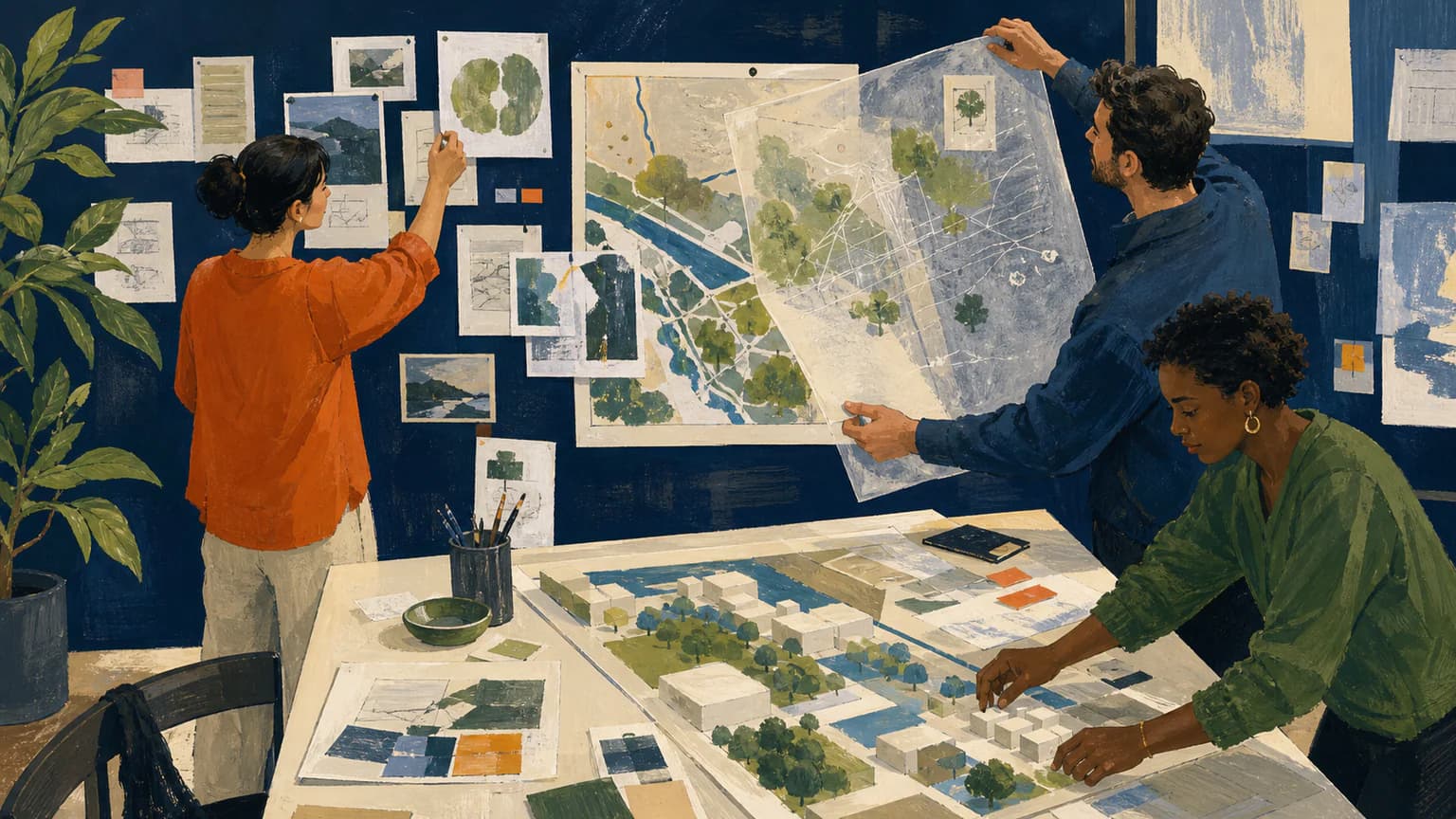 Illustration
Choose Office Stories when expressive adults and team interactions should lead the image instead of the workspace.
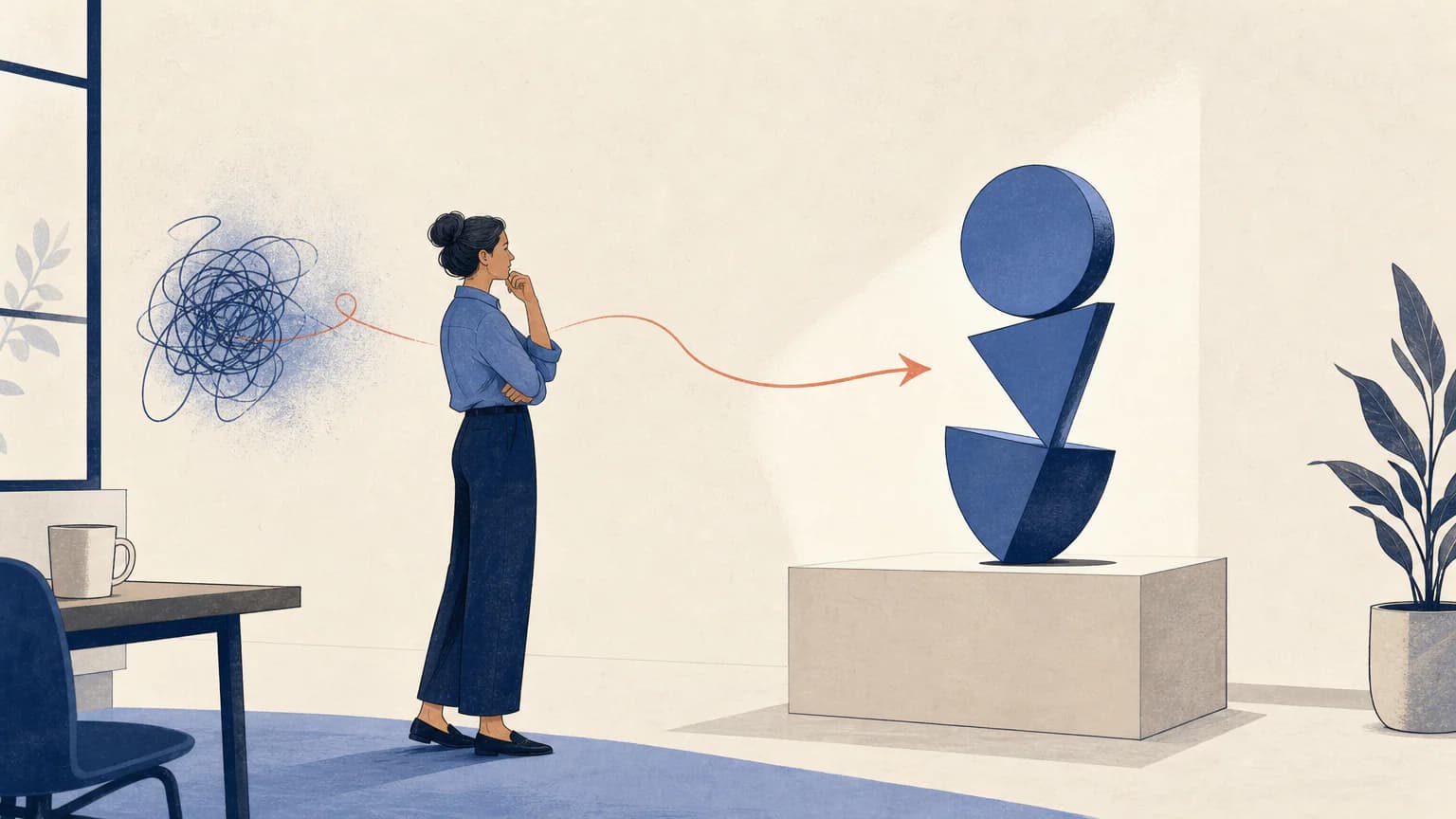 Workplace
Ready to use Cozy Knowledge Workspace?