Built for
All templates
Xiaohei Editorial · Character
Hand-Drawn Character Illustrations for Articles
Give essays and newsletters a recurring hand-drawn character. Preview Xiaohei Editorial and illustrate your article without writing each image prompt.
No individual image prompts needed. Planning and generation use credits. View plans
Core palette
 Character-led
Visual traits
- Minimal linework
- Recurring character
- Visual metaphors
- High whitespace
Output defaults
- 16:9 article canvas
- One concept per image
- Editable visual briefs
Choosing your article images
Is Xiaohei Editorial right for your article?
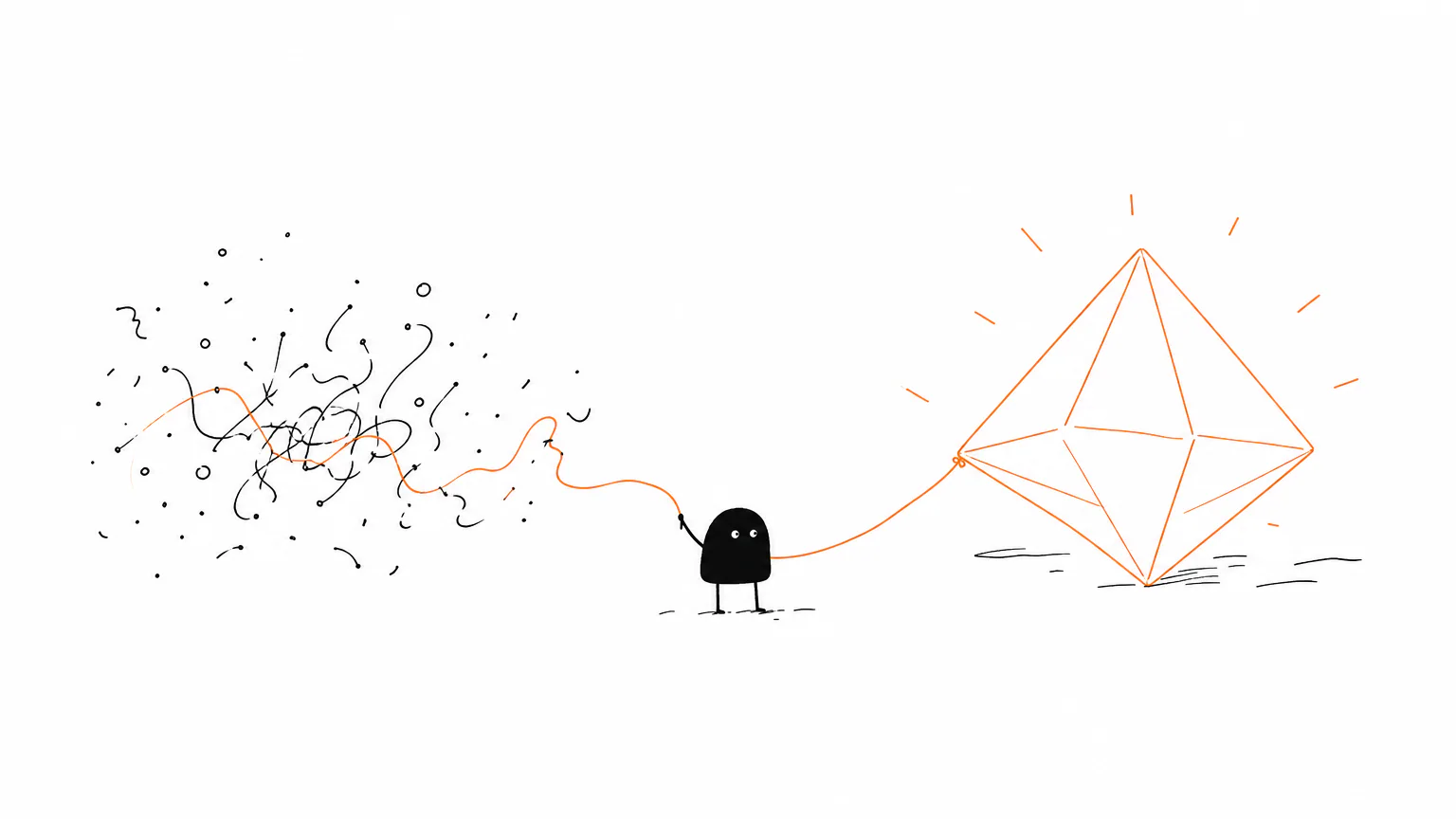
A small black figure carries, tests, sorts, and connects objects against an open white background. The repeated character ties an image set together, while a different action gives each passage its own point. Choose this style when an abstract argument needs a human participant rather than a diagram or a literal scene of office life.
A newsletter about information overload
An overloaded container or an awkward sorting task can express the burden of too much input. The character makes the problem relatable without an invented interface.
An essay about working with AI
A person operating an unfamiliar mechanism gives the human a visible role. Separate scenes can show judgment, delegation, and correction in the same sparse drawing style.
What defines the look
Draw the cognitive action, not the topic.
Xiaohei works because the character is a functional part of the argument. The Skill finds one cognitive anchor, invents a slightly absurd low-tech physical metaphor, and gives Xiaohei the action that makes the relationship understandable. White space and restrained annotation keep the result closer to editorial explanation than cartoon storytelling.
Read the illustration style guideHow scenes are arranged
Workflow
Inputs on the left, Xiaohei or an odd machine in the middle, output on the right, with restrained orange movement.
What stays consistent
- one core action
- large quiet area
- clear structure without naming the structure type
- fresh metaphor
Looks this style avoids
- commercial illustration
- PPT infographic
- formal flowchart
- course slide
How color is used
Black: main line art, character, structure, primary labels Red: warnings, problems, emotional point, result Orange: primary flow, path, arrows, movement Blue: secondary note, system state, AI feedback
Example set
One character, three different cognitive jobs.
The character remains recognizable while the object, action, and spatial problem are reinvented for each passage. Repeating an old composition would miss the point of the Skill.
AI-generated examples of this style, not photographs of real people, events, or physical artworks.
Character-ledTurn a claim into a task
Give Xiaohei a concrete job that embodies the article's opening claim, so the reader sees the premise before reading an explanation.
 Character-led
Make the process physically awkward
Convert friction, sorting, compounding, or handoff into a strange but legible mechanism that Xiaohei must operate.
 Character-led
End on a changed state
Show what becomes possible after the system moves, using one resolved gesture rather than a decorative conclusion.
How it reads an article
It treats every argument like a small machine.
A passage about trust may become a bridge built one proof at a time; a passage about overload may become a well that keeps swallowing information. The subject changes, but the method remains stable: isolate one mental operation, make it physical, and let the recurring black figure test, carry, sort, connect, or resist it.
Best fit
Use it for knowledge writing, AI workflows, creator essays, methods, and opinion pieces whose strongest ideas can be expressed through actions or physical relationships.
Choose another style when
Avoid it for photorealistic stories, premium brand campaigns, dense data visualization, strict diagrams, or content that depends on long labels and exact typography.
Before you choose
Questions about Xiaohei Editorial
Why is Xiaohei effective for knowledge and methodology articles?
Its recurring character gives a multi-image set continuity, while each scene is rebuilt around a different cognitive action. The combination of a stable protagonist, one physical metaphor, sparse annotation, and generous white space makes abstract writing easier to enter without flattening it into a slide or generic cartoon.
Do I need to design a character before using Xiaohei Editorial?
No. This official style already includes a recurring character direction. Bring your finished writing; Zyncli proposes article-specific scenes for review. Check each result for character continuity rather than expecting identical poses or a locked mascot asset.
How do I use Xiaohei Editorial for my article?
Paste your finished draft, select Xiaohei Editorial, and choose a starting image count. Zyncli proposes image ideas and placements for you to review before generating. You can edit the briefs without writing each image prompt from scratch.
Does using this style cost credits?
Planning and image generation use credits, and regenerating an image uses more. You see the quoted cost before each step. Official styles do not require you to build a private brand style. See pricing for current plans and credit allowances.
From draft to image set
Bring the article.
The style is ready.
You do not need to learn the drawing technique or write every prompt. Choose this style, review the proposed scenes, and generate the images that fit your writing.
- 01
Add your finished draft
Paste the article, choose this style, and set a starting image count.
- 02
Review the proposed images
Zyncli suggests scenes and placements. Edit the visual briefs before generating.
- 03
Generate and inspect the set
Check each result for meaning, consistency, and unwanted details. Regenerate individual images when needed.
- 04
Download and publish
Place the image files beside the relevant passages. Keep accurate charts, real photos, and product screenshots where your article needs them.
Compare the alternatives
When to choose a different style
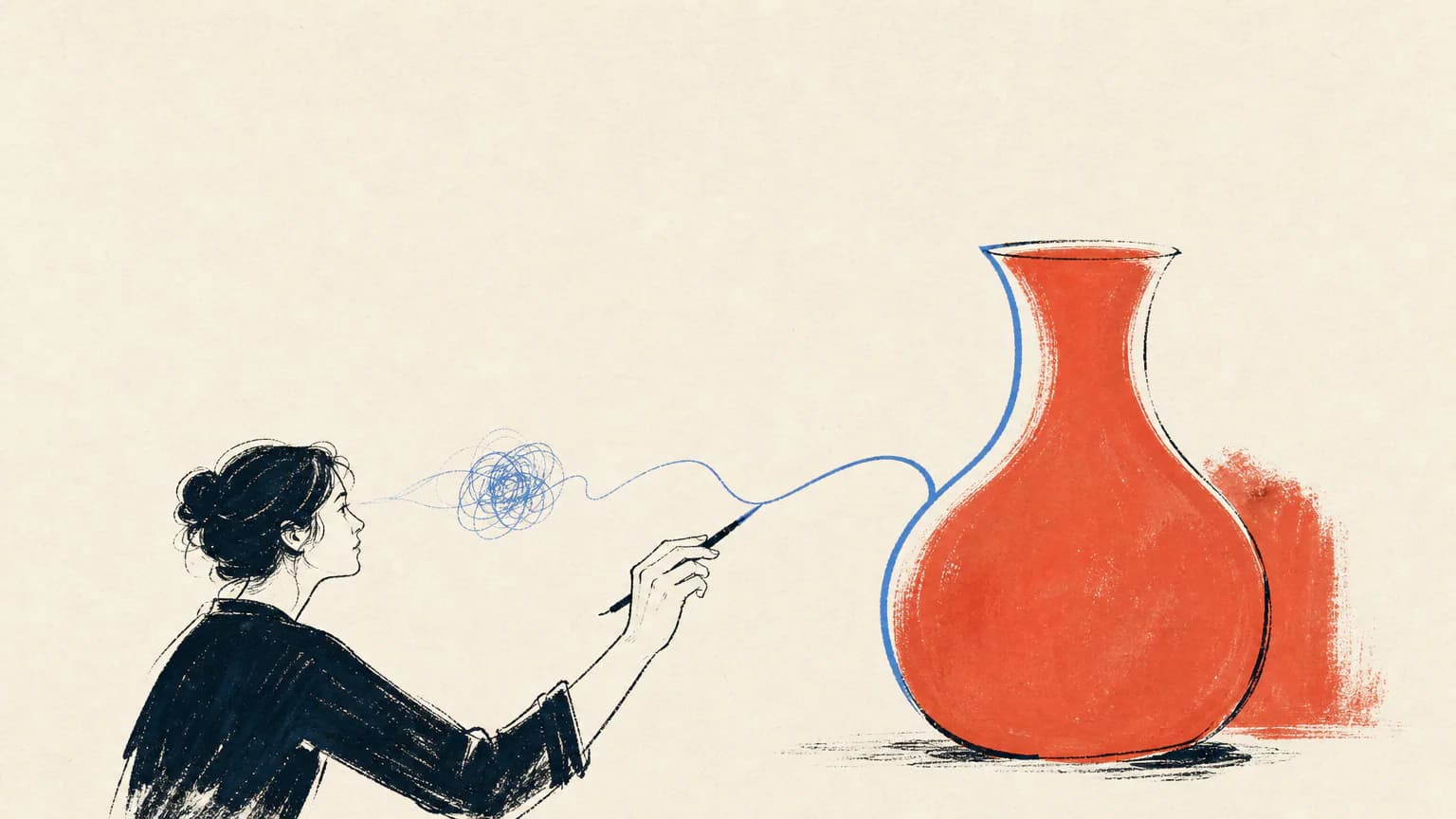
Choose Human Lines for looser adult gestures and emotional essays without one recurring black figure.
 Illustration
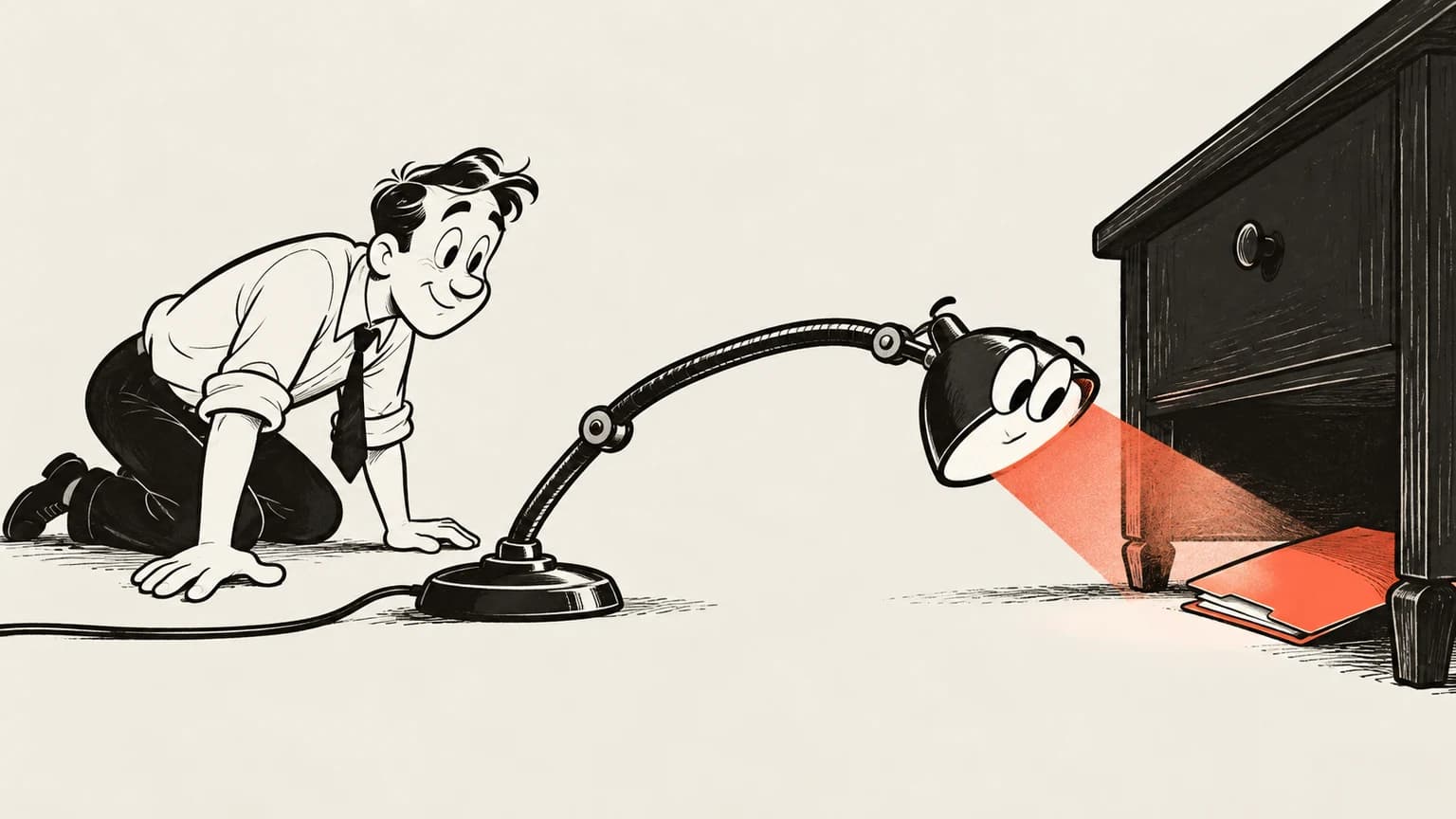
Choose Rubber Hose Workshop when a broad physical gag and elastic cartoon movement suit the article better.
 Vintage cartoon ink
Ready to use Xiaohei Editorial?