Built for
All templates
Technical Field Notes · Explainer
Technical Sketch Illustrations for System Explainers
Give system explainers a technical sketch treatment. Technical Field Notes uses graphite, cutaway ideas, and small functional accents on paper.
No individual image prompts needed. Planning and generation use credits. View plans
Core palette
 Explainer
Visual traits
- Graphite studies
- Cutaway mechanisms
- Functional accents
- Paper field
Output defaults
- 16:9 article canvas
- One concept per image
- Editable visual briefs
Choosing your article images
Is Technical Field Notes right for your article?
Technical Field Notes makes an abstract process look as though it is being investigated on a workbench. Pencil studies, exposed mechanisms, and a few colored details suggest inquiry rather than a finished product specification. It is useful for explaining why a workflow behaves a certain way, while leaving exact dimensions, component names, and safety instructions to verified documentation.
An article about an AI workflow bottleneck
An imagined mechanism can reveal where input collects or a handoff narrows. Label it as a conceptual explanation, not a technical drawing of the actual system.
A product essay about design choices
A sketch-like cutaway can focus attention on a hidden relationship. Different studies can accompany alternatives without resembling a screenshot or a manufacturing specification.
What defines the look
Explain the mechanism, including where it can fail.
Technical Field Notes translates a system into believable moving parts, inputs, selectors, and outputs. Exploratory marks show thinking, while the final ink path clarifies the relationship the reader needs to retain.
Read the illustration style guideHow scenes are arranged
Focal metaphor
Build one dominant physical metaphor around the article's central relationship.
What stays consistent
- one central invented mechanism
- no more than two supporting studies
- believable functional relationship
- visible graphite-to-ink hierarchy
Looks this style avoids
- CAD render
- patent-copy imitation
- blueprint cliché
- school worksheet
How color is used
Palette 1: primary structure and focal subject Palette 2: supporting contrast and secondary forms Palette 3: accent for emphasis and directional cues Palette 4: restrained supporting accent
Example set
A system opened up like an inventor's notebook.
Graphite exploration and functional accents stay consistent while each frame reveals another causal layer.
AI-generated examples of this style, not photographs of real people, events, or physical artworks.
ExplainerIdentify the components
Sketch the minimum parts needed to understand the starting state and system boundary.
 Explainer
Open the mechanism
Use a cutaway or routing view to show where the transformation actually occurs.
 Explainer
Trace the output
Follow the consequence through the machine, including friction or loss when it matters.
How it reads an article
It reads for cause, routing, and transformation.
A model pipeline might become a set of chambers with visible handoffs; a decision process might become a selector that changes the route. The invented mechanism is judged by explanatory truth, not literal realism.
Best fit
Use it for AI workflows, product systems, technical explainers, operations, and articles that compare how mechanisms behave.
Choose another style when
Avoid it for emotional storytelling, photographic evidence, polished consumer campaigns, or content requiring formally accurate schematics.
Before you choose
Questions about Technical Field Notes
Why use an invented mechanism instead of a conventional diagram?
A physical mechanism makes causality easier to imagine while preserving editorial character. The Skill remains honest by avoiding engineering precision and using only the parts needed to explain the article's relationship.
Are Technical Field Notes images accurate engineering drawings?
No. They are generated editorial sketches with an engineering-inspired appearance. Use reviewed CAD files, schematics, and measured diagrams when accuracy is required. This style helps communicate a conceptual mechanism around those technical materials.
How do I use Technical Field Notes for my article?
Paste your finished draft, select Technical Field Notes, and choose a starting image count. Zyncli proposes image ideas and placements for you to review before generating. You can edit the briefs without writing each image prompt from scratch.
Does using this style cost credits?
Planning and image generation use credits, and regenerating an image uses more. You see the quoted cost before each step. Official styles do not require you to build a private brand style. See pricing for current plans and credit allowances.
Technology Illustration: Examples for AI and Software Articles
From draft to image set
Bring the article.
The style is ready.
You do not need to learn the drawing technique or write every prompt. Choose this style, review the proposed scenes, and generate the images that fit your writing.
Open-source SkillInstall Technical Field Notes from GitHub- 01
Add your finished draft
Paste the article, choose this style, and set a starting image count.
- 02
Review the proposed images
Zyncli suggests scenes and placements. Edit the visual briefs before generating.
- 03
Generate and inspect the set
Check each result for meaning, consistency, and unwanted details. Regenerate individual images when needed.
- 04
Download and publish
Place the image files beside the relevant passages. Keep accurate charts, real photos, and product screenshots where your article needs them.
Compare the alternatives
When to choose a different style
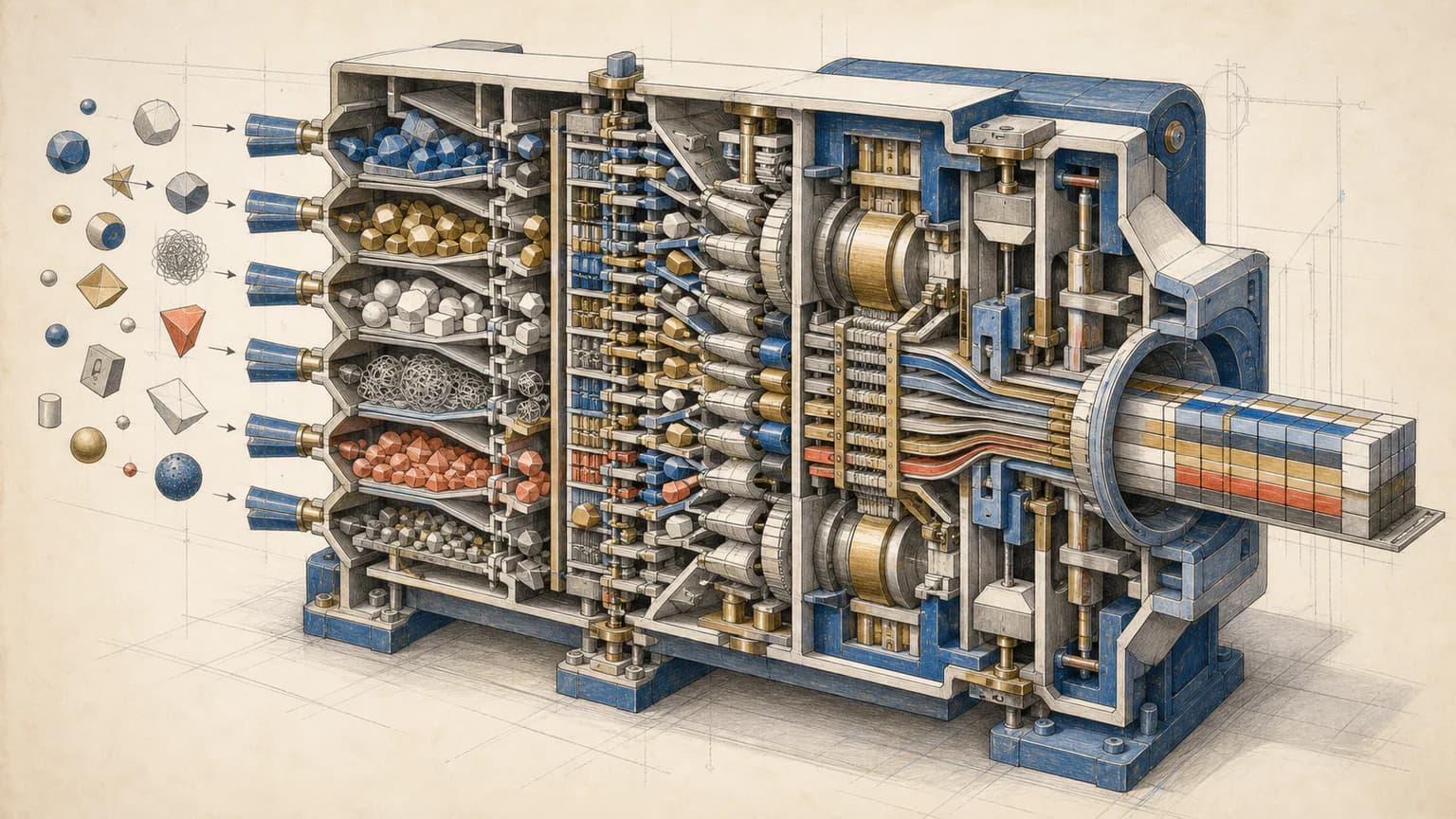
Choose Process Cutaway when a single sectioned instrument should reveal an internal transformation more explicitly.
 Explainer
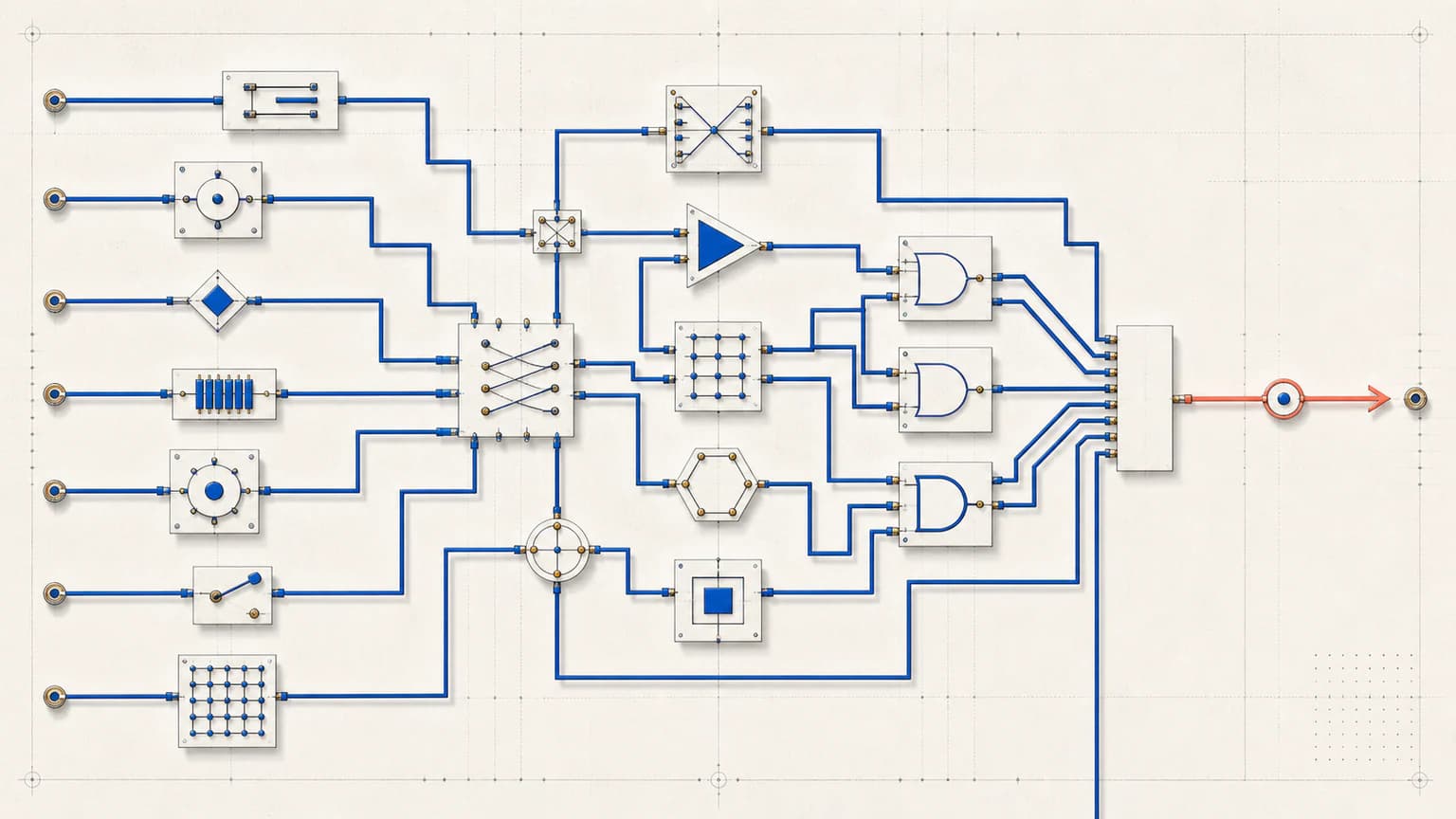
Choose Precision Circuit for cleaner orthogonal routing and measured-looking modules instead of loose graphite studies.
 Explainer
Ready to use Technical Field Notes?