Built for
All templates
Signal Matrix · Technology
Digital Collage for AI and Cybersecurity Articles
Illustrate AI, cybersecurity, and infrastructure articles with modular collage. Signal Matrix shows system relationships without generic robot imagery.
No individual image prompts needed. Planning and generation use credits. View plans
Core palette
 Technology
Visual traits
- System metaphors
- Digital texture
- Cobalt light
- Modular collage
Output defaults
- 16:9 article canvas
- One concept per image
- Editable visual briefs
Choosing your article images
Is Signal Matrix right for your article?
Signal Matrix combines digital texture, cobalt light, and assembled modules to suggest connections that a photograph cannot show. It is useful when your writing concerns information moving through a system, a boundary being tested, or a dependency becoming visible. The scenes explain an idea at an editorial level rather than documenting the exact architecture of a deployed network.
A cybersecurity explainer
A clearly defined boundary and one interrupted connection can support a passage about trust. Do not present a generated route as a verified threat map.
An AI infrastructure newsletter
Separated modules brought into relation can suggest orchestration or hidden dependencies. Keep the article's real architecture diagram beside the conceptual art if precision matters.
What defines the look
Expose the relationship inside the technology.
Signal Matrix is built around boundaries, flows, dependencies, and failure points. It uses luminous structure only where the article describes active information or control, while scanned texture and matte fields keep the image editorial.
Read the illustration style guideHow scenes are arranged
Focal metaphor
Build one dominant physical metaphor around the article's central relationship.
What stays consistent
- one concrete system relationship
- a dominant engineered structure or symbolic machine
- controlled cobalt, ultraviolet, and cyan light
- clear depth with foreground, system core, and quiet field
Looks this style avoids
- generic glowing brain
- hooded hacker
- floating dashboard panels
- robot handshake
How color is used
Palette 1: primary structure and focal subject Palette 2: supporting contrast and secondary forms Palette 3: accent for emphasis and directional cues Palette 4: restrained supporting accent
Example set
A technical system explained without UI chrome.
Modules and signal paths evolve across the set while cobalt light and restrained texture preserve one technical world.
AI-generated examples of this style, not photographs of real people, events, or physical artworks.
TechnologyMap the boundary
Define what belongs inside the system and where external pressure or input enters.
 Technology
Trace the active dependency
Highlight the one route, bottleneck, or exchange that carries the article's claim.
 Technology
Show the system consequence
Change the structure or signal state to make the downstream effect visible.
How it reads an article
It reads technical prose as a system map.
The Skill identifies actors, interfaces, direction of movement, and the consequence of a change. It then compresses that model into one visual relationship rather than illustrating code, dashboards, or generic AI symbols.
Best fit
Use it for AI architecture, cybersecurity, platform infrastructure, data flows, and product strategy with a clear system-level argument.
Choose another style when
Avoid it for personal narratives, people-first workplace stories, basic tutorials, or topics where a real photograph is the evidence.
Before you choose
Questions about Signal Matrix
How does Signal Matrix avoid generic AI imagery?
It starts from the article's actual system relationship, not from visual shorthand such as brains, robots, or floating code. Every luminous element represents a boundary, route, dependency, or state change.
Can Signal Matrix replace an architecture diagram?
It is better suited to an article opener or a conceptual explanation. It does not validate network topology, security configurations, or system behavior. Use reviewed technical diagrams for implementation details and this style for the argument around them.
How do I use Signal Matrix for my article?
Paste your finished draft, select Signal Matrix, and choose a starting image count. Zyncli proposes image ideas and placements for you to review before generating. You can edit the briefs without writing each image prompt from scratch.
Does using this style cost credits?
Planning and image generation use credits, and regenerating an image uses more. You see the quoted cost before each step. Official styles do not require you to build a private brand style. See pricing for current plans and credit allowances.
Technology Illustration: Examples for AI and Software Articles
From draft to image set
Bring the article.
The style is ready.
You do not need to learn the drawing technique or write every prompt. Choose this style, review the proposed scenes, and generate the images that fit your writing.
Open-source SkillInstall Signal Matrix from GitHub- 01
Add your finished draft
Paste the article, choose this style, and set a starting image count.
- 02
Review the proposed images
Zyncli suggests scenes and placements. Edit the visual briefs before generating.
- 03
Generate and inspect the set
Check each result for meaning, consistency, and unwanted details. Regenerate individual images when needed.
- 04
Download and publish
Place the image files beside the relevant passages. Keep accurate charts, real photos, and product screenshots where your article needs them.
Compare the alternatives
When to choose a different style
Choose Precision Circuit when orthogonal routing and measured modules should dominate the image.
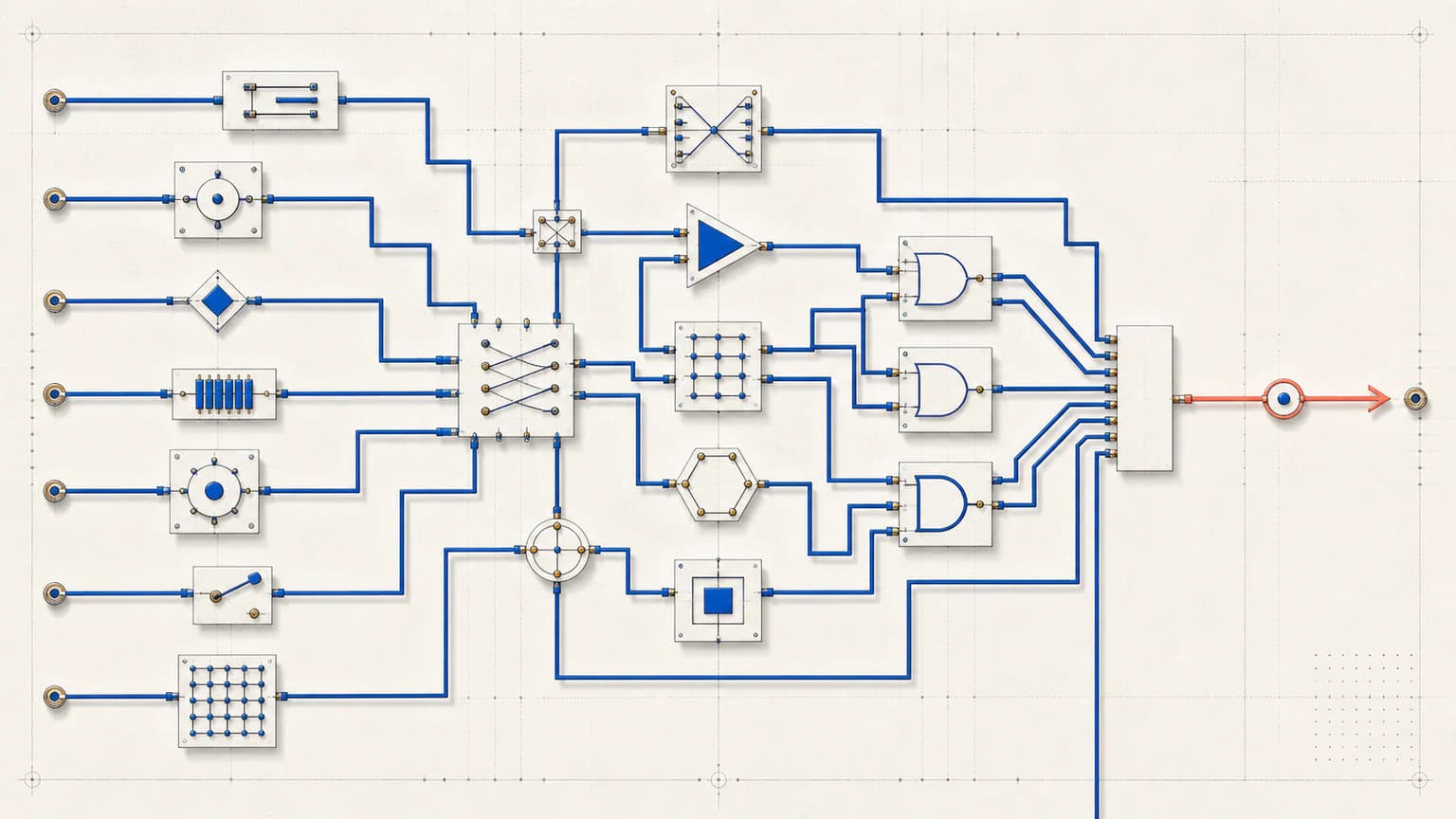 Explainer
Choose Glass Systems for a transparent physical system rendered with glass and metal rather than digital collage.
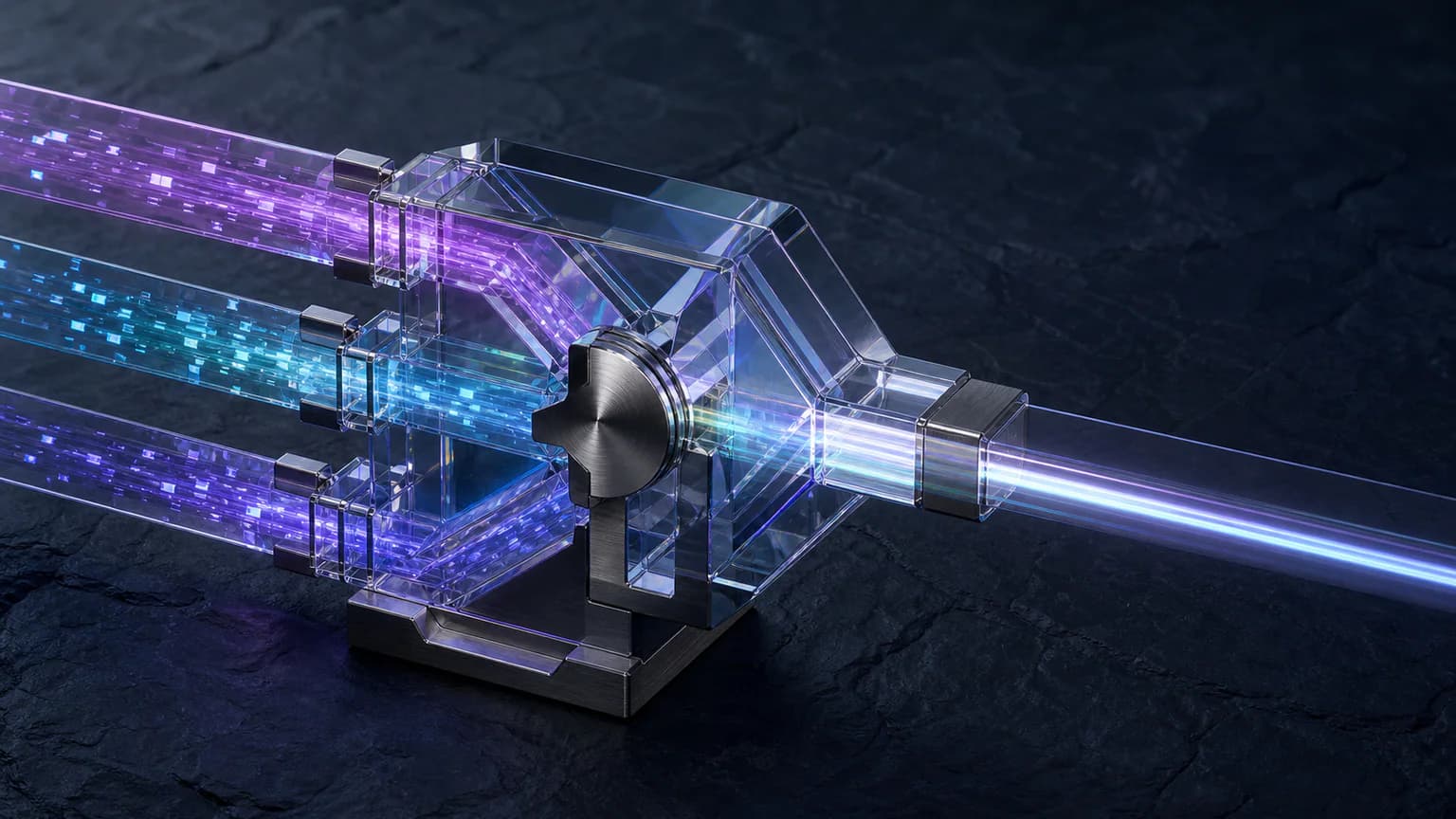 3D
3DReady to use Signal Matrix?