Built for
All templates
Glass Systems · 3D
Glass 3D Illustrations for AI System Articles
Explore glass-and-metal 3D illustrations for AI systems and infrastructure. Transparent modules and visible routes make hidden dependencies tangible.
No individual image prompts needed. Planning and generation use credits. View plans
Core palette
 3D
3DVisual traits
- Optical glass
- Brushed metal
- Visible routing
- Controlled spectral light
Output defaults
- 16:9 article canvas
- One concept per image
- Editable visual briefs
Choosing your article images
Is Glass Systems right for your article?
Glass Systems uses optical surfaces to make the inside of a conceptual system visible. Metal supports establish structure while transparent elements reveal a route, connection, or change of state. This is suited to an infrastructure argument with one important relationship. It is not a functional simulation, a real product render, or an accurate view into an existing device.
An AI infrastructure article
A route through transparent modules can illustrate how one stage depends on another. Keep the real architecture and any capacity numbers in reviewed technical material.
A product strategy essay about visibility
An exposed connection can give transparency a physical expression. Controlled reflections should support the relationship, not turn the image into an unrelated luxury-object advertisement.
What defines the look
Make the invisible system optically precise.
Glass Systems assigns boundaries, layers, and routes to translucent physical components. Refraction reveals dependency and depth, while metal anchors critical control points. Light is descriptive, not decorative.
Read the illustration style guideHow scenes are arranged
Focal metaphor
Build one dominant physical metaphor around the article's central relationship.
What stays consistent
- one understandable system relationship
- physically coherent refraction
- restrained material palette
- visible input and output
Looks this style avoids
- generic glass orb
- floating blob collection
- crypto artwork
- neon cyberpunk
How color is used
Palette 1: primary structure and focal subject Palette 2: supporting contrast and secondary forms Palette 3: accent for emphasis and directional cues Palette 4: restrained supporting accent
Example set
A premium system revealed through material and light.
Optical behavior, metal anchors, and disciplined routing remain stable while the system's scale and control points change.
AI-generated examples of this style, not photographs of real people, events, or physical artworks.
3DReveal the architecture
Use transparent layers to show boundaries and dependencies without labeling every component.
 3D
3DTrace the controlled flow
Illuminate only the route or interface carrying the article's central mechanism.
 3D
3DShow strategic leverage
End with the small control point or structural change that alters the larger platform.
How it reads an article
It reads for layers, interfaces, and controlled flow.
A platform becomes nested transparent structures; orchestration becomes a visible route across modules; strategic leverage becomes a small control element affecting a larger system. The physics makes hierarchy believable.
Best fit
Use it for AI systems, infrastructure, enterprise platforms, product strategy, networks, and technical stories that need a refined visual tone.
Choose another style when
Avoid it for beginner-friendly tutorials, intimate human stories, low-fi creator content, or topics that should feel candid rather than premium.
Before you choose
Questions about Glass Systems
How does Glass Systems stay editorial instead of becoming a product render?
Material and light are used to explain hierarchy, routing, and dependency. The scene is composed around an article claim rather than around a beautiful object presented for purchase.
Will this style produce a usable glass or metal 3D asset?
It produces image files with a glass-and-metal rendered appearance. It does not provide a 3D scene, material library, CAD model, or physically validated optical design. Choose it for conceptual editorial images alongside your written explanation.
How do I use Glass Systems for my article?
Paste your finished draft, select Glass Systems, and choose a starting image count. Zyncli proposes image ideas and placements for you to review before generating. You can edit the briefs without writing each image prompt from scratch.
Does using this style cost credits?
Planning and image generation use credits, and regenerating an image uses more. You see the quoted cost before each step. Official styles do not require you to build a private brand style. See pricing for current plans and credit allowances.
Technology Illustration: Examples for AI and Software Articles
From draft to image set
Bring the article.
The style is ready.
You do not need to learn the drawing technique or write every prompt. Choose this style, review the proposed scenes, and generate the images that fit your writing.
Open-source SkillInstall Glass Systems from GitHub- 01
Add your finished draft
Paste the article, choose this style, and set a starting image count.
- 02
Review the proposed images
Zyncli suggests scenes and placements. Edit the visual briefs before generating.
- 03
Generate and inspect the set
Check each result for meaning, consistency, and unwanted details. Regenerate individual images when needed.
- 04
Download and publish
Place the image files beside the relevant passages. Keep accurate charts, real photos, and product screenshots where your article needs them.
Compare the alternatives
When to choose a different style
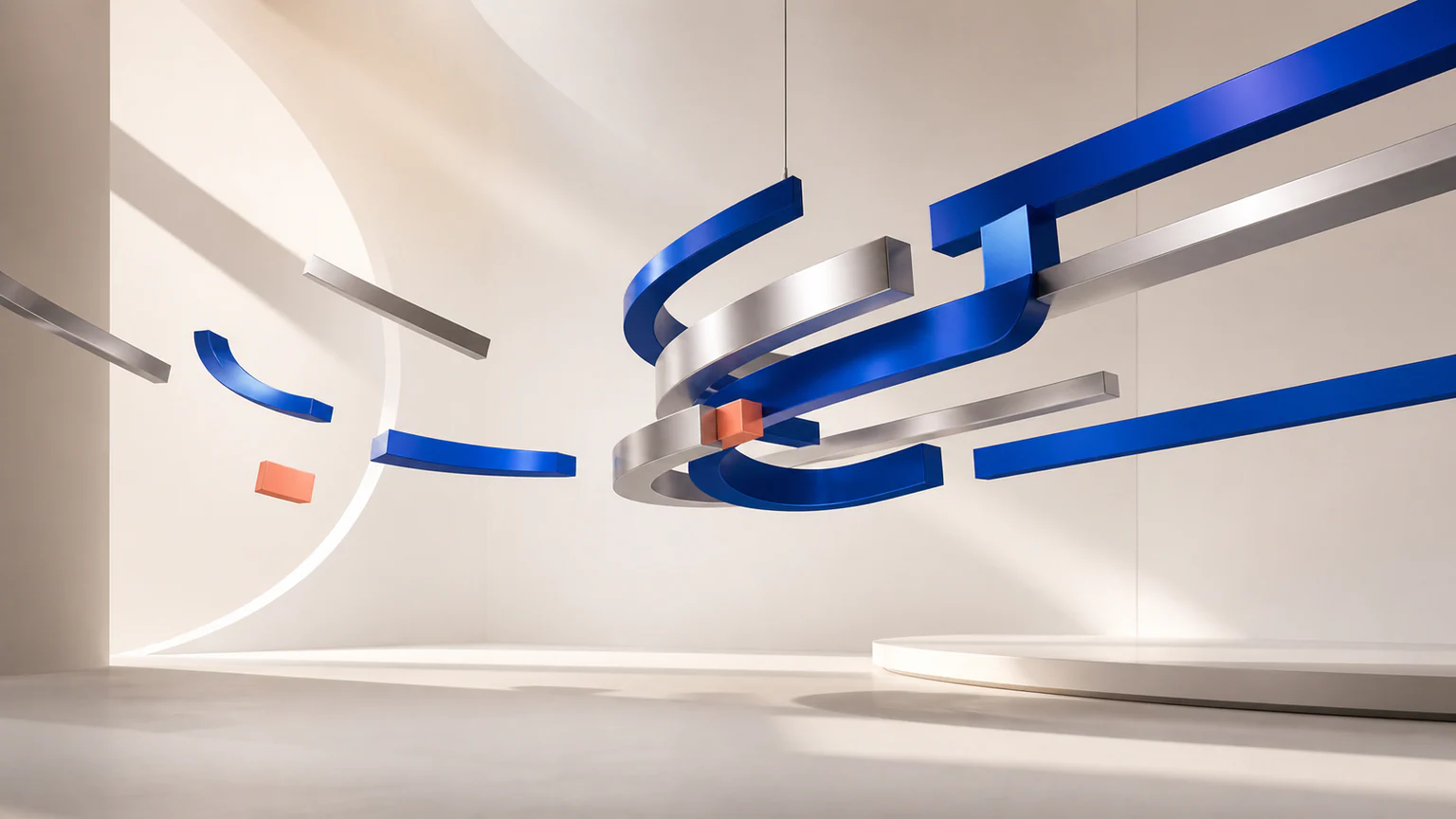
Choose Chrome Currents when metallic force, alignment, and reflection matter more than seeing through a system.
 3D
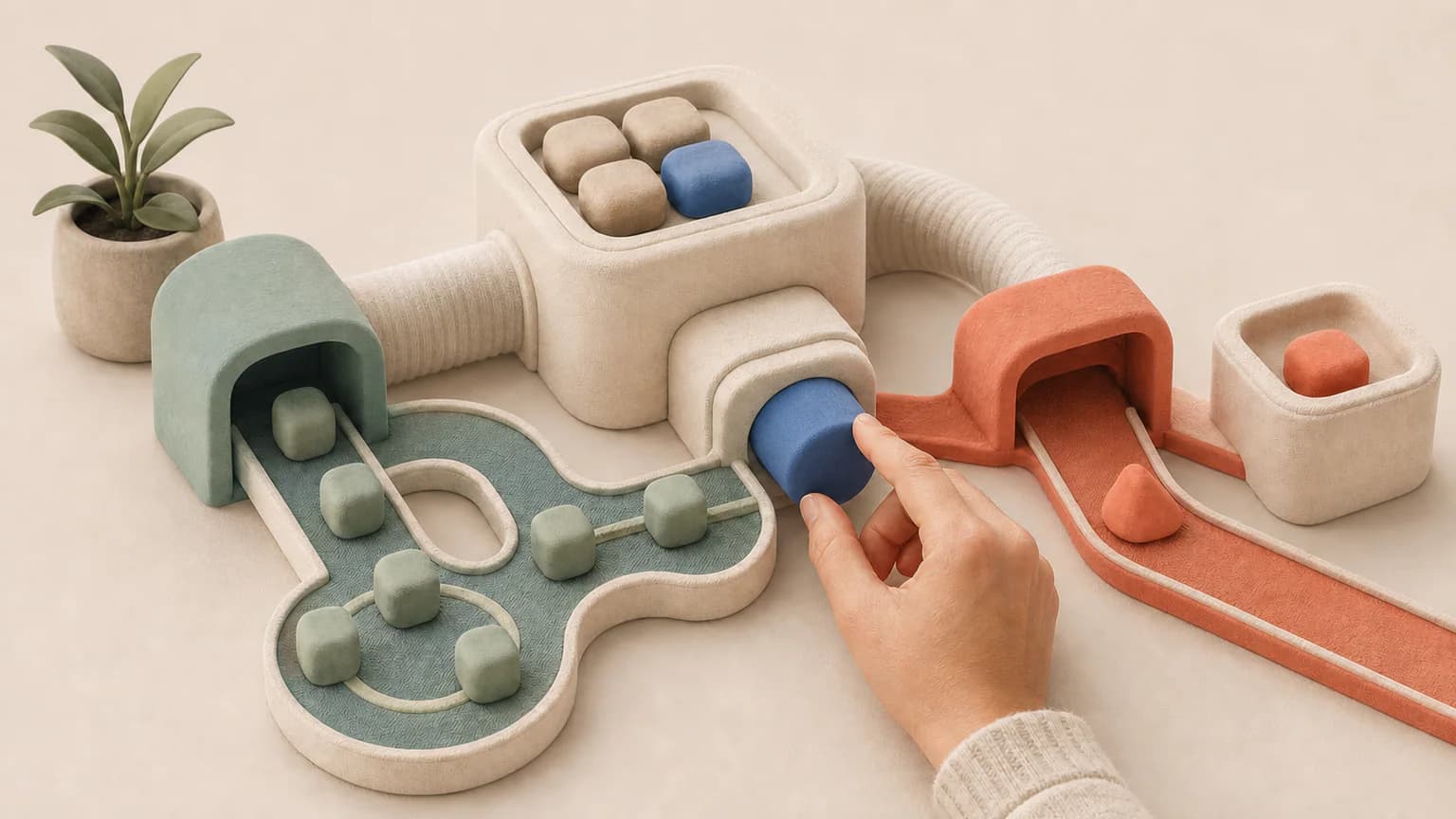
3DChoose Soft Systems 3D for a warmer matte mechanism with simpler, less reflective surfaces.
 3D
3DReady to use Glass Systems?