Built for
All templates
Pixel Dispatch · Illustration
Pixel Art Illustrations for Blogs and Newsletters
Explore pixel art illustrations for blogs and newsletters about decisions and learning. Pixel Dispatch uses chunky scenes, limited colors, and clear actions.
No individual image prompts needed. Planning and generation use credits. View plans
Core palette
 Pixel art
Visual traits
- Pixel art
- Adventurous
- visible consistent pixel scale
- one actionable scene
Output defaults
- 16:9 article canvas
- One concept per image
- Editable visual briefs
Choosing your article images
Is Pixel Dispatch right for your article?
Pixel Dispatch treats a decision as a small scene with visible constraints, resources, and consequences. Square clusters and stepped silhouettes establish the pixel-art look while a limited palette keeps the action legible. It is built for editorial images, not a game asset pipeline. Choose it when a game-like visual analogy suits the article and a little distance from realism is helpful.
A product experiment newsletter
A small scene with a route and a resource limit can express a test or tradeoff. Keep real experiment results in text or charts rather than a simulated game score.
An article about learning through decisions
A figure encountering a clear obstacle can support a passage about choice. Separate scenes can express different decisions while keeping the same chunky pixel treatment.
What defines the look
Make the decision visible in the route.
Give one courier, builder, or small system a clear obstacle. Use the pixel grid to control space and resource limits. Readers should understand the choice without needing a score counter or a game interface.
Read the illustration style guideHow scenes are arranged
Focal metaphor
Build one dominant physical metaphor around the article's central relationship.
What stays consistent
- visible consistent pixel scale
- one actionable scene
- limited palette
- readable silhouettes before detail
Looks this style avoids
- video-game HUD
- health bars
- inventory panels
- game screenshots
How color is used
Palette 1: primary structure and focal subject Palette 2: supporting contrast and secondary forms Palette 3: accent for emphasis and directional cues Palette 4: restrained supporting accent
Example set
Pixel Dispatch in three different situations
These examples use distinct scenes to show the range of the style. Keep the material language when you bring your own article, rather than copying a sample composition.
AI-generated examples of this style, not photographs of real people, events, or physical artworks.
Pixel artA signal worth following
A courier finds one illuminated tile among a field of dark tiles.
 Pixel art
Scattered supplies
Three separated depots pull a courier in incompatible directions.
 Pixel art
A shared route
Different pixel vehicles use connected lanes toward one open exit.
How it reads an article
Use the material to show the relationship.
A delayed handoff can appear as a courier with a crate at a broken bridge. To show learning, change the route or tool available to the courier instead of adding reward badges.
Best fit
Use Pixel Dispatch for decision-making, product experiments, learning and progress. Choose it when the material and actions suit the point in your draft.
Choose another style when
Choose another style for photorealistic stories, exact product screens, or passages that need detailed faces.
Before you choose
Questions about Pixel Dispatch
When should I choose Pixel Dispatch?
Give one courier, builder, or small system a clear obstacle. Use the pixel grid to control space and resource limits. Readers should understand the choice without needing a score counter or a game interface. Choose another style for photorealistic stories, exact product screens, or passages that need detailed faces.
Is Pixel Dispatch a sprite sheet or game asset generator?
No. It creates pixel-art-style article images, not native-resolution sprites, tile sets, editable pixel canvases, or animation sheets. Use it for blog headers and body illustrations; choose a dedicated pixel asset tool for a production game pipeline.
How do I use Pixel Dispatch for my article?
Paste your finished draft, select Pixel Dispatch, and choose a starting image count. Zyncli proposes image ideas and placements for you to review before generating. You can edit the briefs without writing each image prompt from scratch.
Does using this style cost credits?
Planning and image generation use credits, and regenerating an image uses more. You see the quoted cost before each step. Official styles do not require you to build a private brand style. See pricing for current plans and credit allowances.
From draft to image set
Bring the article.
The style is ready.
You do not need to learn the drawing technique or write every prompt. Choose this style, review the proposed scenes, and generate the images that fit your writing.
Open-source SkillInstall Pixel Dispatch from GitHub- 01
Add your finished draft
Paste the article, choose this style, and set a starting image count.
- 02
Review the proposed images
Zyncli suggests scenes and placements. Edit the visual briefs before generating.
- 03
Generate and inspect the set
Check each result for meaning, consistency, and unwanted details. Regenerate individual images when needed.
- 04
Download and publish
Place the image files beside the relevant passages. Keep accurate charts, real photos, and product screenshots where your article needs them.
Compare the alternatives
When to choose a different style
Choose Comic Pressure when a two-panel sequence explains the consequence better than a single game-like scene.
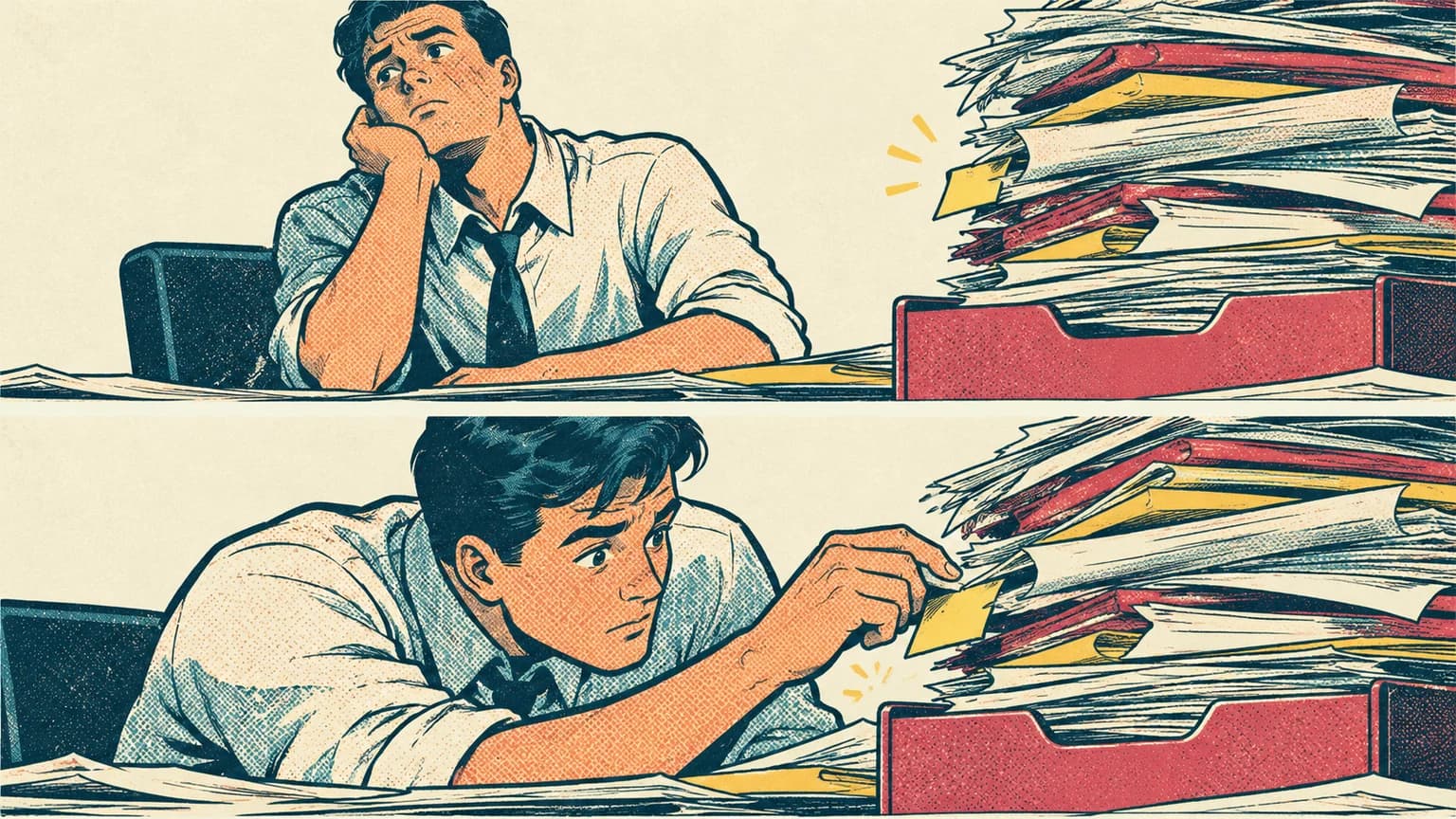 Wordless halftone comic
Choose Bauhaus Signals for abstract geometric decisions without a pixel grid or figurative game-like setting.
 Abstract
Ready to use Pixel Dispatch?