Built for
All templates
Inclusive Monochrome · Workplace
Black-and-White Teamwork Illustrations
Explore black-and-white teamwork illustrations for people, culture, and accessibility articles. Inclusive Monochrome uses clear adult gestures and open space.
No individual image prompts needed. Planning and generation use credits. View plans
Core palette
 Workplace
Visual traits
- Black-and-white line
- Natural representation
- Readable gestures
- Open white field
Output defaults
- 16:9 article canvas
- One concept per image
- Editable visual briefs
Choosing your article images
Is Inclusive Monochrome right for your article?
Inclusive Monochrome places the meaning in how people act together. Crisp contours and dark fills keep figures distinct without relying on a broad color palette. The style can support an accessibility or collaboration article through a specific shared action. Representation still needs editorial review; a generated scene should not imply that a real organization or service has been assessed.
A people-and-culture article
A shared task can show participation without a staged group portrait. Look for purposeful roles and readable gestures rather than adding people as background decoration.
An article about access to shared spaces
A scene can show cooperation around an obstacle or resource. Keep compliance claims and factual access requirements in verified text, diagrams, or photographs.
What defines the look
Show inclusion through participation, not symbolism.
Inclusive Monochrome asks who is acting, who has access, who is being heard, and how the environment supports or obstructs them. Representation appears through credible bodies and roles inside the scene rather than through diversity-poster shorthand.
Read the illustration style guideHow scenes are arranged
Focal metaphor
Build one dominant physical metaphor around the article's central relationship.
What stays consistent
- one specific human interaction
- three to five adults maximum
- body language that explains the idea
- natural varied representation
Looks this style avoids
- diversity lineup
- corporate brochure
- generic smiling team
- exaggerated representation
How color is used
Palette 1: primary structure and focal subject Palette 2: supporting contrast and secondary forms
Example set
Human agency made visible in black and white.
Line, black mass, and open field remain consistent while each scene changes the form of participation.
AI-generated examples of this style, not photographs of real people, events, or physical artworks.
WorkplaceEstablish who can act
Show roles and environment clearly before presenting the barrier or shared task.
 Workplace
Make the access point visible
Focus on the concrete change, tool, or gesture that alters participation.
 Workplace
Resolve through shared agency
End with people actively shaping the outcome rather than receiving symbolic inclusion.
How it reads an article
It reads for access, agency, and shared action.
A passage about accessibility becomes a person navigating or changing a real constraint. A passage about collaboration becomes a specific exchange of attention, tools, or responsibility. Gesture carries more meaning than facial performance.
Best fit
Use it for people and culture, accessibility, team collaboration, public-interest explainers, and human-centered policy content.
Choose another style when
Avoid it for luxurious brand imagery, abstract system architecture, highly emotional portraiture, or arguments whose meaning depends on color.
Before you choose
Questions about Inclusive Monochrome
How does Inclusive Monochrome handle representation responsibly?
It varies bodies and roles naturally, centers specific actions, and avoids token arrangements. Inclusion is communicated through access and agency inside the scene, not through slogans or decorative diversity cues.
Does a monochrome illustration make the article accessible by itself?
No. The style reduces reliance on color, but you still need meaningful alt text, sufficient contrast in your layout, readable text, and an accessible page. Review the depicted actions and representation as well as the drawing's appearance.
How do I use Inclusive Monochrome for my article?
Paste your finished draft, select Inclusive Monochrome, and choose a starting image count. Zyncli proposes image ideas and placements for you to review before generating. You can edit the briefs without writing each image prompt from scratch.
Does using this style cost credits?
Planning and image generation use credits, and regenerating an image uses more. You see the quoted cost before each step. Official styles do not require you to build a private brand style. See pricing for current plans and credit allowances.
From draft to image set
Bring the article.
The style is ready.
You do not need to learn the drawing technique or write every prompt. Choose this style, review the proposed scenes, and generate the images that fit your writing.
Open-source SkillInstall Inclusive Monochrome from GitHub- 01
Add your finished draft
Paste the article, choose this style, and set a starting image count.
- 02
Review the proposed images
Zyncli suggests scenes and placements. Edit the visual briefs before generating.
- 03
Generate and inspect the set
Check each result for meaning, consistency, and unwanted details. Regenerate individual images when needed.
- 04
Download and publish
Place the image files beside the relevant passages. Keep accurate charts, real photos, and product screenshots where your article needs them.
Compare the alternatives
When to choose a different style
Choose Office Stories for a warmer colored workplace scene with more visible interior detail.
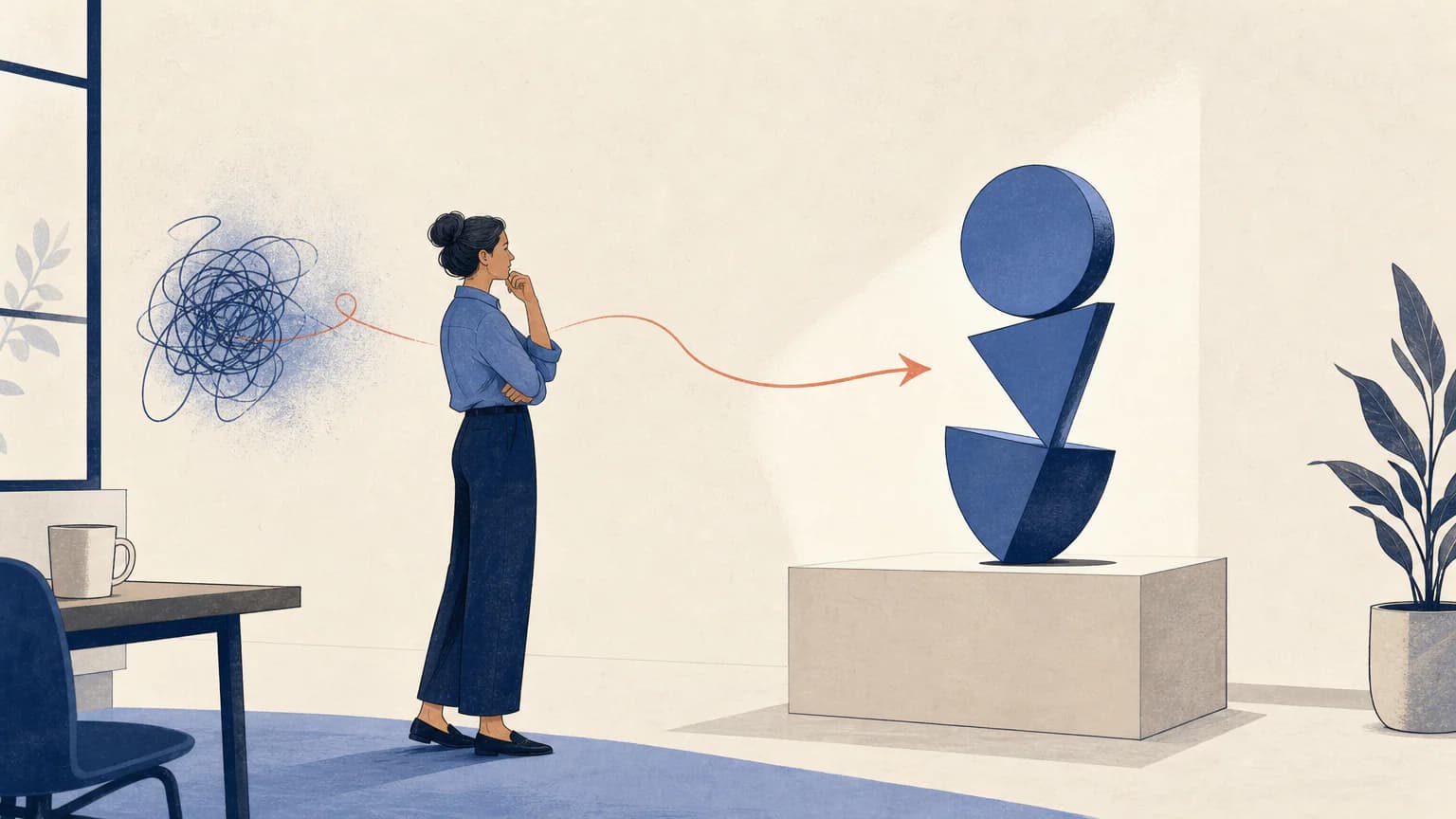 Workplace
Choose Quiet Support when the article centers on an intimate relationship rather than a group activity.
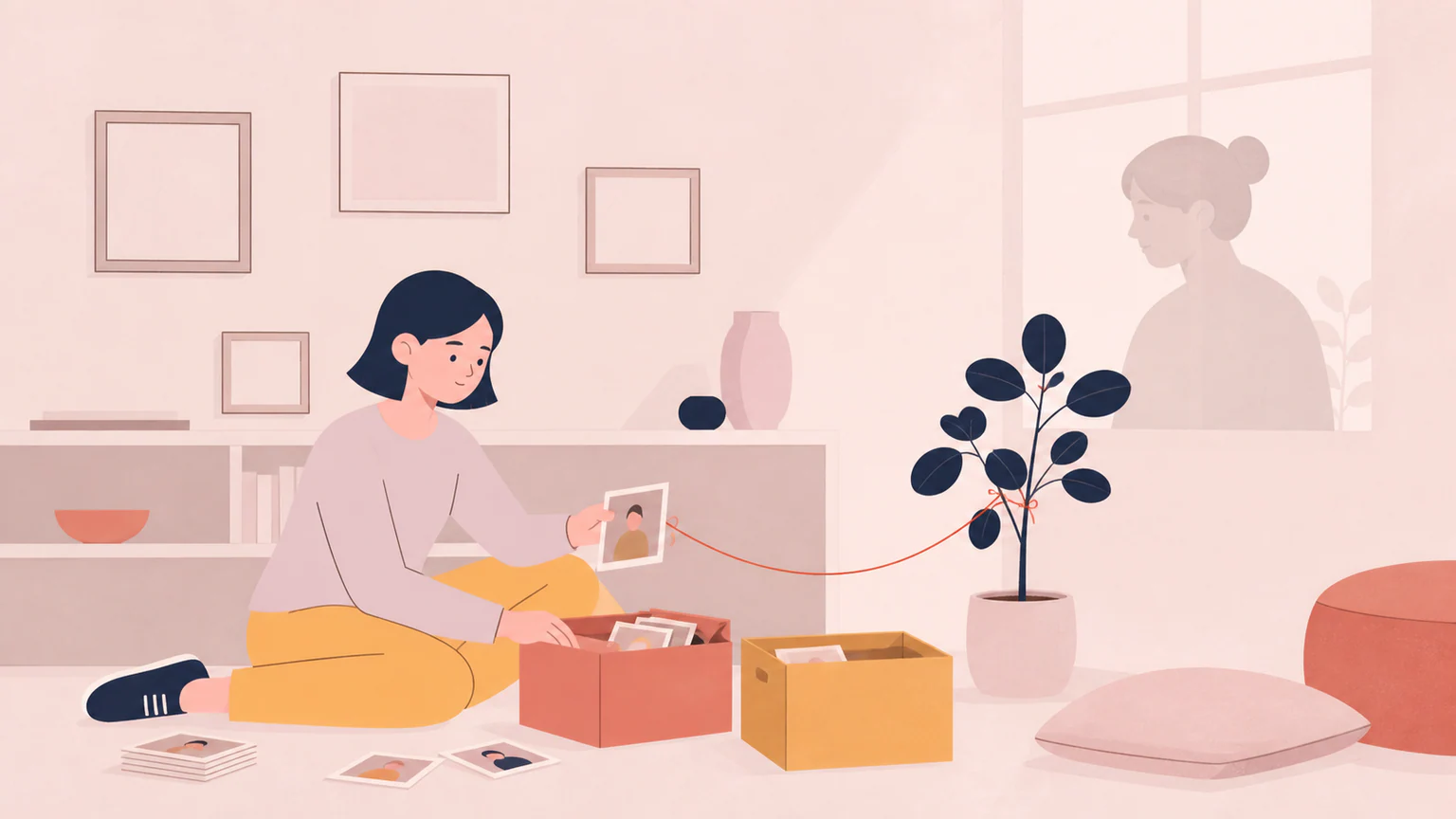 Illustration
Ready to use Inclusive Monochrome?