Built for
All templates
Charcoal Reportage · Illustration
Charcoal Illustrations for Investigative Writing
Explore charcoal illustrations for public systems and investigative writing. Rough marks, working adults, and selective color put attention on the inquiry.
No individual image prompts needed. Planning and generation use credits. View plans
Core palette
 Illustration
Visual traits
- Charcoal gesture
- Working groups
- Evidence walls
- Selective cobalt
Output defaults
- 16:9 article canvas
- One concept per image
- Editable visual briefs
Choosing your article images
Is Charcoal Reportage right for your article?
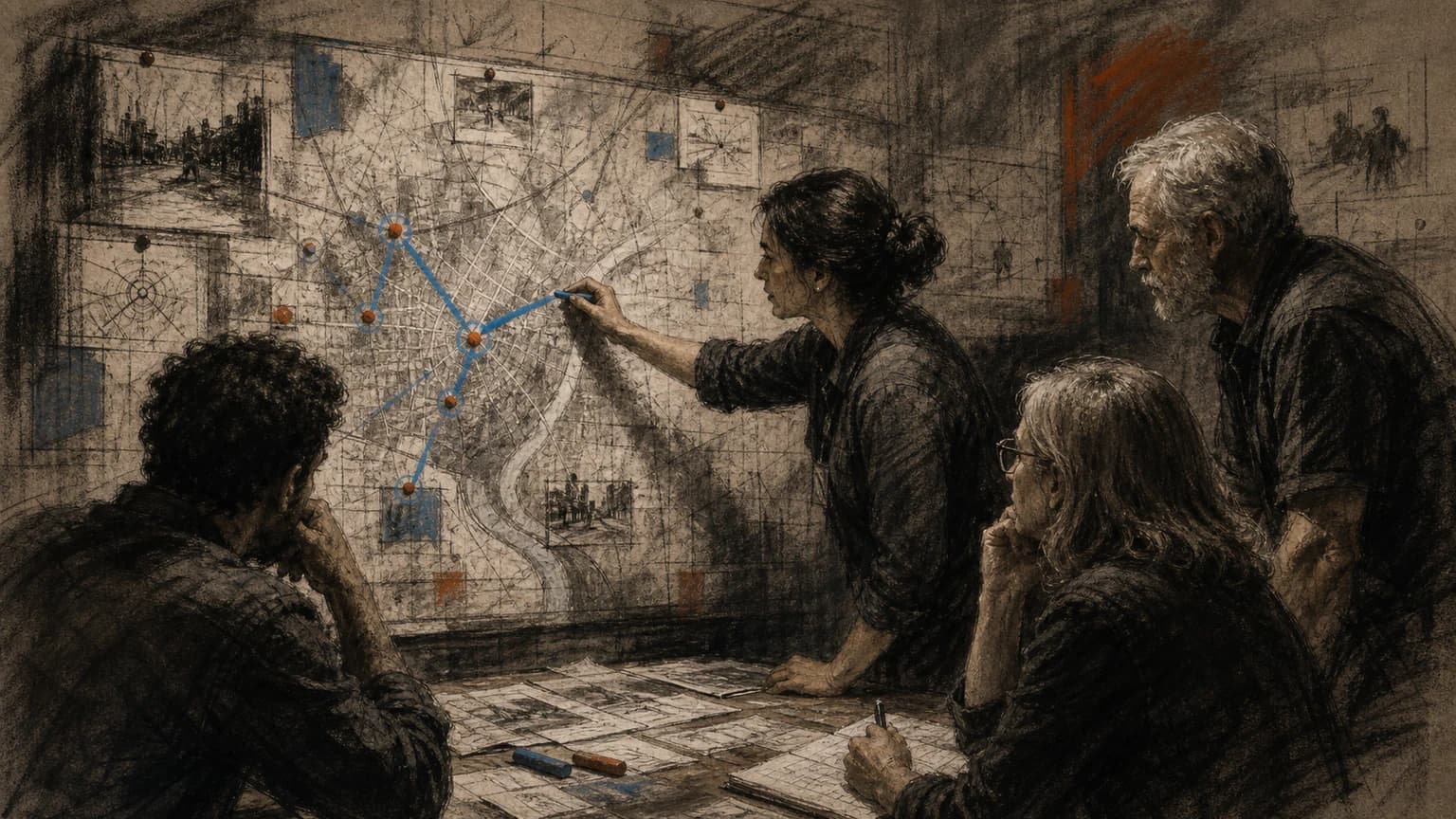
Charcoal Reportage centers on people working with incomplete knowledge. Gesture and rough tonal marks give the scene urgency, while a restrained color accent can identify what they are examining. Use it to accompany an investigation or a civic process story. Its reportage-inspired appearance should not be mistaken for a drawing made at the actual scene of a reported event.
An article about a public service problem
People examining a bottleneck can show the work of investigating it. Real service records and sourced photographs should establish the facts outside the generated scene.
A newsletter about operational inquiry
A working group focused on a shared object can illustrate how a question is approached. Keep invented charts, quotations, and data off the scene's evidence surfaces.
What defines the look
Draw attention moving through the room.
Charcoal Reportage follows who is looking, pointing, tracing, or deciding. Evidence walls, maps, and tables are organized around that flow of attention, with selective cobalt marking the system route.
Read the illustration style guideHow scenes are arranged
Focal metaphor
Build one dominant physical metaphor around the article's central relationship.
What stays consistent
- one specific operational action
- credible group attention
- evidence has spatial logic
- charcoal movement
Looks this style avoids
- polished office illustration
- detective conspiracy wall
- newsroom cliché
- heroic officials
How color is used
Palette 1: primary structure and focal subject Palette 2: supporting contrast and secondary forms Palette 3: accent for emphasis and directional cues Palette 4: restrained supporting accent
Example set
An operational story traced through room, evidence, and decision.
Charcoal energy and selective color unify the set while the team configuration and evidence change.
AI-generated examples of this style, not photographs of real people, events, or physical artworks.
IllustrationLocate the operational break
Show where attention first gathers and which evidence defines the problem.
 Illustration
Coordinate the response
Trace how information passes between people, maps, and decisions.
 Illustration
Record the changed system
End with a corrected route or procedure, keeping the human work visible.
How it reads an article
It reads for coordinated action under pressure.
A public-service failure can become several teams tracing one break across a shared map; an investigation can become a sequence of documents tested at one operational table.
Best fit
Use it for public systems, operations, investigative reporting, institutional change, emergency coordination, and behind-the-scenes work.
Choose another style when
Avoid it for polished brand storytelling, calm personal reflection, cheerful onboarding, or claims needing literal documentary photography.
Before you choose
Questions about Charcoal Reportage
Why use drawing instead of documentary photography here?
Charcoal can combine several verified operational relationships into one authored scene without claiming a camera witnessed it. The visible hand also communicates urgency and provisional understanding.
Are charcoal reportage images records of real investigations?
No. They are generated conceptual illustrations in a reportage-like drawing style. They do not document attendance, events, or findings. Make that distinction clear in captions and use actual records for the factual part of the article.
How do I use Charcoal Reportage for my article?
Paste your finished draft, select Charcoal Reportage, and choose a starting image count. Zyncli proposes image ideas and placements for you to review before generating. You can edit the briefs without writing each image prompt from scratch.
Does using this style cost credits?
Planning and image generation use credits, and regenerating an image uses more. You see the quoted cost before each step. Official styles do not require you to build a private brand style. See pricing for current plans and credit allowances.
From draft to image set
Bring the article.
The style is ready.
You do not need to learn the drawing technique or write every prompt. Choose this style, review the proposed scenes, and generate the images that fit your writing.
Open-source SkillInstall Charcoal Reportage from GitHub- 01
Add your finished draft
Paste the article, choose this style, and set a starting image count.
- 02
Review the proposed images
Zyncli suggests scenes and placements. Edit the visual briefs before generating.
- 03
Generate and inspect the set
Check each result for meaning, consistency, and unwanted details. Regenerate individual images when needed.
- 04
Download and publish
Place the image files beside the relevant passages. Keep accurate charts, real photos, and product screenshots where your article needs them.
Compare the alternatives
When to choose a different style
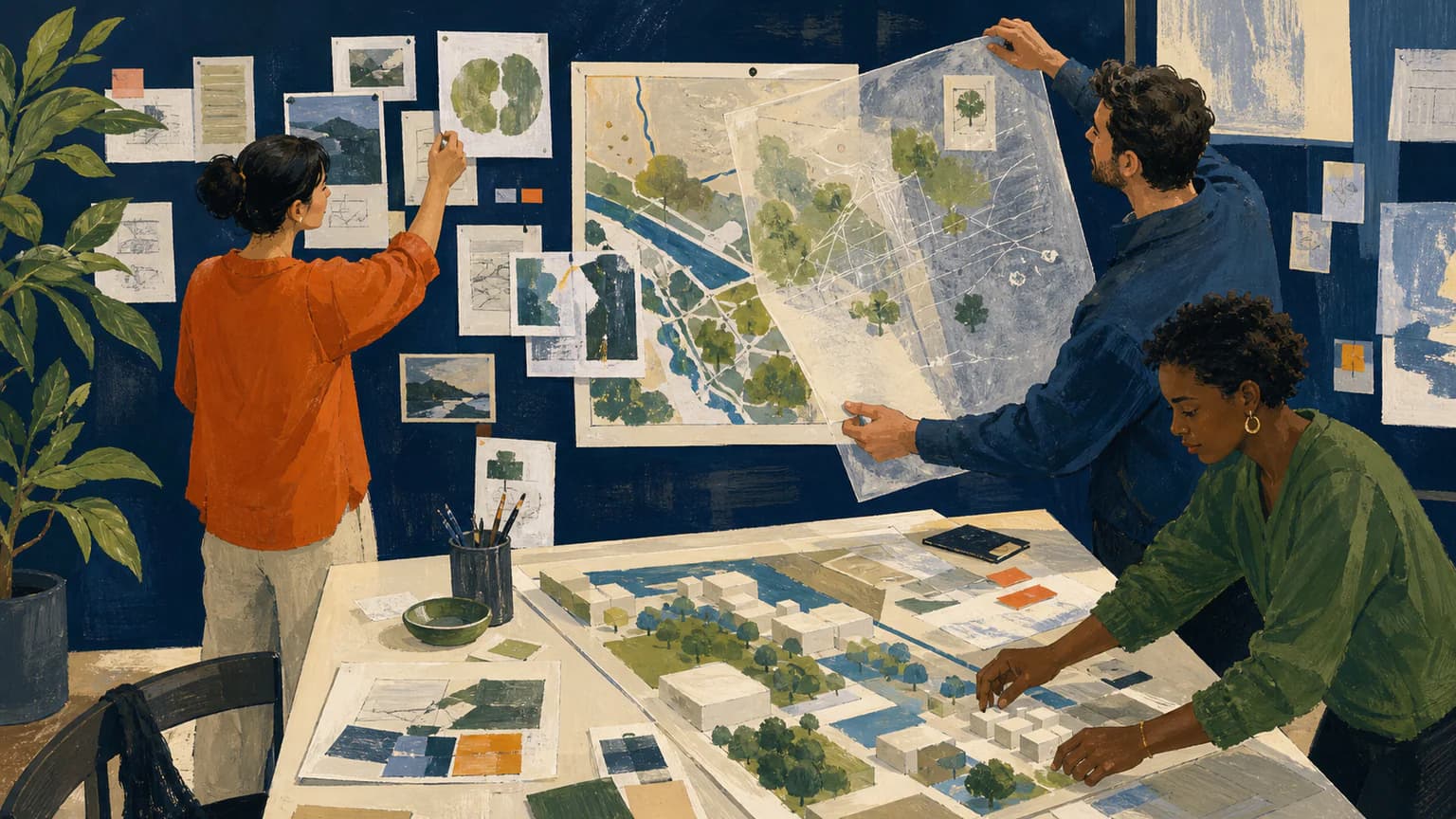
Choose Gouache Field Notes for warmer painted observation and a less urgent investigative atmosphere.
 Illustration
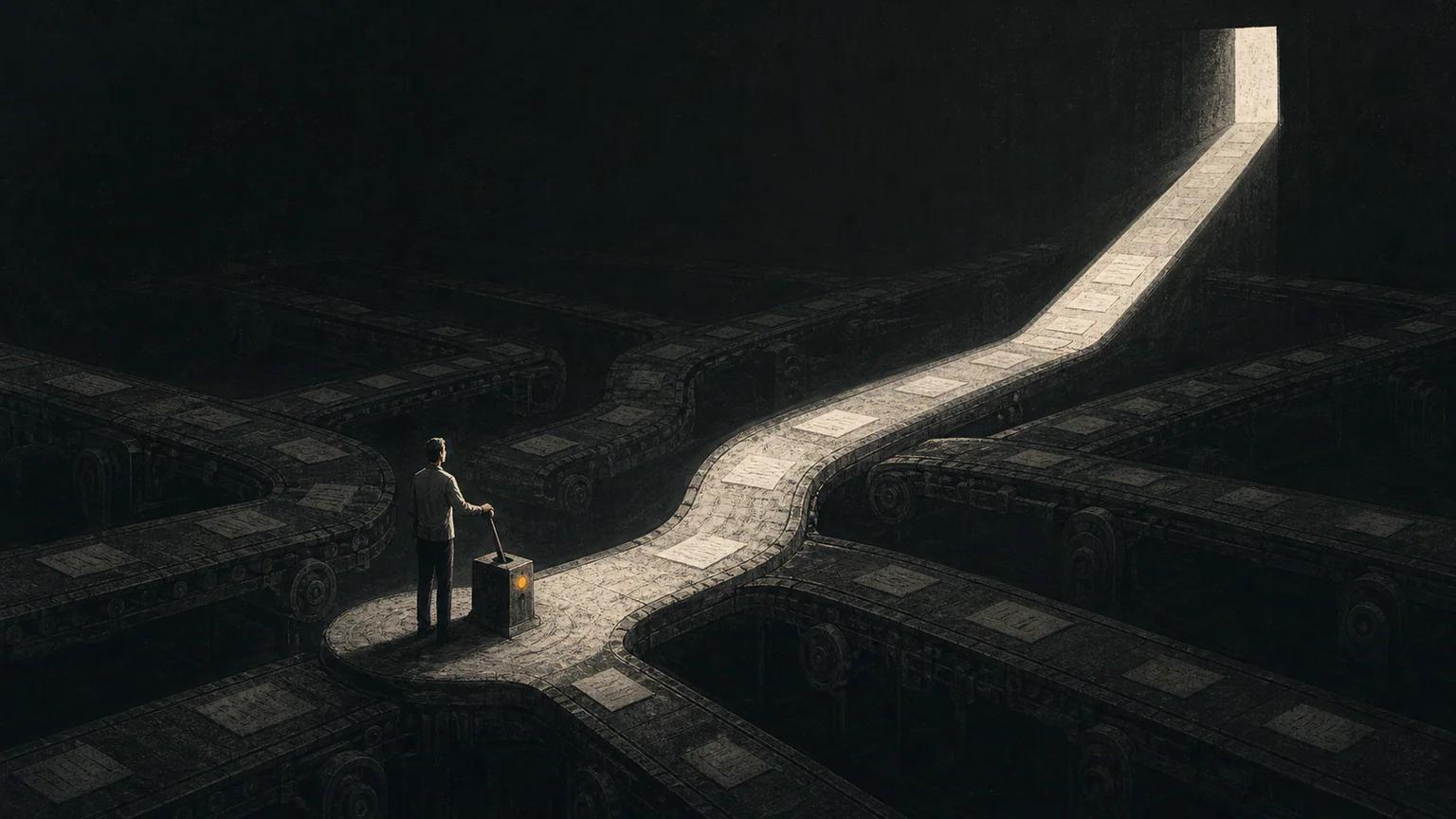
Choose Noir Frames when isolation and cinematic tension matter more than a group actively examining a problem.
 Conceptual
Ready to use Charcoal Reportage?