Built for
All templates
Tape Collisions · Collage
Tape Collage Illustrations for Collaboration Articles
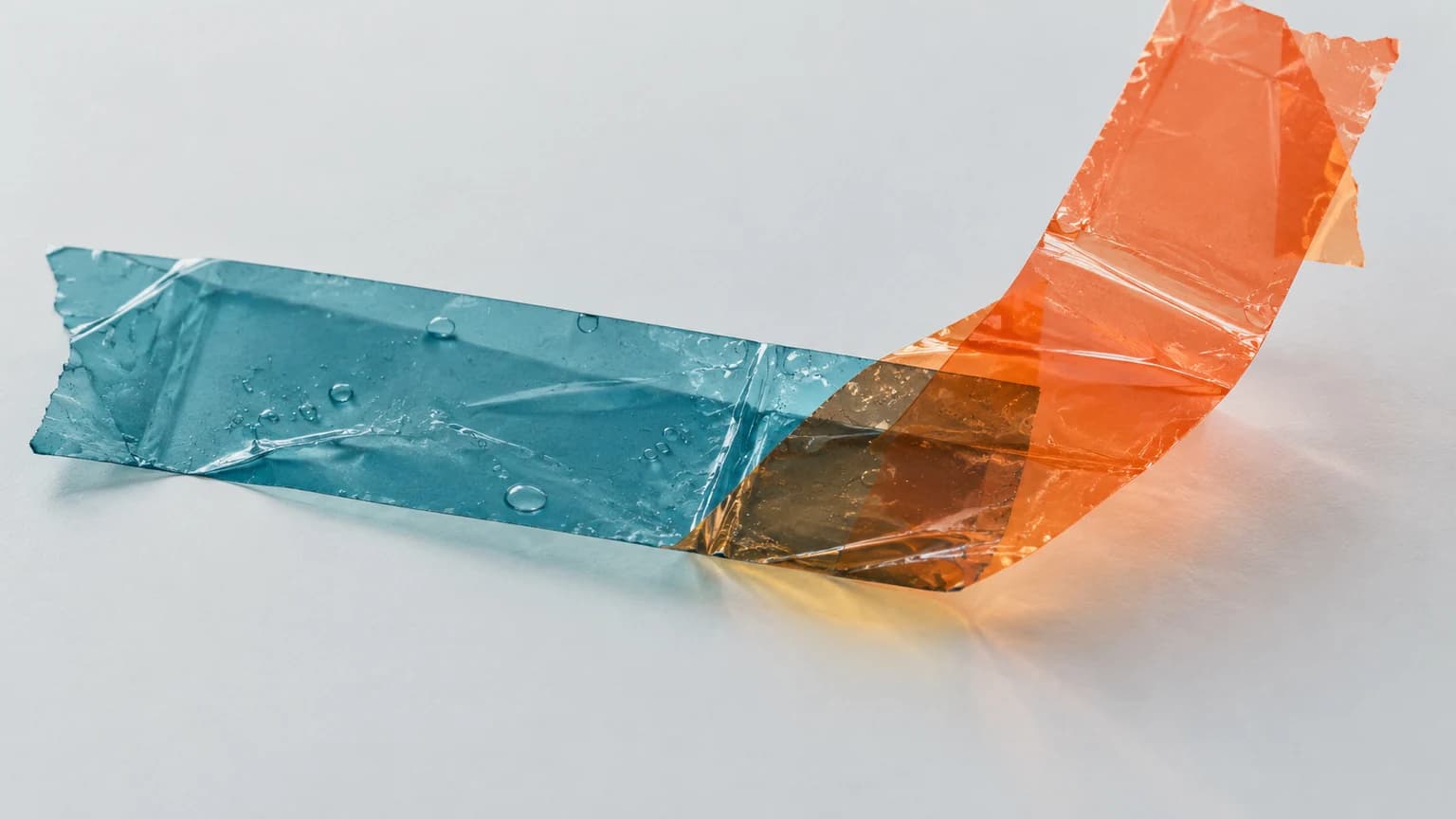
Explore translucent tape collage for collaboration, compromise, and patchwork systems. Visible overlaps and torn joins show the effort of holding parts together.
No individual image prompts needed. Planning and generation use credits. View plans
Core palette
 Translucent tape collage
Visual traits
- Translucent tape collage
- Experimental
- visible adhesive overlap
- translucent material
Output defaults
- 16:9 article canvas
- One concept per image
- Editable visual briefs
Choosing your article images
Is Tape Collisions right for your article?
Tape Collisions makes the join as important as the pieces being joined. Translucent strips reveal overlap, trapped air, and imperfect alignment, so a compromise can remain visibly provisional. This suits articles about collaboration that is useful but not effortless. Choose it when the material tension explains something the writing would lose in a polished image of seamless connection.
An article about imperfect collaboration
Strips meeting under tension can show how an agreement holds despite misalignment. The overlaps should carry a specific relationship rather than form an arbitrary colorful pattern.
A newsletter about patchwork processes
Visible joins can make a workaround tangible. Use the scene to illustrate the compromise without implying that every temporary fix is either a success or a failure.
What defines the look
Show what holds, and where it starts to peel.
Use the tape as a structural material. An overlap can carry shared ownership; a lifted edge can expose an unreliable connection. Let the transparency reveal which pieces support each other.
Read the illustration style guideHow scenes are arranged
Focal metaphor
Build one dominant physical metaphor around the article's central relationship.
What stays consistent
- visible adhesive overlap
- translucent material
- one structural tension
- tear or joint has a clear purpose
Looks this style avoids
- opaque paper collage
- generic moodboard
- decorative tape border
- photographic cutout face
How color is used
Palette 1: primary structure and focal subject Palette 2: supporting contrast and secondary forms Palette 3: accent for emphasis and directional cues Palette 4: restrained supporting accent
Example set
Tape Collisions in three different situations
These examples use distinct scenes to show the range of the style. Keep the material language when you bring your own article, rather than copying a sample composition.
AI-generated examples of this style, not photographs of real people, events, or physical artworks.
Translucent tape collageA useful overlap
Two translucent strips create one clearly defined new area.
 Translucent tape collage
A weak adhesive joint
Several tensioned strips pull one small seam apart.
 Translucent tape collage
A stronger shared connection
Different tape structures join a continuous route with visible, credible overlaps.
How it reads an article
Use the material to show the relationship.
For a story about patchwork tools, a few strips can carry a load while one poorly joined seam peels away. A repair should connect the actual gap rather than decorate its outline.
Best fit
Use Tape Collisions for collaboration, compromise, patchwork systems. Choose it when the material and actions suit the point in your draft.
Choose another style when
Choose a different style for exact network maps, a real repair tutorial, or a polished photographic setting.
Before you choose
Questions about Tape Collisions
When should I choose Tape Collisions?
Use the tape as a structural material. An overlap can carry shared ownership; a lifted edge can expose an unreliable connection. Let the transparency reveal which pieces support each other. Choose a different style for exact network maps, a real repair tutorial, or a polished photographic setting.
How does translucent tape change a collage's meaning?
The viewer can see where layers overlap and where a join is strained or imperfect. That makes tape useful for compromise and provisional structures. Paper collage feels more like assembled fragments; tape puts emphasis on what is holding them together.
How do I use Tape Collisions for my article?
Paste your finished draft, select Tape Collisions, and choose a starting image count. Zyncli proposes image ideas and placements for you to review before generating. You can edit the briefs without writing each image prompt from scratch.
Does using this style cost credits?
Planning and image generation use credits, and regenerating an image uses more. You see the quoted cost before each step. Official styles do not require you to build a private brand style. See pricing for current plans and credit allowances.
From draft to image set
Bring the article.
The style is ready.
You do not need to learn the drawing technique or write every prompt. Choose this style, review the proposed scenes, and generate the images that fit your writing.
Open-source SkillInstall Tape Collisions from GitHub- 01
Add your finished draft
Paste the article, choose this style, and set a starting image count.
- 02
Review the proposed images
Zyncli suggests scenes and placements. Edit the visual briefs before generating.
- 03
Generate and inspect the set
Check each result for meaning, consistency, and unwanted details. Regenerate individual images when needed.
- 04
Download and publish
Place the image files beside the relevant passages. Keep accurate charts, real photos, and product screenshots where your article needs them.
Compare the alternatives
When to choose a different style
Choose Paper Notes for warmer reflection and collected fragments rather than visible adhesive tension.
 Collage
Choose Felted Logic when stitched support and repair should feel softer and more deliberate than an improvised tape join.
 3D
3DReady to use Tape Collisions?