Built for
All templates
Scratchboard Sparks · Illustration
Scratchboard Illustrations for Risk and Investigation
Explore scratchboard-style illustrations for risk and investigative articles. Fine ivory cuts on black reveal a structure, pressure point, or hidden relationship.
No individual image prompts needed. Planning and generation use credits. View plans
Core palette
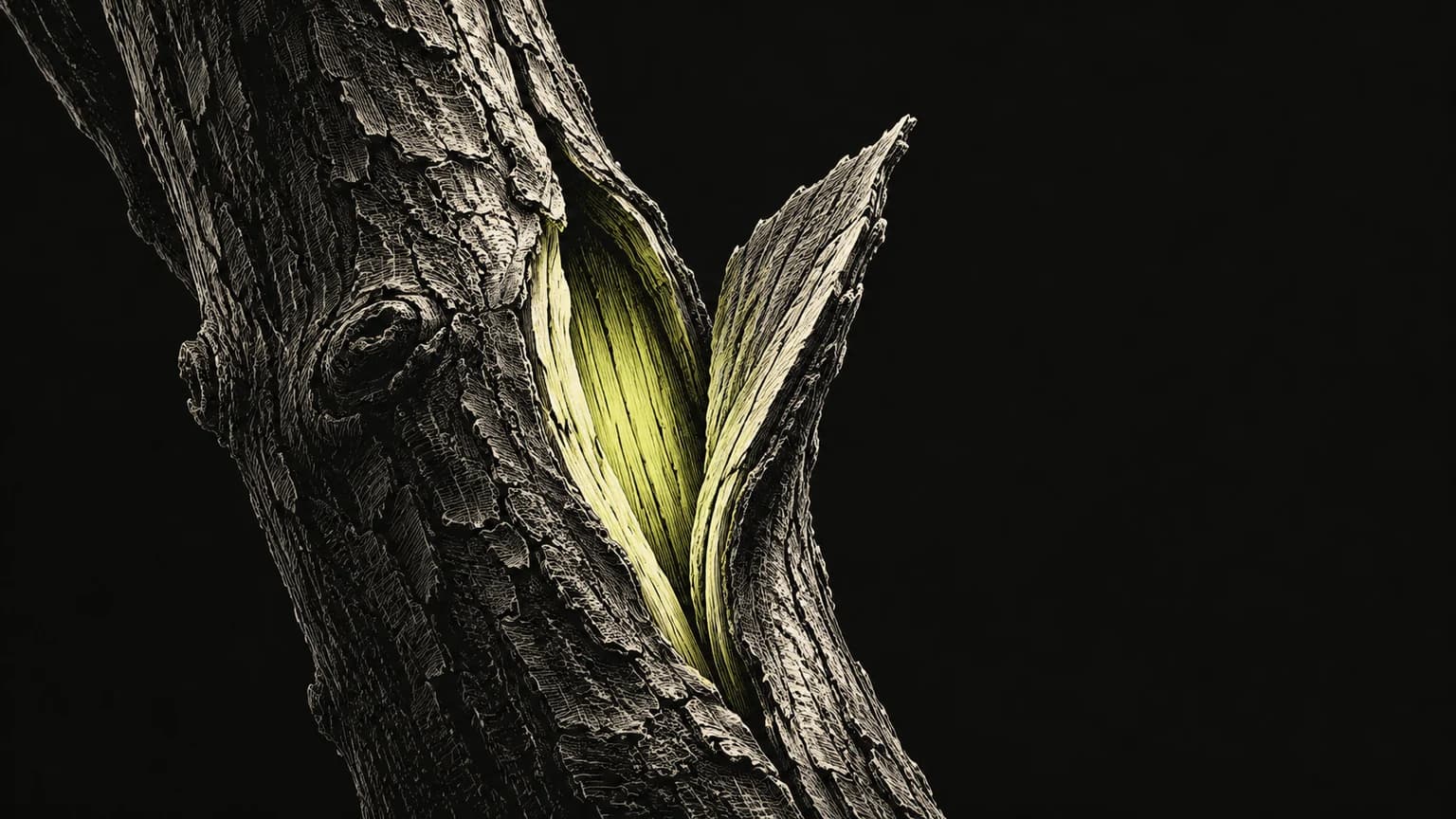 Scratchboard engraving
Visual traits
- Scratchboard engraving
- Incisive
- fine incised white marks
- one reveal or pressure point
Output defaults
- 16:9 article canvas
- One concept per image
- Editable visual briefs
Choosing your article images
Is Scratchboard Sparks right for your article?
Scratchboard Sparks gives a reveal a sharp visual edge. Fine light marks appear cut through a matte-black ground, with a small lime accent identifying the active point. Unlike a diffuse dark painting, this style can make a specific structure feel exposed. It works when a passage uncovers a dependency or concentrates attention on a point of failure.
An article about a hidden risk
Incised marks can bring a load-bearing connection out of darkness. The scene should support the risk argument without pretending to be a forensic image or a measured inspection.
An investigative newsletter about a system
A sharply revealed opening or pressure point can focus the question. Keep real documents and evidence clearly separate from this generated conceptual view.
What defines the look
Reveal only the structure the reader needs.
Build the subject by removing darkness. Use hatching to reveal a seam, inner route, or weak connection while the surrounding field stays quiet. The highlight should identify the argument's pressure point.
Read the illustration style guideHow scenes are arranged
Focal metaphor
Build one dominant physical metaphor around the article's central relationship.
What stays consistent
- fine incised white marks
- one reveal or pressure point
- black remains the dominant field
- small acidic highlight
Looks this style avoids
- broad linocut shapes
- chalk smudges
- photorealistic night scene
- glowing neon wireframe
How color is used
Palette 1: primary structure and focal subject Palette 2: supporting contrast and secondary forms Palette 3: accent for emphasis and directional cues
Example set
Scratchboard Sparks in three different situations
These examples use distinct scenes to show the range of the style. Keep the material language when you bring your own article, rather than copying a sample composition.
AI-generated examples of this style, not photographs of real people, events, or physical artworks.
Scratchboard engravingA first opening
Fine cuts expose one bright aperture in a dark closed surface.
 Scratchboard engraving
One strained joint
Two carved forms pull at a thin, visibly stressed connection.
 Scratchboard engraving
A connection that opens
Two engraved shells share an intact hinge and a lit inner edge.
How it reads an article
Use the material to show the relationship.
A hidden dependency can appear as a cut shell exposing one fragile hinge. A passage about discovery can use a small aperture whose incised light reveals a larger structure.
Best fit
Use Scratchboard Sparks for risk and uncertainty, investigations, hidden dependencies. Choose it when the material and actions suit the point in your draft.
Choose another style when
Avoid it for cheerful children's content, subtle color comparisons, or a diagram that requires many labels.
Before you choose
Questions about Scratchboard Sparks
When should I choose Scratchboard Sparks?
Build the subject by removing darkness. Use hatching to reveal a seam, inner route, or weak connection while the surrounding field stays quiet. The highlight should identify the argument's pressure point. Avoid it for cheerful children's content, subtle color comparisons, or a diagram that requires many labels.
What should I check before using scratchboard art in a blog?
Check that the fine lines remain readable at your publishing size and that the important relationship is not lost in dense hatching. This style works best with one clear reveal, not a field of intricate marks that competes with the article.
How do I use Scratchboard Sparks for my article?
Paste your finished draft, select Scratchboard Sparks, and choose a starting image count. Zyncli proposes image ideas and placements for you to review before generating. You can edit the briefs without writing each image prompt from scratch.
Does using this style cost credits?
Planning and image generation use credits, and regenerating an image uses more. You see the quoted cost before each step. Official styles do not require you to build a private brand style. See pricing for current plans and credit allowances.
From draft to image set
Bring the article.
The style is ready.
You do not need to learn the drawing technique or write every prompt. Choose this style, review the proposed scenes, and generate the images that fit your writing.
Open-source SkillInstall Scratchboard Sparks from GitHub- 01
Add your finished draft
Paste the article, choose this style, and set a starting image count.
- 02
Review the proposed images
Zyncli suggests scenes and placements. Edit the visual briefs before generating.
- 03
Generate and inspect the set
Check each result for meaning, consistency, and unwanted details. Regenerate individual images when needed.
- 04
Download and publish
Place the image files beside the relevant passages. Keep accurate charts, real photos, and product screenshots where your article needs them.
Compare the alternatives
When to choose a different style
Choose Carved Thesis for heavier relief-print figures and collective effort rather than a fine incised reveal.
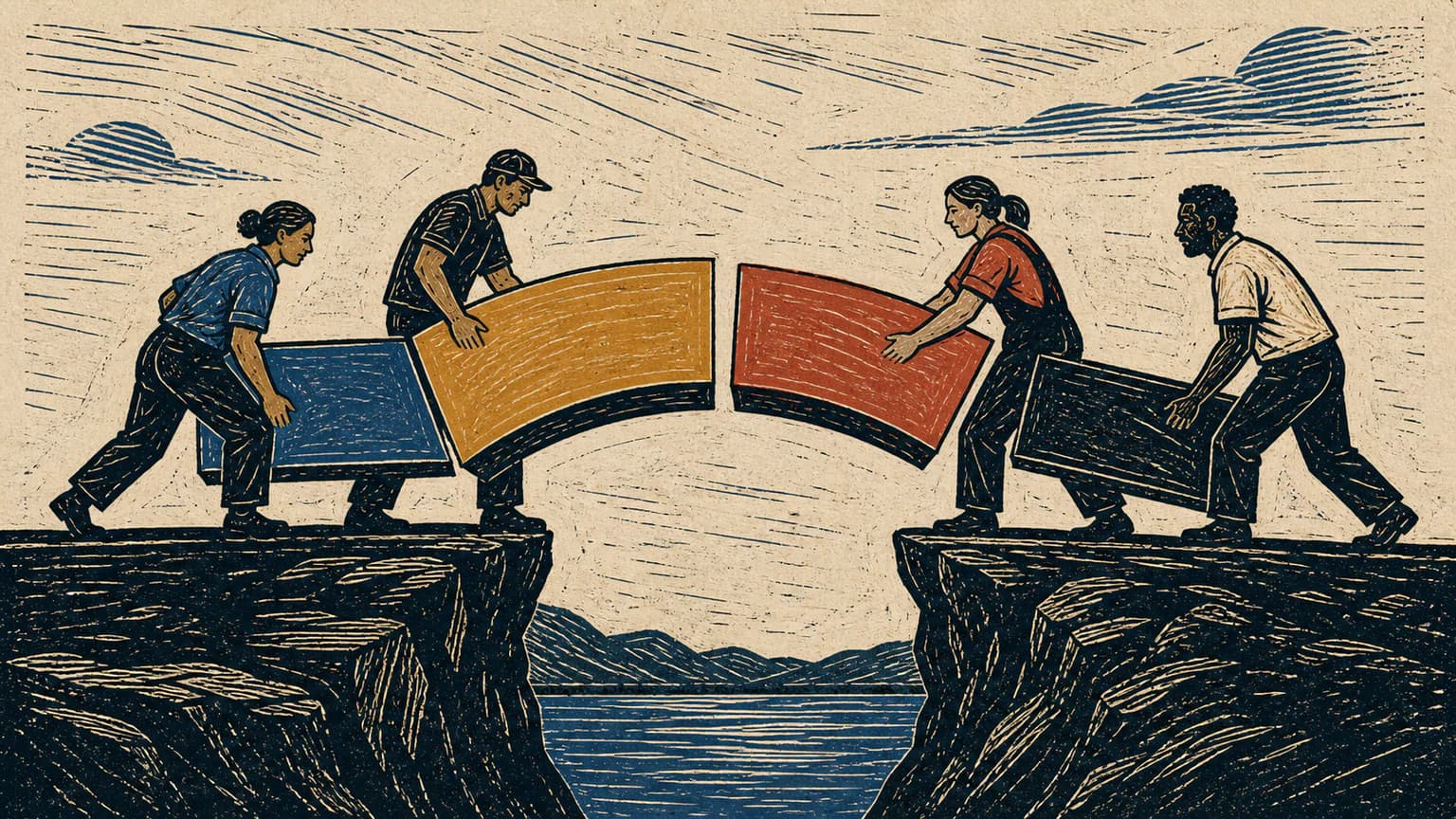 Illustration
Choose Midnight Ink for softer dark fields and atmospheric uncertainty rather than sharply scratched structures.
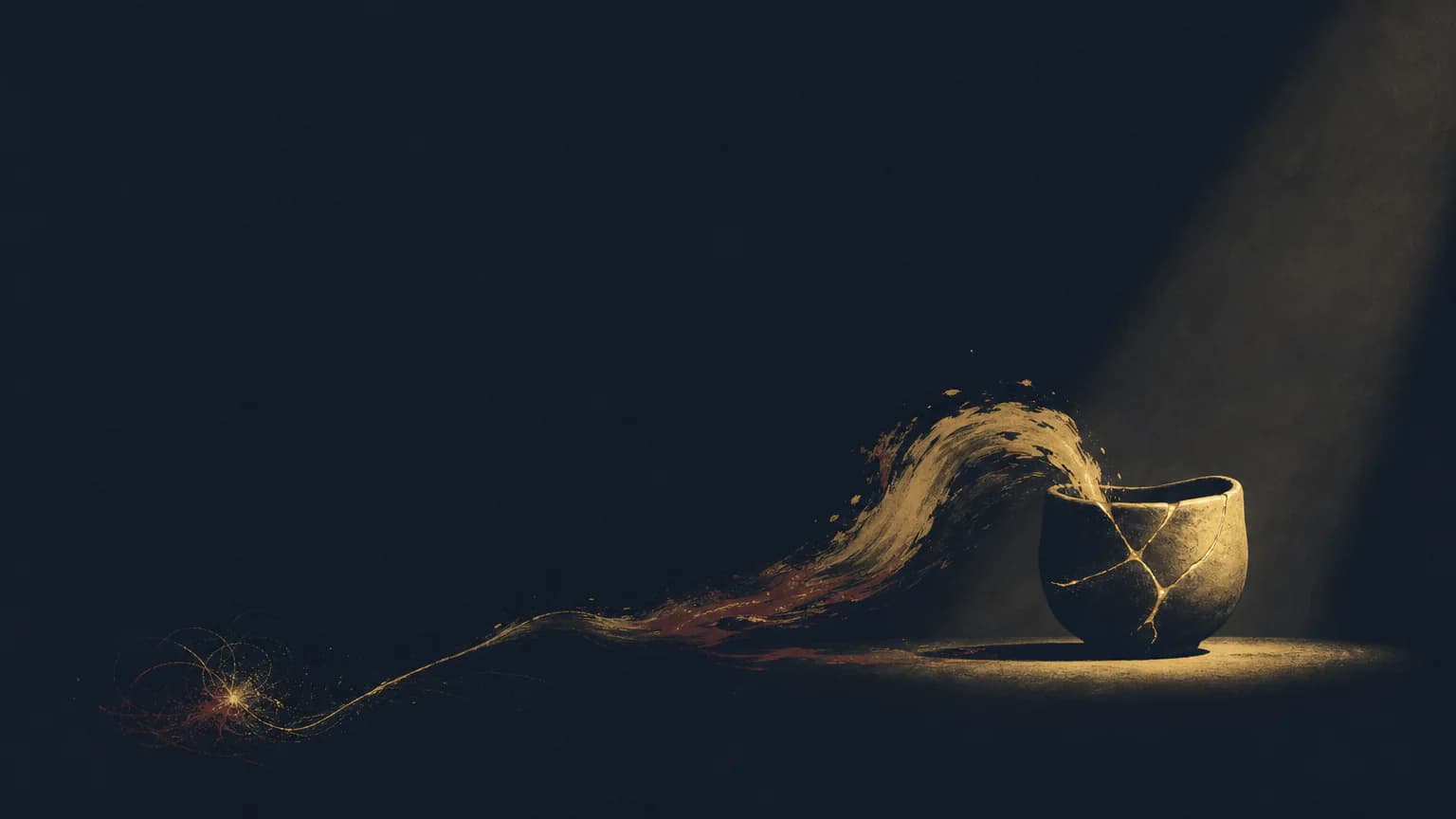 Atmospheric
Ready to use Scratchboard Sparks?