Built for
All templates
Sandtable Stories · Conceptual
Sand Landscape Illustrations for Change Articles
Explore sculpted-sand illustrations for change, friction, and strategic obstacles. Raked channels, granular ridges, and small markers make a route tangible.
No individual image prompts needed. Planning and generation use credits. View plans
Core palette
 Sculpted sand landscape
Visual traits
- Sculpted sand landscape
- Tactile
- sand remains granular
- routes respond to obstacles
Output defaults
- 16:9 article canvas
- One concept per image
- Editable visual briefs
Choosing your article images
Is Sandtable Stories right for your article?
Sandtable Stories turns a process into a landscape whose surface can be reshaped. A ridge redirects a channel; a small opening changes the available path. Granular texture and low light make those relationships visible without detailed labeling. The style suits writing about adaptation and obstacles over time, while remaining a conceptual sculpture rather than a terrain survey or physical flow simulation.
A strategy essay about removing an obstacle
A small change in a ridge can reveal a different route. Keep the relationship clear rather than filling the scene with a maze of equally important tracks.
A newsletter about gradual change
Different surfaces and channels can express erosion or adaptation. Use actual measurements separately if the article concerns a real landscape or a quantified process.
What defines the look
Give the flow a surface the reader can inspect.
Make a route bend around a ridge, narrow at a pass, or erode an obstacle. The sand should show the force at work. Keep the turquoise markers small so they clarify the route without turning it into a map.
Read the illustration style guideHow scenes are arranged
Focal metaphor
Build one dominant physical metaphor around the article's central relationship.
What stays consistent
- sand remains granular
- routes respond to obstacles
- one dominant terrain relationship
- minimal turquoise accents
Looks this style avoids
- desert travel photography
- invented geographic map
- sandbox toy scene
- topographic data visualization
How color is used
Palette 1: primary structure and focal subject Palette 2: supporting contrast and secondary forms Palette 3: accent for emphasis and directional cues Palette 4: restrained supporting accent
Example set
Sandtable Stories in three different situations
These examples use distinct scenes to show the range of the style. Keep the material language when you bring your own article, rather than copying a sample composition.
AI-generated examples of this style, not photographs of real people, events, or physical artworks.
Sculpted sand landscapeFind the first channel
A small route emerges from an otherwise unmarked sand surface.
 Sculpted sand landscape
A shared bottleneck
Three channels meet a narrow pass cut through a high ridge.
 Sculpted sand landscape
Reshape the route
Different paths continue through a reshaped, open sand field.
How it reads an article
Use the material to show the relationship.
A passage about organizational friction can use channels that converge on a narrow pass. For change over time, show a reshaped ridge rather than an invented graph or a decorative dune.
Best fit
Use Sandtable Stories for change over time, flow and friction, strategic obstacles. Choose it when the material and actions suit the point in your draft.
Choose another style when
Do not use this for a real terrain map, a hazard forecast, or a numerical finding that requires measured geography.
Before you choose
Questions about Sandtable Stories
When should I choose Sandtable Stories?
Make a route bend around a ridge, narrow at a pass, or erode an obstacle. The sand should show the force at work. Keep the turquoise markers small so they clarify the route without turning it into a map. Do not use this for a real terrain map, a hazard forecast, or a numerical finding that requires measured geography.
What makes a sand scene useful beyond a calming background?
The route must respond to an obstacle or a change in the surface. That visible cause and effect gives the landscape an editorial job. Without it, raked sand becomes atmosphere rather than an explanation of the passage.
How do I use Sandtable Stories for my article?
Paste your finished draft, select Sandtable Stories, and choose a starting image count. Zyncli proposes image ideas and placements for you to review before generating. You can edit the briefs without writing each image prompt from scratch.
Does using this style cost credits?
Planning and image generation use credits, and regenerating an image uses more. You see the quoted cost before each step. Official styles do not require you to build a private brand style. See pricing for current plans and credit allowances.
From draft to image set
Bring the article.
The style is ready.
You do not need to learn the drawing technique or write every prompt. Choose this style, review the proposed scenes, and generate the images that fit your writing.
Open-source SkillInstall Sandtable Stories from GitHub- 01
Add your finished draft
Paste the article, choose this style, and set a starting image count.
- 02
Review the proposed images
Zyncli suggests scenes and placements. Edit the visual briefs before generating.
- 03
Generate and inspect the set
Check each result for meaning, consistency, and unwanted details. Regenerate individual images when needed.
- 04
Download and publish
Place the image files beside the relevant passages. Keep accurate charts, real photos, and product screenshots where your article needs them.
Compare the alternatives
When to choose a different style
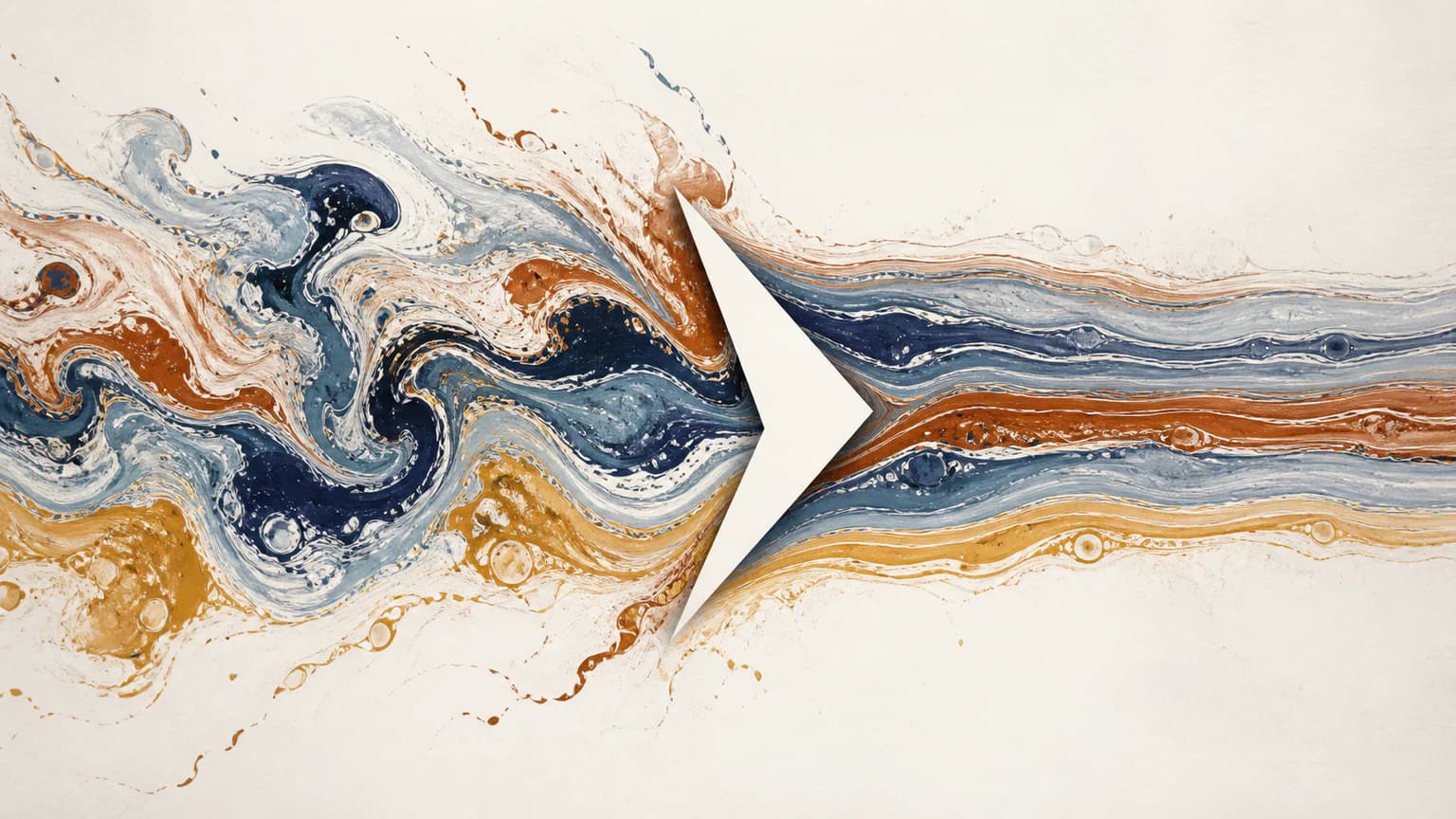
Choose Marbled Forces for interacting fluid currents rather than a granular surface with carved channels.
 Abstract
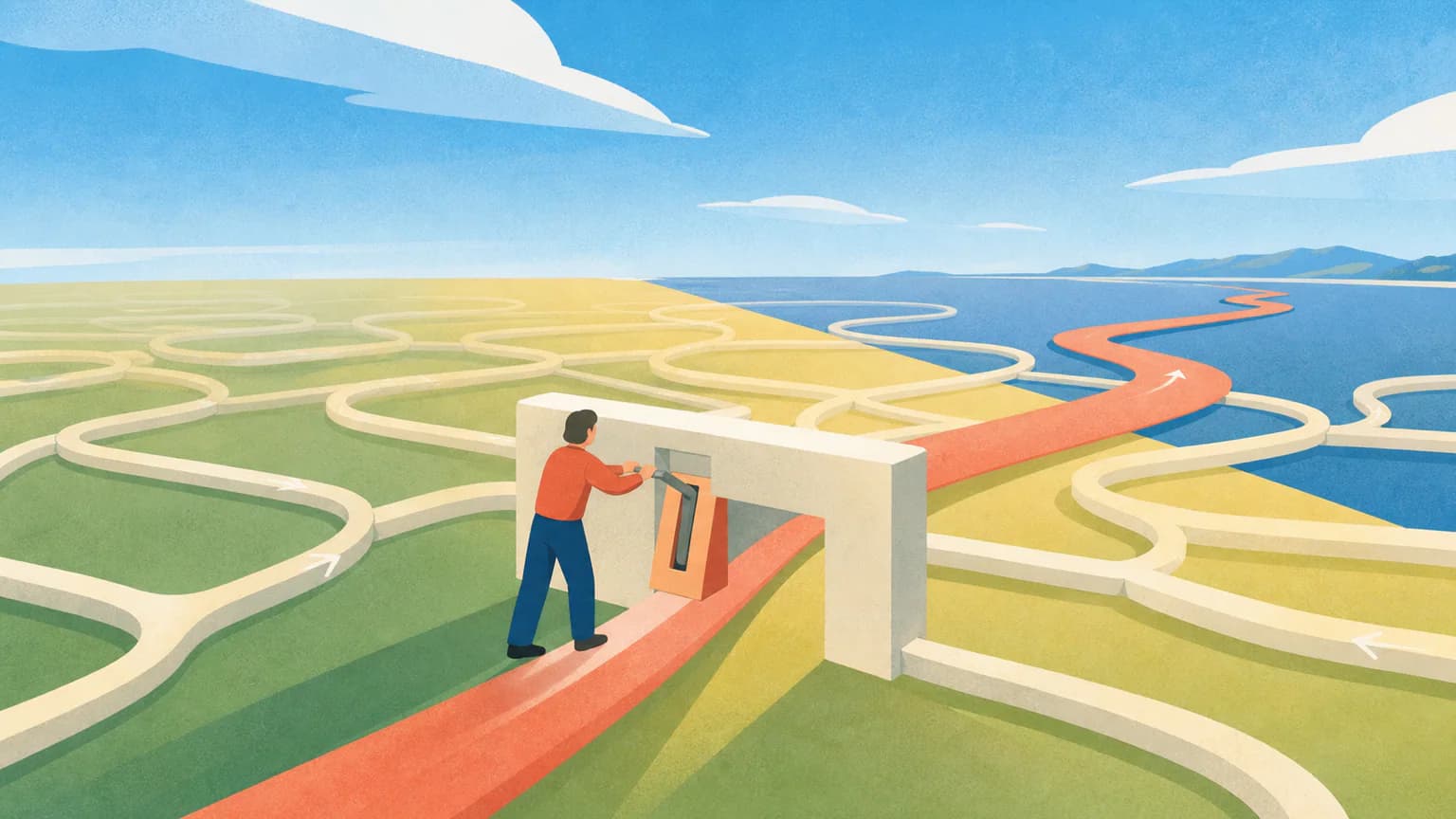
Choose Sunlit Editorial for a larger human journey through colored landscapes rather than a close-up sculpted terrain.
 Editorial
Ready to use Sandtable Stories?