Built for
All templates
Matchbox Worlds · 3D
Miniature Diorama Illustrations for Operations Articles
Explore miniature diorama illustrations for operations and team handoffs. Handmade-looking wood, tiny figures, and small mechanisms invite close inspection.
No individual image prompts needed. Planning and generation use credits. View plans
Core palette
 Miniature diorama
Visual traits
- Miniature diorama
- Curious
- consistent miniature scale
- one inspectable mechanism
Output defaults
- 16:9 article canvas
- One concept per image
- Editable visual briefs
Choosing your article images
Is Matchbox Worlds right for your article?
Matchbox Worlds contains a large organizational problem within a small handmade stage. Basswood-like surfaces, craft imperfections, and macro-style depth give the reader a place to inspect an action. It suits a handoff, a shared resource, or an operational bottleneck. The miniature is a generated image, not a photographed model of your actual facility or a scale-accurate prototype.
An article about team handoffs
Tiny figures passing work through a contained mechanism can make the exchange easy to follow. One visible handoff is usually more useful than a complete miniature office.
An operations newsletter about a bottleneck
A small stage can isolate where a process narrows. Keep the key mechanism in focus rather than allowing the macro-photographic blur to hide the point.
What defines the look
Shrink the setting, keep the problem recognizable.
Use a model builder's attention to joints, paths, and working space. One small figure should be doing a specific job. Keep enough of the model in focus for the reader to inspect the cause of a delay.
Read the illustration style guideHow scenes are arranged
Focal metaphor
Build one dominant physical metaphor around the article's central relationship.
What stays consistent
- consistent miniature scale
- one inspectable mechanism
- sharp focal action
- visible handmade construction
Looks this style avoids
- generic isometric office
- digital game render
- toy packaging
- tilt-shift blur hiding the action
How color is used
Palette 1: primary structure and focal subject Palette 2: supporting contrast and secondary forms Palette 3: accent for emphasis and directional cues Palette 4: restrained supporting accent
Example set
Matchbox Worlds in three different situations
These examples use distinct scenes to show the range of the style. Keep the material language when you bring your own article, rather than copying a sample composition.
AI-generated examples of this style, not photographs of real people, events, or physical artworks.
Miniature dioramaInspect the idea
One miniature builder opens a small model to reveal its useful mechanism.
 Miniature diorama
A narrow passage
Tiny workers try to move connected objects through an undersized opening.
 Miniature diorama
A workable model
Different model stations exchange an object along a complete physical route.
How it reads an article
Use the material to show the relationship.
A workplace handoff can become a miniature loading platform with one missing connection. For a capacity problem, make the passage too narrow for the actual load rather than adding a crowd of decorative figures.
Best fit
Use Matchbox Worlds for operations, team handoffs, organizational change. Choose it when the material and actions suit the point in your draft.
Choose another style when
Do not use it to represent an actual building plan, a measured engineering design, or a photograph of a real workplace.
Before you choose
Questions about Matchbox Worlds
When should I choose Matchbox Worlds?
Use a model builder's attention to joints, paths, and working space. One small figure should be doing a specific job. Keep enough of the model in focus for the reader to inspect the cause of a delay. Do not use it to represent an actual building plan, a measured engineering design, or a photograph of a real workplace.
Why use a miniature diorama instead of a full workplace scene?
A contained stage can isolate one mechanism and remove unrelated surroundings. Choose it when readers should inspect a handoff or obstacle. A fuller workplace scene is better when atmosphere and human relationships are essential to understanding the passage.
How do I use Matchbox Worlds for my article?
Paste your finished draft, select Matchbox Worlds, and choose a starting image count. Zyncli proposes image ideas and placements for you to review before generating. You can edit the briefs without writing each image prompt from scratch.
Does using this style cost credits?
Planning and image generation use credits, and regenerating an image uses more. You see the quoted cost before each step. Official styles do not require you to build a private brand style. See pricing for current plans and credit allowances.
From draft to image set
Bring the article.
The style is ready.
You do not need to learn the drawing technique or write every prompt. Choose this style, review the proposed scenes, and generate the images that fit your writing.
Open-source SkillInstall Matchbox Worlds from GitHub- 01
Add your finished draft
Paste the article, choose this style, and set a starting image count.
- 02
Review the proposed images
Zyncli suggests scenes and placements. Edit the visual briefs before generating.
- 03
Generate and inspect the set
Check each result for meaning, consistency, and unwanted details. Regenerate individual images when needed.
- 04
Download and publish
Place the image files beside the relevant passages. Keep accurate charts, real photos, and product screenshots where your article needs them.
Compare the alternatives
When to choose a different style
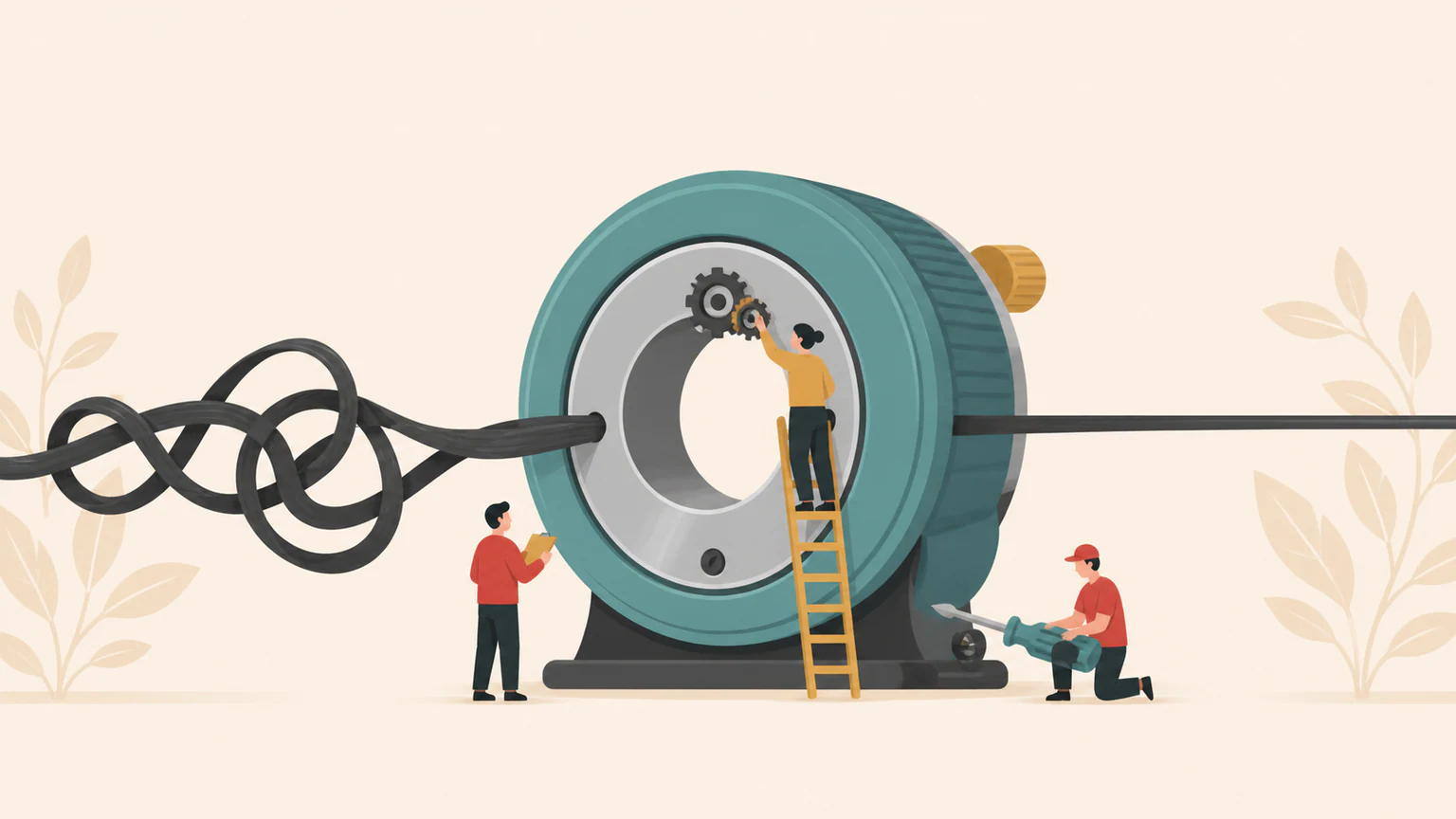
Choose Monumental Metaphor when the disparity between tiny workers and an enormous system is the main point.
 3D
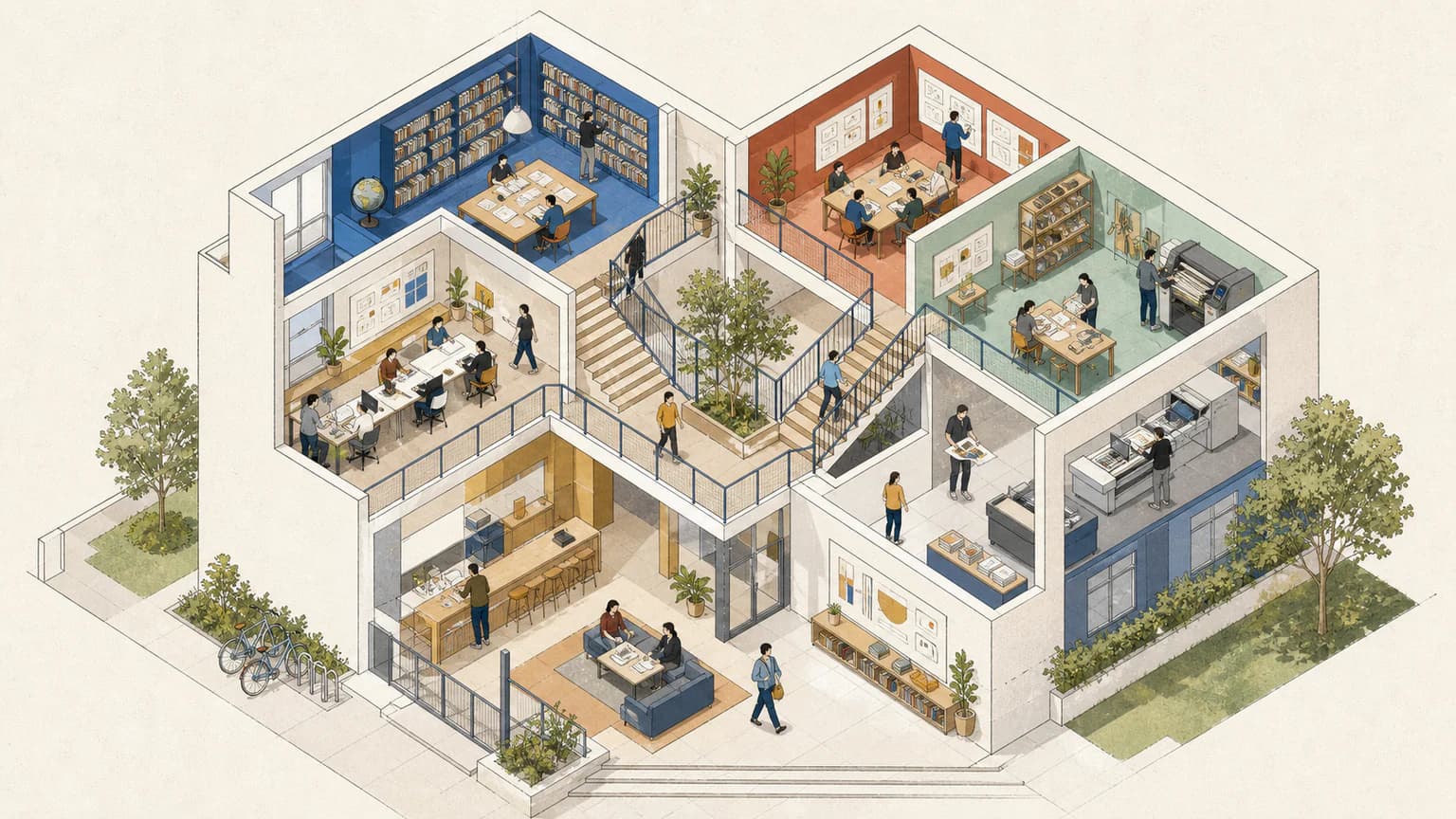
3DChoose Axonometric Commons for an open shared environment with more simultaneous activities and less macro-photographic staging.
 Workplace
Ready to use Matchbox Worlds?