Built for
All templates
Cutout Editorial Collage · Collage
Cut-Paper Editorial Collage for Culture Articles
Explore cut-paper editorial collage for culture, media, and technology essays. Layered fragments, scale contrasts, and halftone give ideas a tactile frame.
No individual image prompts needed. Planning and generation use credits. View plans
Core palette
 Collage
Visual traits
- Cut-paper layers
- Original fragments
- Scale mismatch
- Halftone texture
Output defaults
- 16:9 article canvas
- One concept per image
- Editable visual briefs
Choosing your article images
Is Cutout Editorial Collage right for your article?
Cutout Editorial Collage brings unlike elements together so their juxtaposition carries the argument. Cut edges and mismatched scale make the assembly visible, while a limited palette stops it becoming a crowded mood board. It works when an article connects several cultural or strategic ideas that would be difficult to stage convincingly in one literal photographic scene.
A media essay about conflicting signals
Distinct fragments can expose a contradiction between different kinds of information. The relationship should be readable before the reader inspects the surface texture.
A technology article with a cultural angle
Unexpected scale can put an everyday object in tension with a larger system. Use generated conceptual fragments rather than implying they are sourced documentary photographs.
What defines the look
Make the argument through collision and context.
Cutout Editorial Collage combines fragments that would not normally share a scale or setting. Their collision reveals the article's comparison, contradiction, or cultural shift, while flat fields and material edges keep the composition readable.
Read the illustration style guideHow scenes are arranged
Focal metaphor
Build one dominant physical metaphor around the article's central relationship.
What stays consistent
- one concept-driven juxtaposition
- one large anchor fragment
- two to four supporting layers
- clear foreground-background hierarchy
Looks this style avoids
- recognizable publication image
- identifiable real person
- celebrity face
- found logo
How color is used
Palette 1: primary structure and focal subject Palette 2: supporting contrast and secondary forms Palette 3: accent for emphasis and directional cues Palette 4: restrained supporting accent
Example set
A layered argument built from original fragments.
Paper edge, halftone, and scale mismatch unify the set while each juxtaposition advances a different part of the thesis.
AI-generated examples of this style, not photographs of real people, events, or physical artworks.
CollageAssemble the source tension
Place the article's competing ideas in one field while keeping their identities visually distinct.
 Collage
Create the unexpected collision
Use scale and overlap to reveal the relationship the prose spends time establishing.
 Collage
Leave one durable juxtaposition
Simplify the final frame to the visual pairing the reader should remember.
How it reads an article
It reads for unlikely connections.
The Skill identifies two or three ideas whose relationship creates the article's insight. It then stages those fragments as one visual proposition, using overlap and scale to show which idea dominates, interrupts, or reframes the others.
Best fit
Use it for culture, media, technology essays, strategic commentary, and articles that connect several domains in an unexpected way.
Choose another style when
Avoid it for literal product tutorials, documentary truth claims, strict visual identity reproduction, or topics that need calm procedural clarity.
Before you choose
Questions about Cutout Editorial Collage
How does this collage Skill avoid copying existing editorial imagery?
It uses newly generated fragments and rebuilds every composition from the article's own relationships. References calibrate material and density, not recognizable subjects, layouts, or publication styles.
Does this collage template reuse photographs from other websites?
The style is designed around generated fragments rather than a library of borrowed source images. The collage look does not itself establish rights to any external material; review any references you add and check outputs before publication.
How do I use Cutout Editorial Collage for my article?
Paste your finished draft, select Cutout Editorial Collage, and choose a starting image count. Zyncli proposes image ideas and placements for you to review before generating. You can edit the briefs without writing each image prompt from scratch.
Does using this style cost credits?
Planning and image generation use credits, and regenerating an image uses more. You see the quoted cost before each step. Official styles do not require you to build a private brand style. See pricing for current plans and credit allowances.
From draft to image set
Bring the article.
The style is ready.
You do not need to learn the drawing technique or write every prompt. Choose this style, review the proposed scenes, and generate the images that fit your writing.
Open-source SkillInstall Cutout Editorial Collage from GitHub- 01
Add your finished draft
Paste the article, choose this style, and set a starting image count.
- 02
Review the proposed images
Zyncli suggests scenes and placements. Edit the visual briefs before generating.
- 03
Generate and inspect the set
Check each result for meaning, consistency, and unwanted details. Regenerate individual images when needed.
- 04
Download and publish
Place the image files beside the relevant passages. Keep accurate charts, real photos, and product screenshots where your article needs them.
Compare the alternatives
When to choose a different style
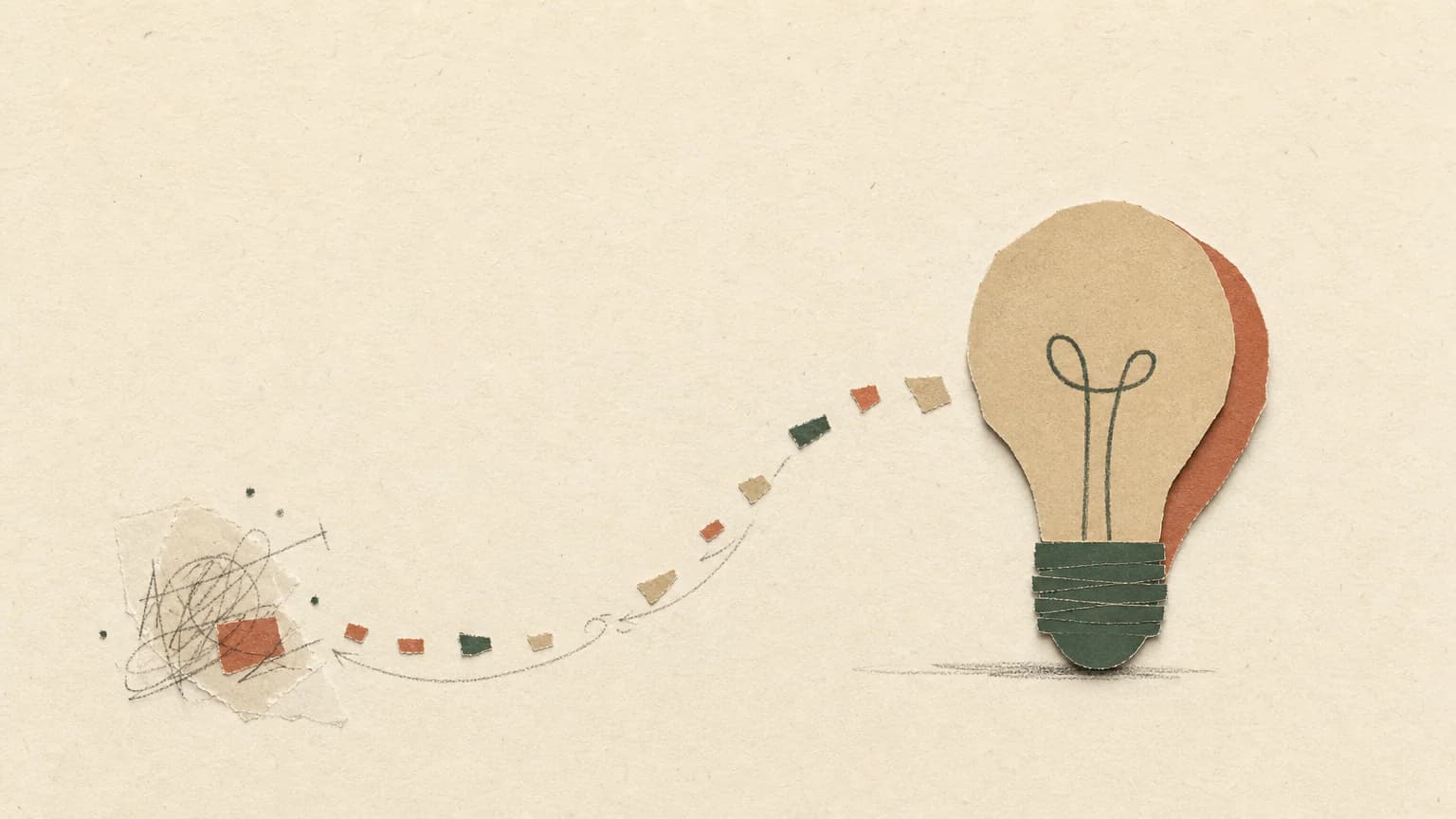
Choose Paper Notes for warmer torn paper and a reflective, notebook-like mood rather than graphic cultural contrast.
 Collage
Choose Signal Editorial for tighter business-focused compositions with stronger geometric fields and less visible papercraft.
 Magazine
Ready to use Cutout Editorial Collage?