Built for
All templates
Mosaic Assembly · 3D
Mosaic-Style Illustrations for Community Articles
Explore mosaic-style illustrations for community and organizational culture. Ceramic fragments remain distinct as they assemble into a larger structure.
No individual image prompts needed. Planning and generation use credits. View plans
Core palette
 3D
Visual traits
- Ceramic tesserae
- Visible grout
- Fragment-to-whole logic
- Handmade variation
Output defaults
- 16:9 article canvas
- One concept per image
- Editable visual briefs
Choosing your article images
Is Mosaic Assembly right for your article?
Mosaic Assembly makes a whole from visibly different parts. Tile-like pieces, grout lines, and handmade variation keep individual contributions apparent after a larger form emerges. This suits articles about shared identity, cumulative progress, or the difficulty of coordination. It works best when the fragments and their joins explain the subject, rather than simply supplying a decorative tile pattern.
A community essay about belonging
Pieces retaining their differences within a common form can support the argument. Avoid suggesting that every contribution must become identical for the whole to work.
An article about incremental organizational change
An assembly in progress can express accumulation over time. Keep numerical progress in a real chart if the reader needs to compare measured results.
What defines the look
Preserve the pieces while making the whole legible.
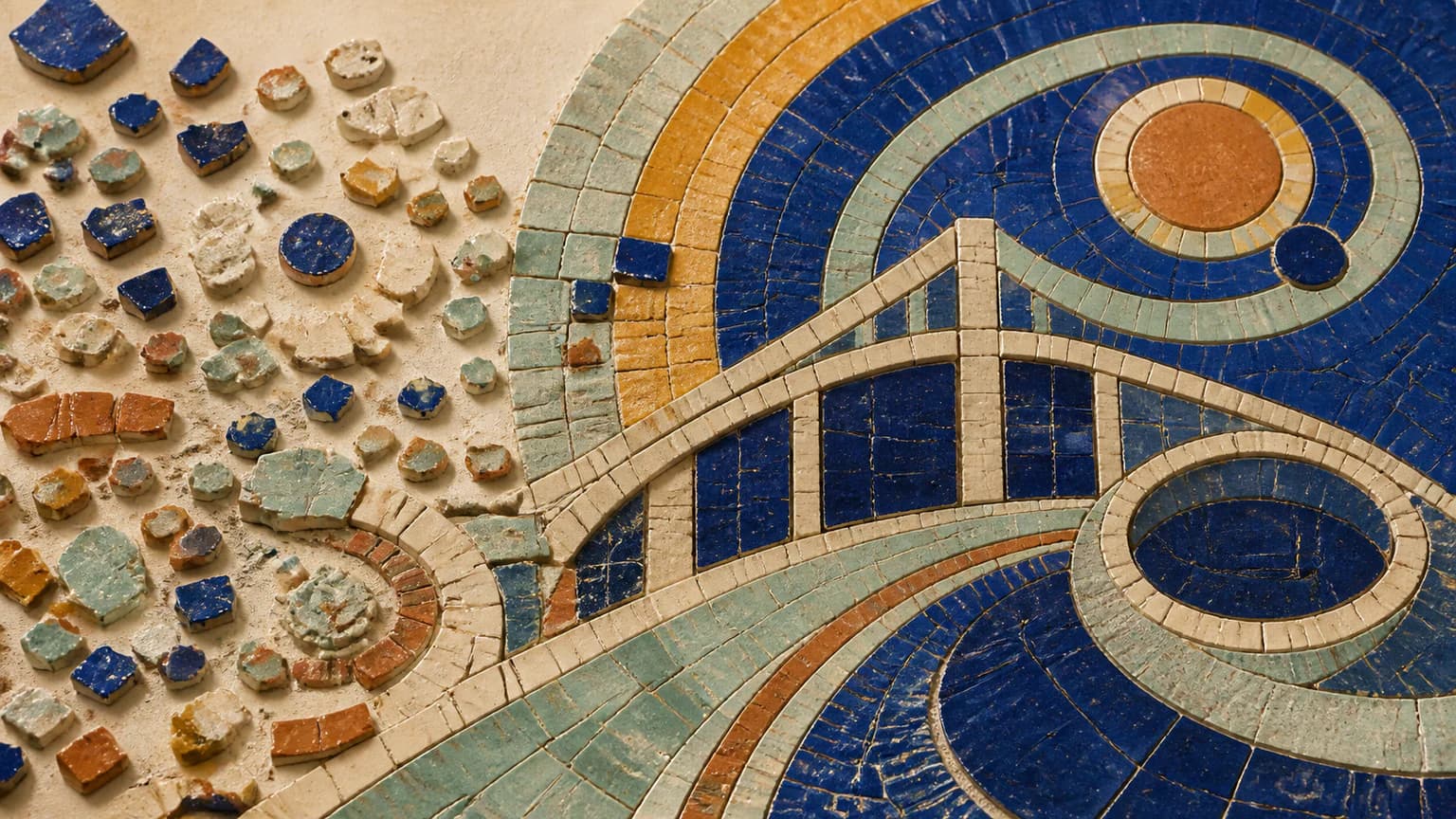
Mosaic Assembly chooses one large structural gesture—a bridge, orbit, threshold, or foundation—and shows how varied pieces enter it. Grout is not background; it records the boundaries that make assembly possible.
Read the illustration style guideHow scenes are arranged
Focal metaphor
Build one dominant physical metaphor around the article's central relationship.
What stays consistent
- fragment-to-whole transformation
- visible grout logic
- one dominant structure
- handmade variation
Looks this style avoids
- decorative backsplash
- ancient Roman copy
- mandala
- pixel art
How color is used
Palette 1: primary structure and focal subject Palette 2: supporting contrast and secondary forms Palette 3: accent for emphasis and directional cues Palette 4: restrained supporting accent
Example set
A whole emerging without erasing its parts.
Tile scale, grout, and ceramic light remain stable while the assembly moves from scattered to load-bearing.
AI-generated examples of this style, not photographs of real people, events, or physical artworks.
3DShow the separate pieces
Establish meaningful variation before the large structure is visible.
 3D
Test the fit
Focus on the junctions and gaps where assembly requires adaptation.
 3D
Reveal the shared structure
End with a coherent whole that still exposes every contribution and unfinished edge.
How it reads an article
It reads for contribution, fit, and incompleteness.
Organizational culture can become a shared arc whose pieces retain distinct glaze; cumulative progress can become an unfinished path extending one tessera at a time.
Best fit
Use it for community, culture, cumulative progress, collaboration, identity, and systems built from many small contributions.
Choose another style when
Avoid it for fast-moving crisis, strict technical diagrams, individual portraiture, or claims where difference between parts is irrelevant.
Before you choose
Questions about Mosaic Assembly
Why use mosaic for stories about community?
A mosaic can form a durable shared image without making its pieces identical. The Skill uses fit, grout, variation, and unfinished edges to express both contribution and structure.
Will Mosaic Assembly turn a photograph into a tile mosaic?
This official style is designed to illustrate article ideas with ceramic-mosaic-like scenes. It is not a photo-mosaic converter, a tile layout planner, or a fabrication service. Bring the article rather than a requirement for exact tile placement.
How do I use Mosaic Assembly for my article?
Paste your finished draft, select Mosaic Assembly, and choose a starting image count. Zyncli proposes image ideas and placements for you to review before generating. You can edit the briefs without writing each image prompt from scratch.
Does using this style cost credits?
Planning and image generation use credits, and regenerating an image uses more. You see the quoted cost before each step. Official styles do not require you to build a private brand style. See pricing for current plans and credit allowances.
From draft to image set
Bring the article.
The style is ready.
You do not need to learn the drawing technique or write every prompt. Choose this style, review the proposed scenes, and generate the images that fit your writing.
Open-source SkillInstall Mosaic Assembly from GitHub- 01
Add your finished draft
Paste the article, choose this style, and set a starting image count.
- 02
Review the proposed images
Zyncli suggests scenes and placements. Edit the visual briefs before generating.
- 03
Generate and inspect the set
Check each result for meaning, consistency, and unwanted details. Regenerate individual images when needed.
- 04
Download and publish
Place the image files beside the relevant passages. Keep accurate charts, real photos, and product screenshots where your article needs them.
Compare the alternatives
When to choose a different style
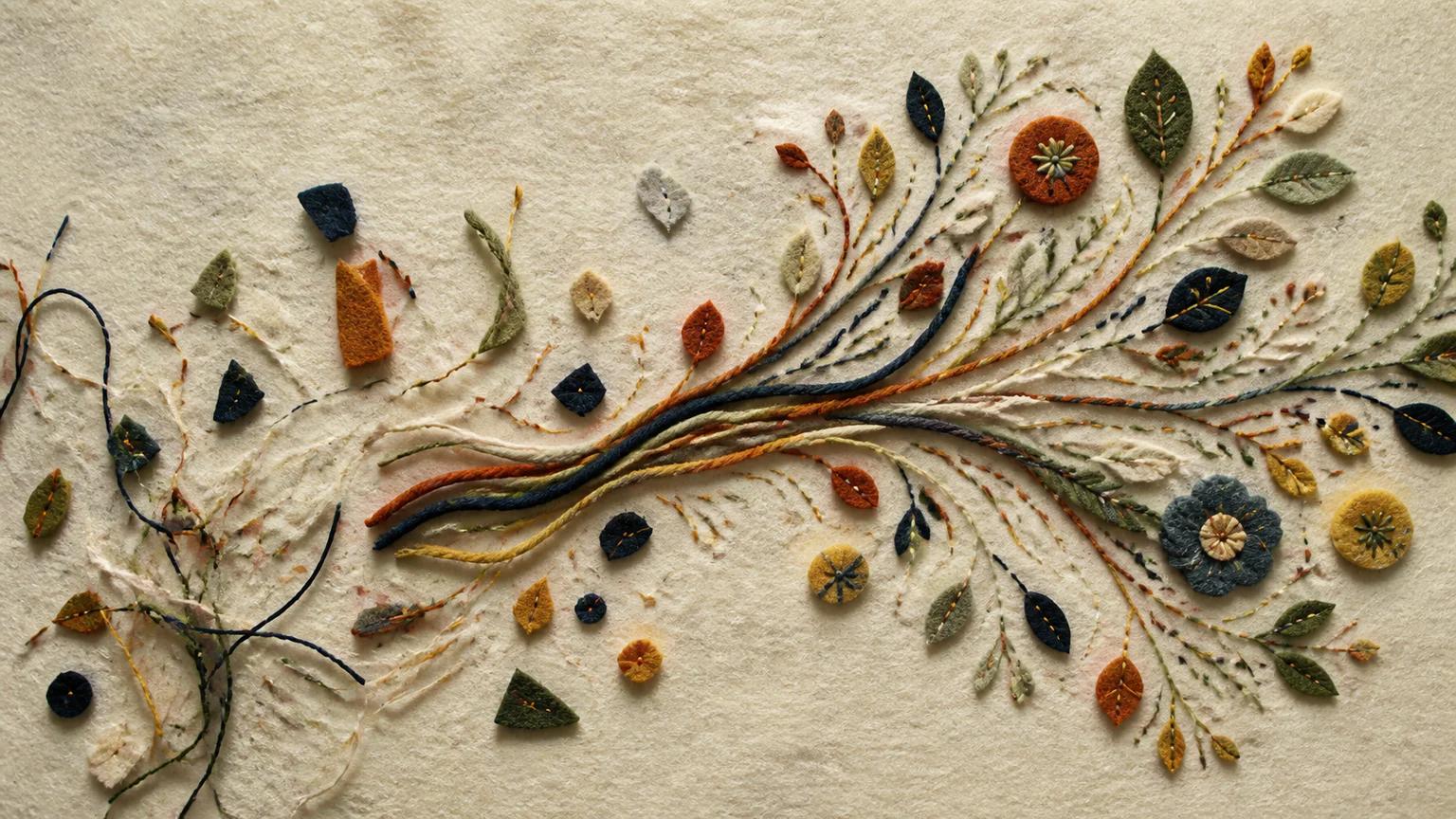
Choose Felted Logic when soft stitched connections and repair better suit the community story.
 3D
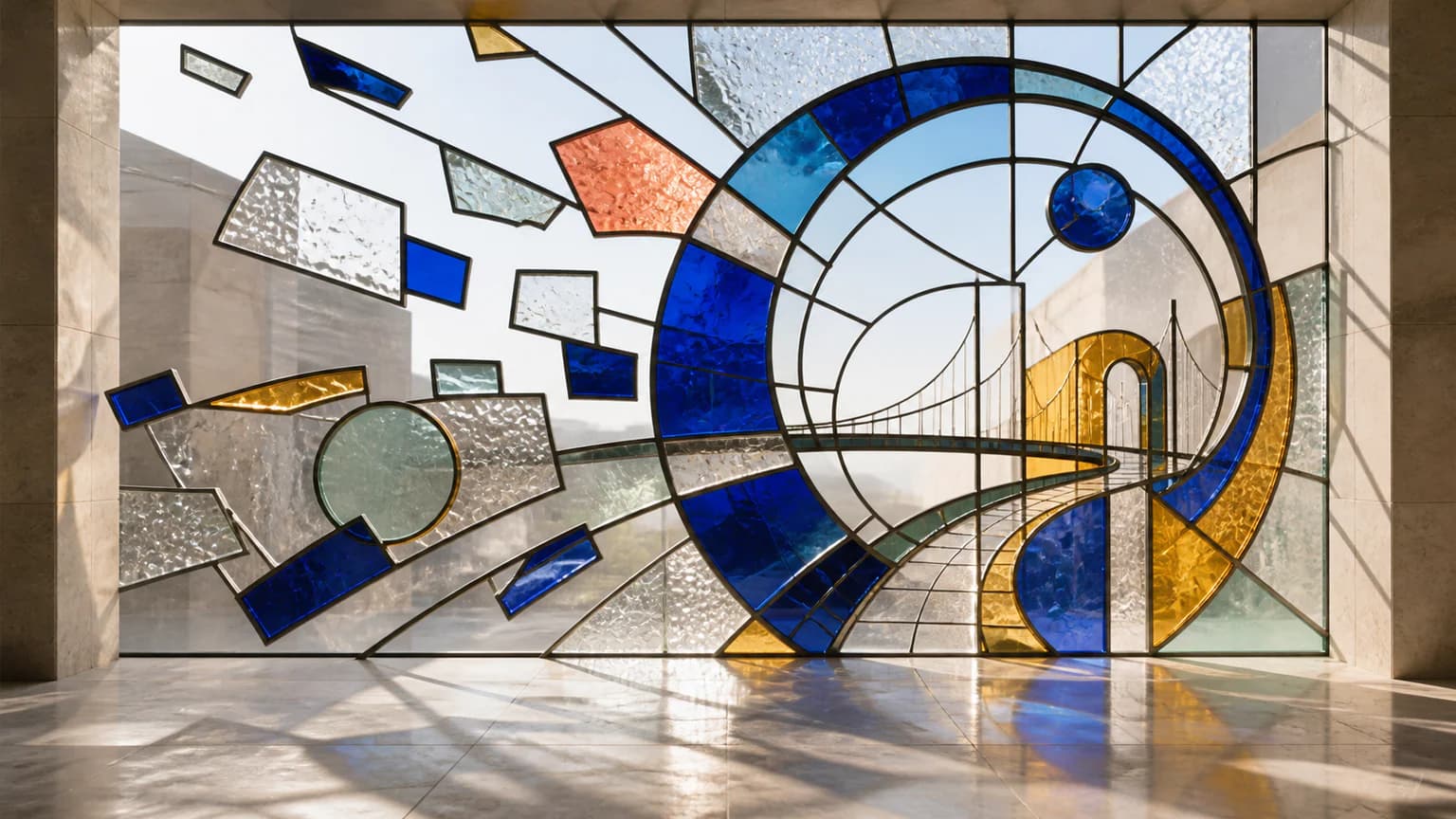
Choose Luminous Assembly when transmitted light through joined fragments should express the change.
 3D
Ready to use Mosaic Assembly?